INFO - Harvest Monitor

H78409
H78439

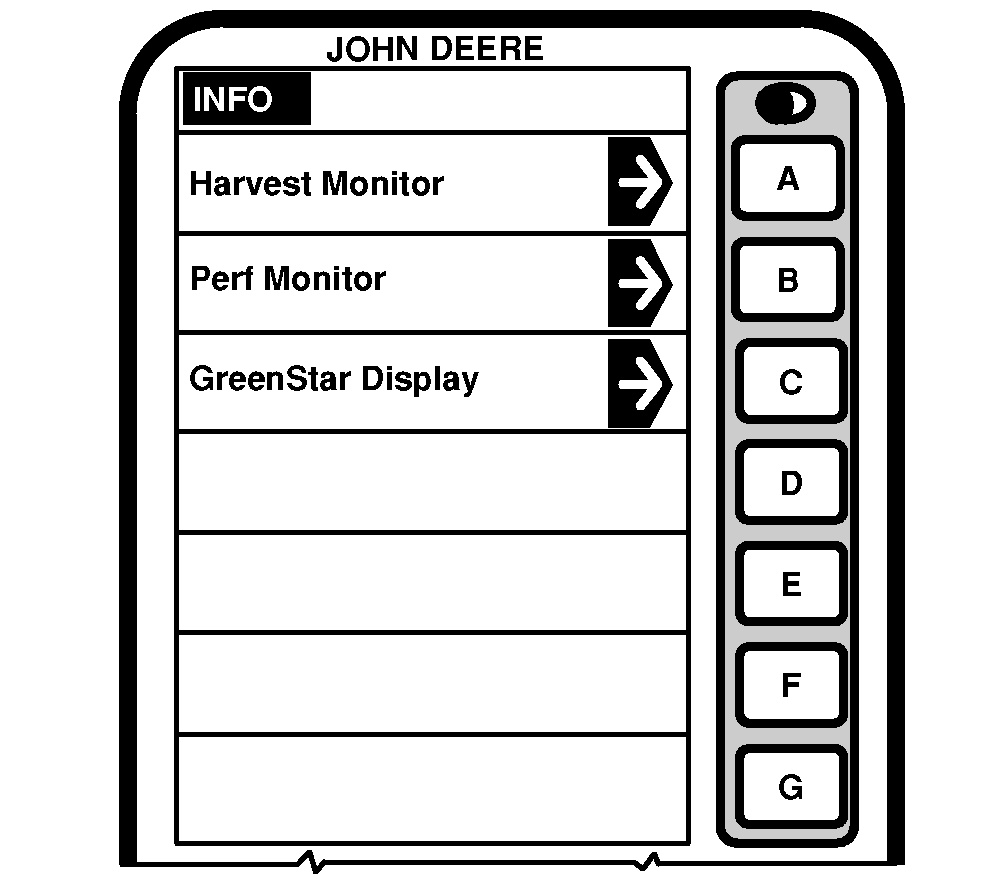
NOTE: Press INFO button to access INFO screen.

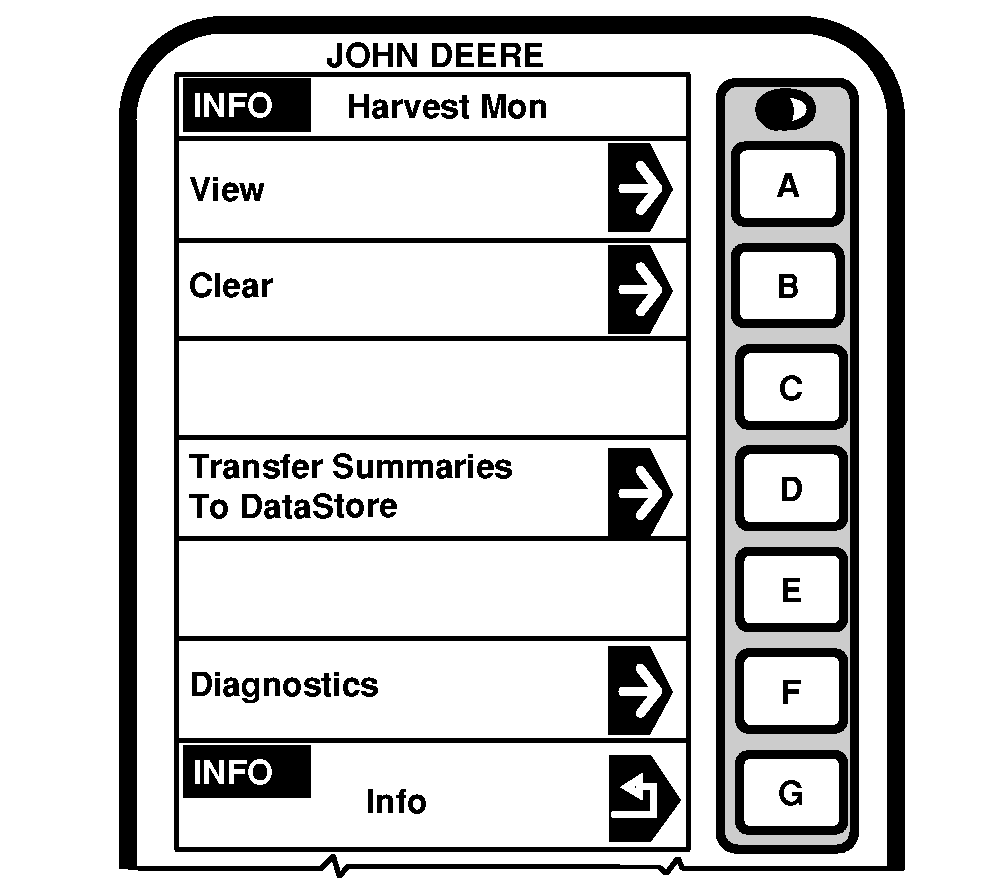
Press letter button next to Harvest Monitor to access INFO - Harvest Monitor.

These screens allows the operator to view:

View
  • Field Totals
  • Crop Totals
  • Custom Names
Clear
  • Field Totals
  • Crop Totals
  • Custom Farm Names
  • Custom Field Names
  • Clear All Field and Crop Totals
Transfer Summaries to DataStore
  • See (DataStore Operator's Manual for more details"
Diagnostics
  • Moisture Sensor
  • Mass Flow Sensor
  • Combine Network
  • Recent Problems

OUO6075,000373B -19-18MAY04-1/1