RUN Page Layout
|
|
|
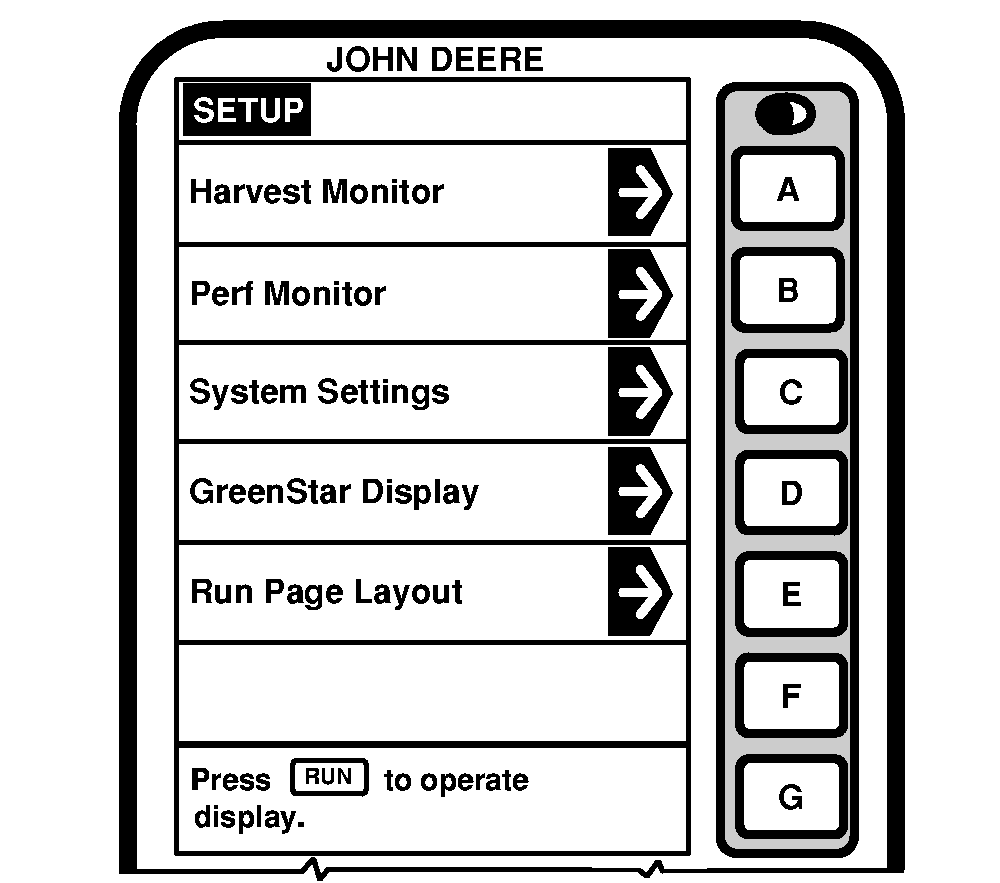
RUN Page Layout screen allows the mobile processor and other implement controllers to negotiate for GREENSTAR ™ Display screen cell space. It maybe required when implements are connected and disconnected. 1. Press letter button next to "Run Page Layout". |
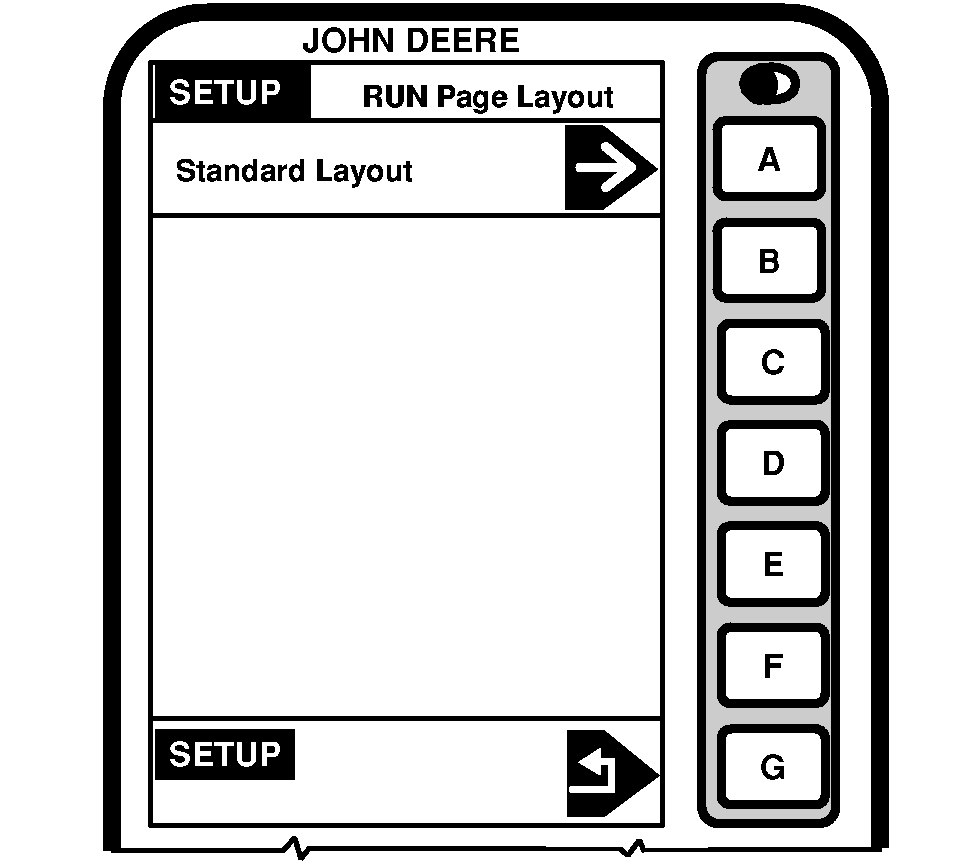
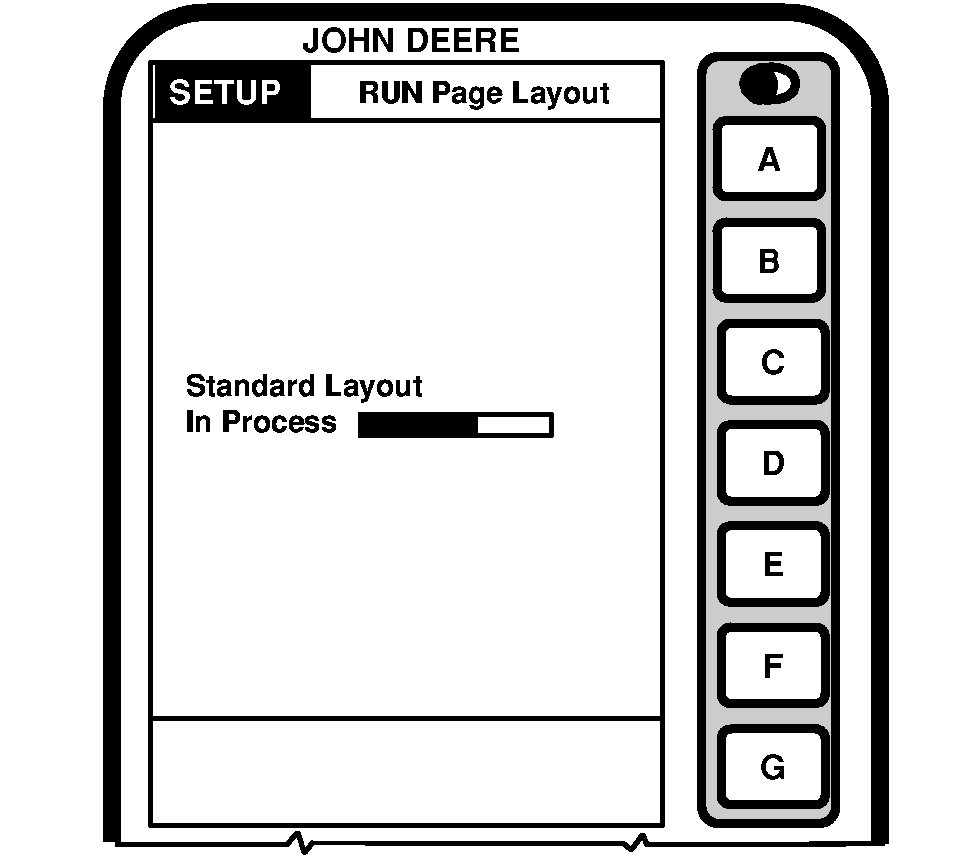
2. Press letter button next to "Standard Layout" on SETUP - Run Page Layout screen. 3. Press letter button next to "SETUP" to return to previous screen without running a standard layout. |
|
GREENSTAR is a trademark of Deere & Company | OUO6075,0003016 -19-25AUG03-1/2 |
|
|
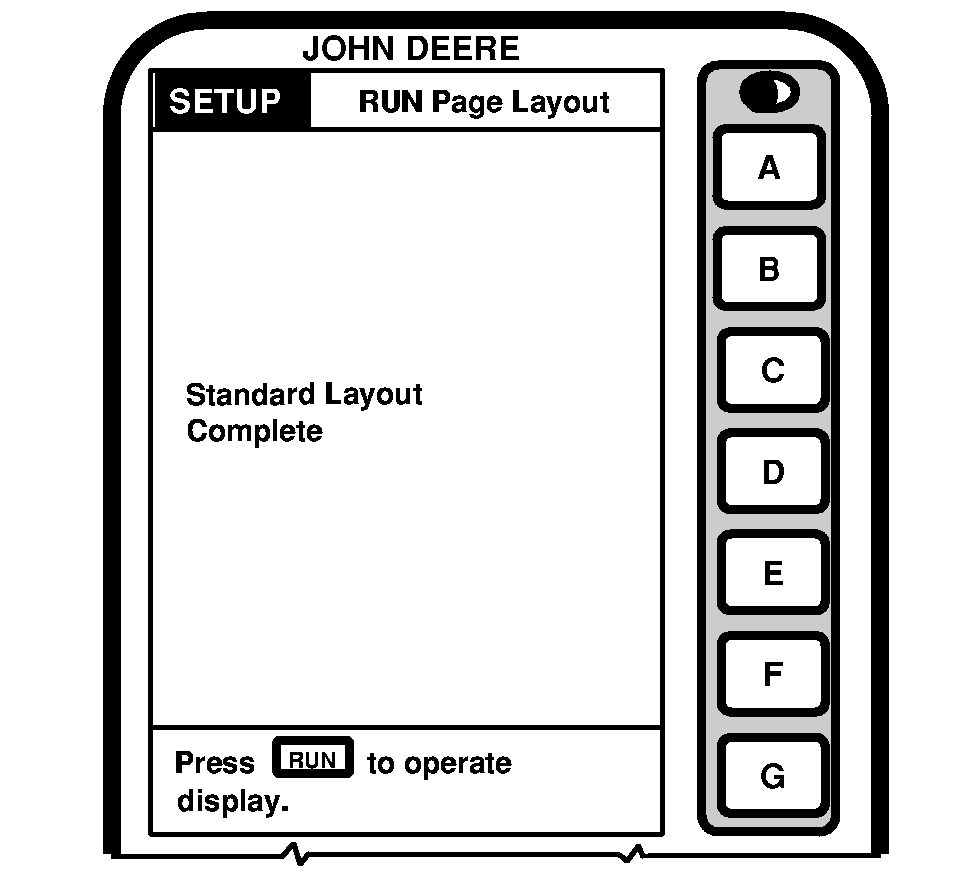
| 4. SETUP - RUN Page Layout screen will indicate that Standard Layout is complete. |
OUO6075,0003016 -19-25AUG03-2/2 |