INFO - Clear - Custom Field Names
|
|
|
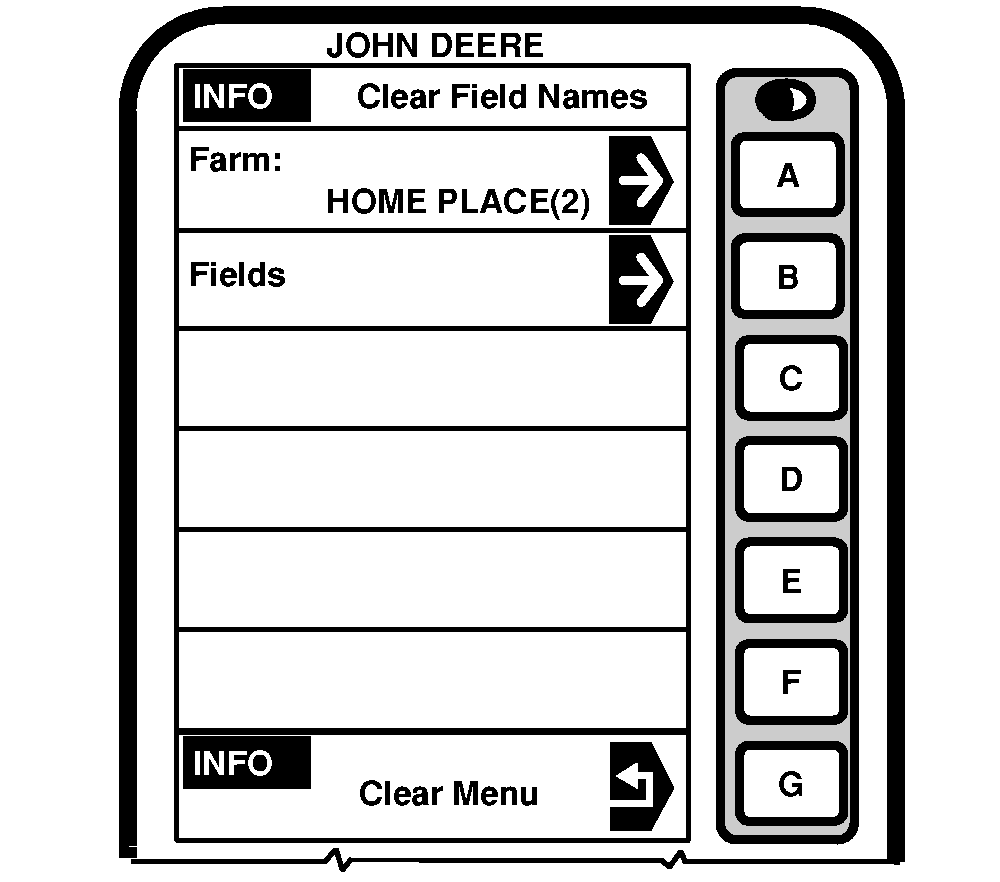
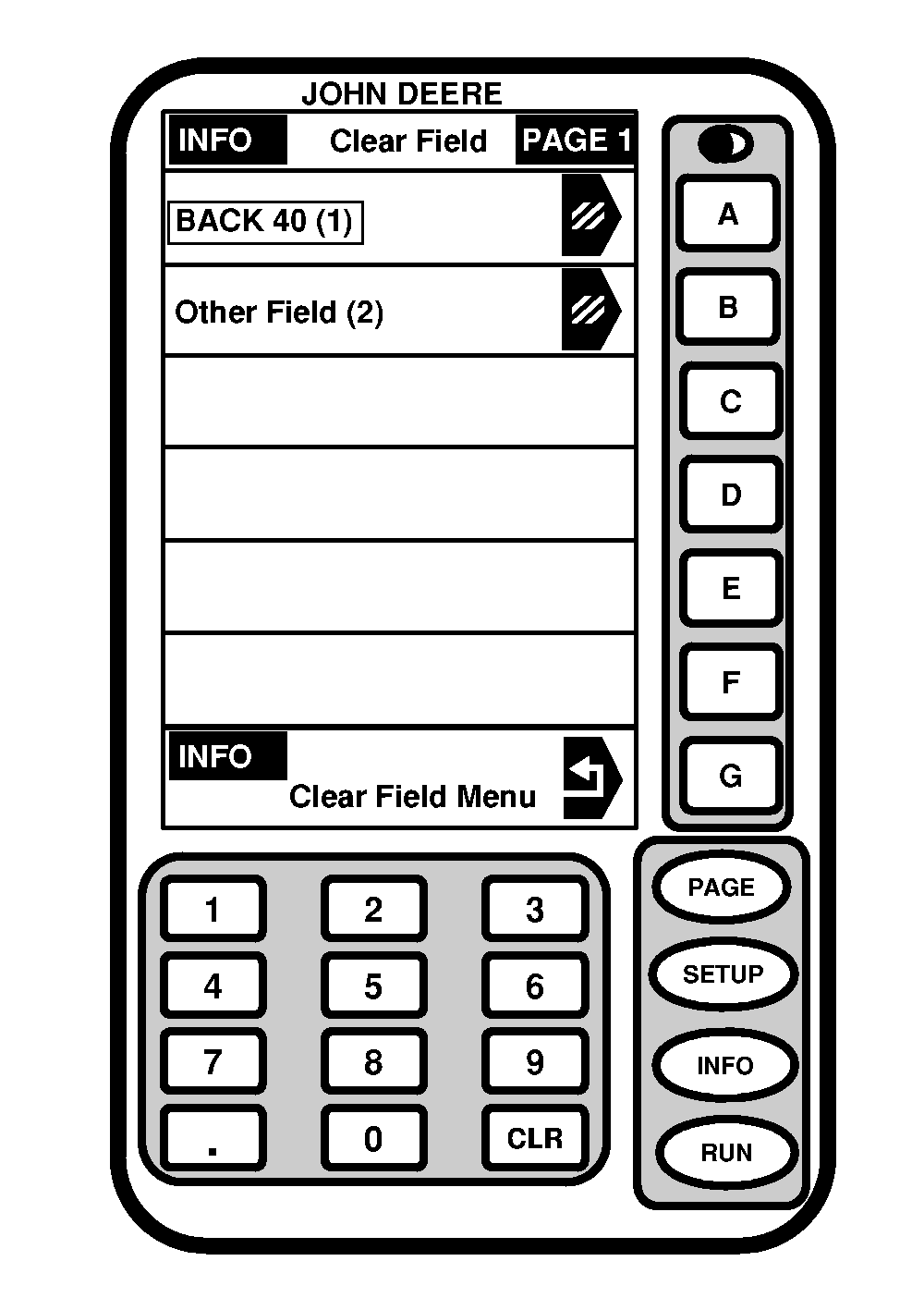
Press letter button next to "Custom Field Names" on INFO - Clear to access INFO - Clear Field Names. Press letter button next to " Fields" to access INFO Clear Field - PAGE 1. NOTE: To select a Field from a different Farm press letter button next to "Fields" on INFO - Clear |
Field Names. INFO - Select Farm will appear. Press letter button next to desired farm. Press letter button next to desired field and information (name and totals) for the entire field will be deleted. If desired field is not displayed press PAGE key until desired selection is shown. |
OUO6075,0003035 -19-26AUG03-1/1 |