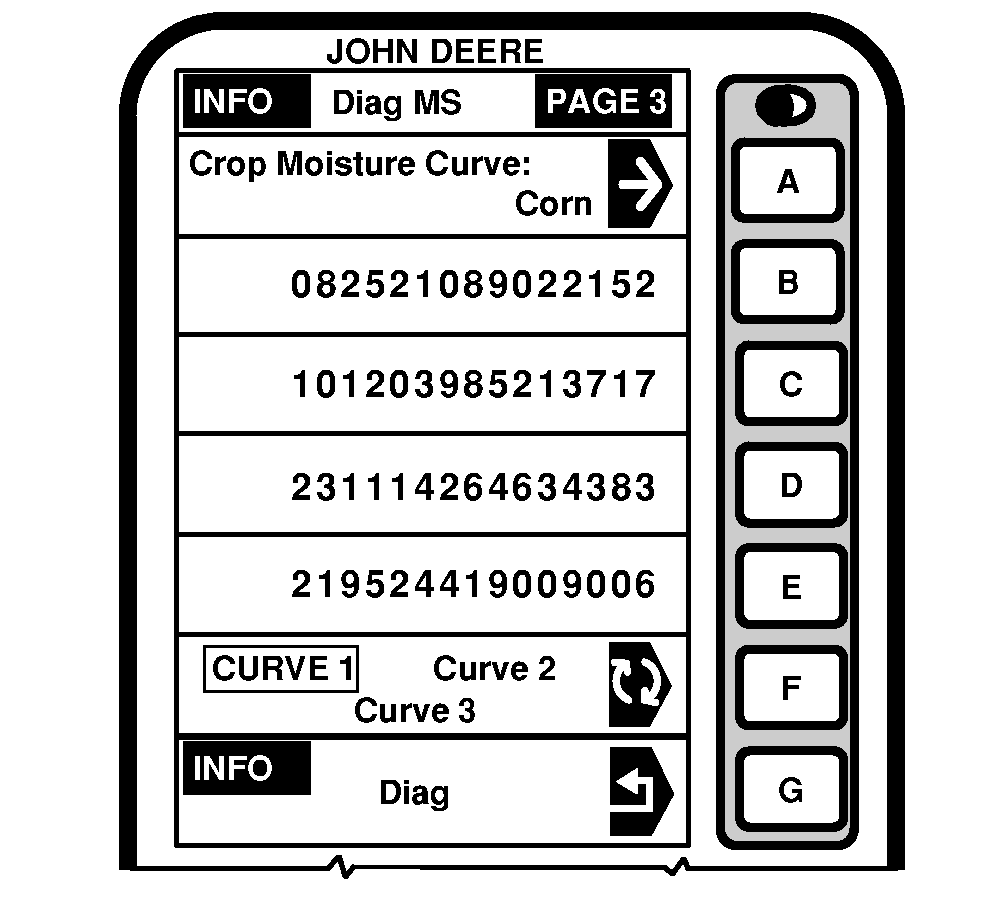
INFO - Diag MS PAGE 3INFO - Diag MS - PAGE 3 displays current moisture curve selected for the crop shown. To view moisture curves for other crops, press letter button next to "Crop Moisture Curve" and Setup - Crop - PAGE 1 will appear. Press letter button next to desired crop. To view other moisture curves for current crop, press letter button next to "Curve1, Curve2, Curve3" and selection will appear boxed in capital letters. NOTE: See HARVEST MONITOR Setup Functions section for crop calibration curves. For curve updates check StellarSupport ™ website, www.stellarsupport.com. |
|
|
StellarSupport is a trademark of Deere & Company | OUO6075,0003039 -19-26AUG03-1/1 |