SETUP Field
|
|
|
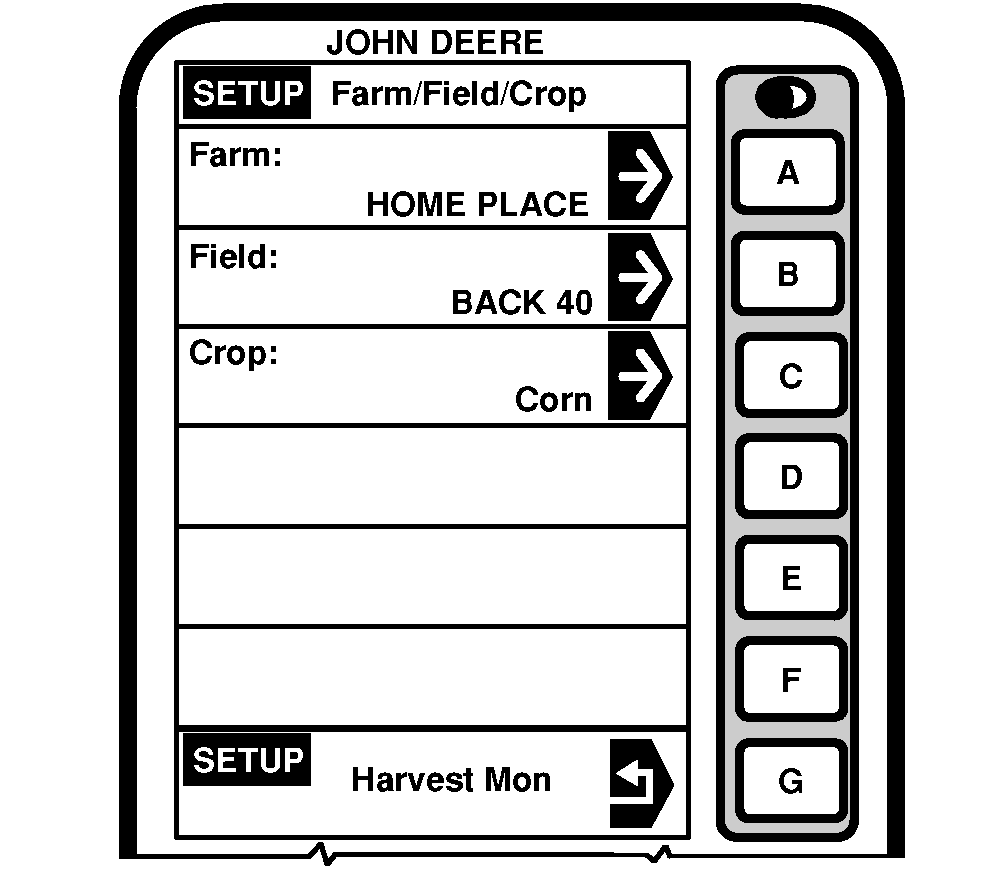
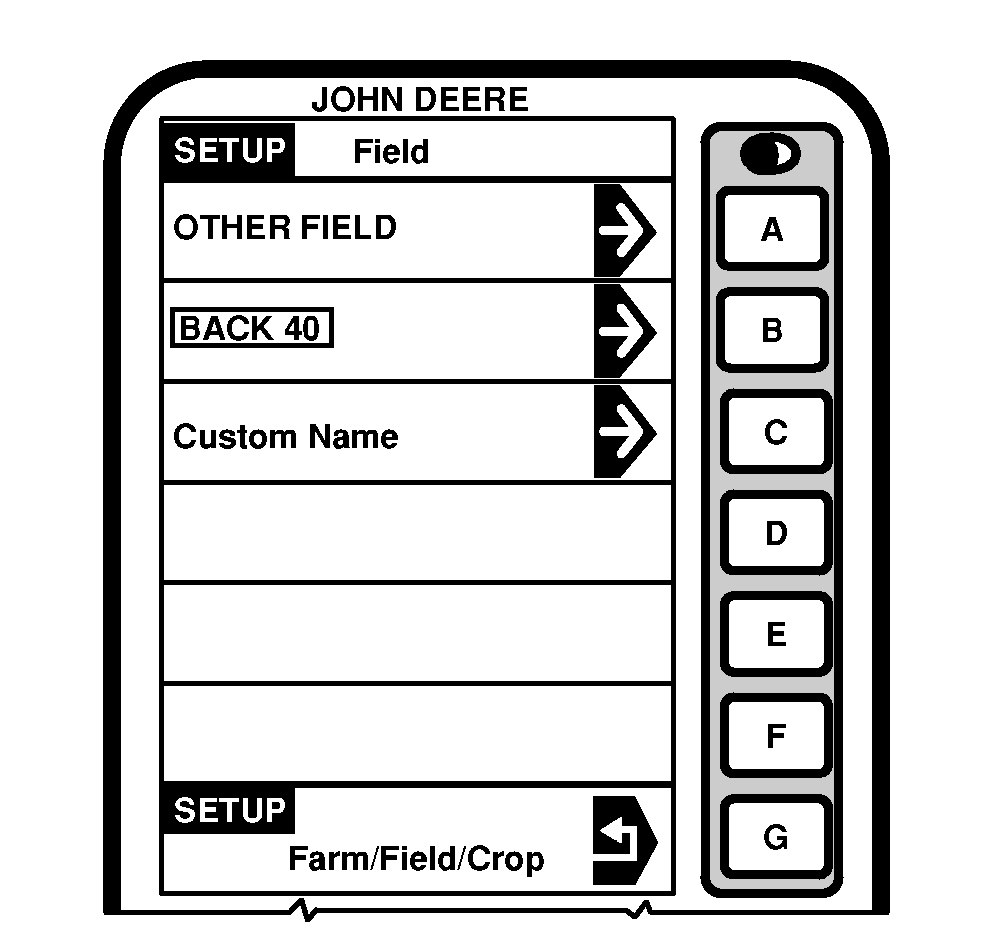
NOTE: A field is composed of a single parcel of land made up of a single crop. 1. Press letter button next to "Farm/Field/Crop on SETUP - Harv Mon - PAGE 1 screen. SETUP - Farm/Field/Crop screen will appear. 2. Press letter button next to "Field" on SETUP - Farm/Field/Crop screen. NOTE: If Field is not listed it may be entered as a Custom Name. To enter a custom name press |
letter button next to Custom Name (see SETUP Custom Name later in this section).
Press letter button next to "SETUP" to return to the previous screen without selecting a field. 3. Press letter button next to desired field. If needed press "PAGE" button until desired field is displayed. |
OUO6075,0003120 -19-10OCT03-1/1 |