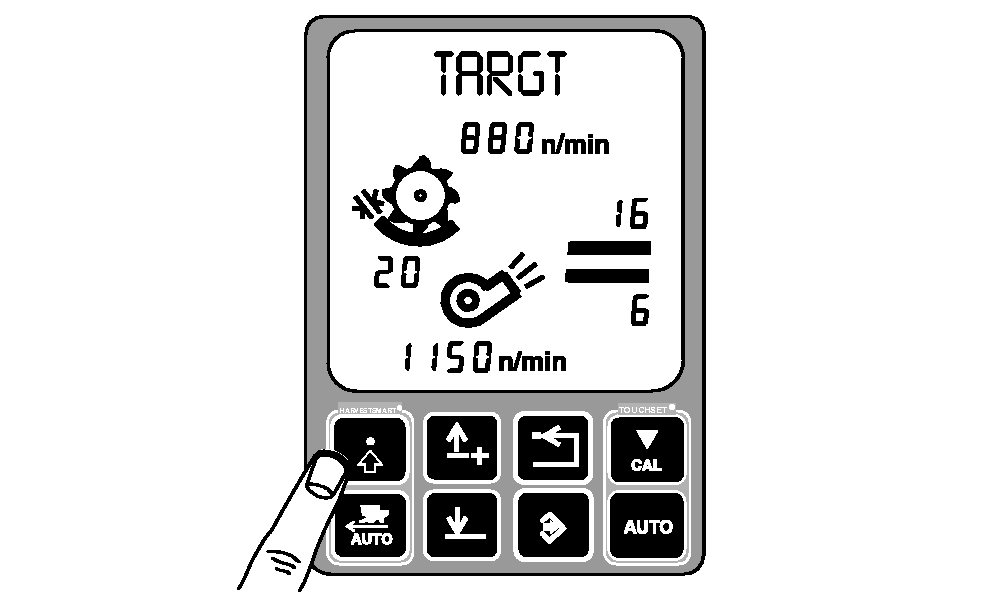
HARVESTSMART Target Volume-CalibrationNOTE: HARVESTSMART Feed Rate Control in SMART mode or capacity (CPCTY) mode use the same calibration procedures. TARGT allows the operator to adjust target volume without changing VISIONTRAK loss monitor calibration settings. Target volume measures the amount of material entering the separator by monitoring the rotor pressure. Press HARVESTSMART settings button until TARGT is displayed. |
|
OUO6075,0003978 -19-30JUN04-1/3 |
|
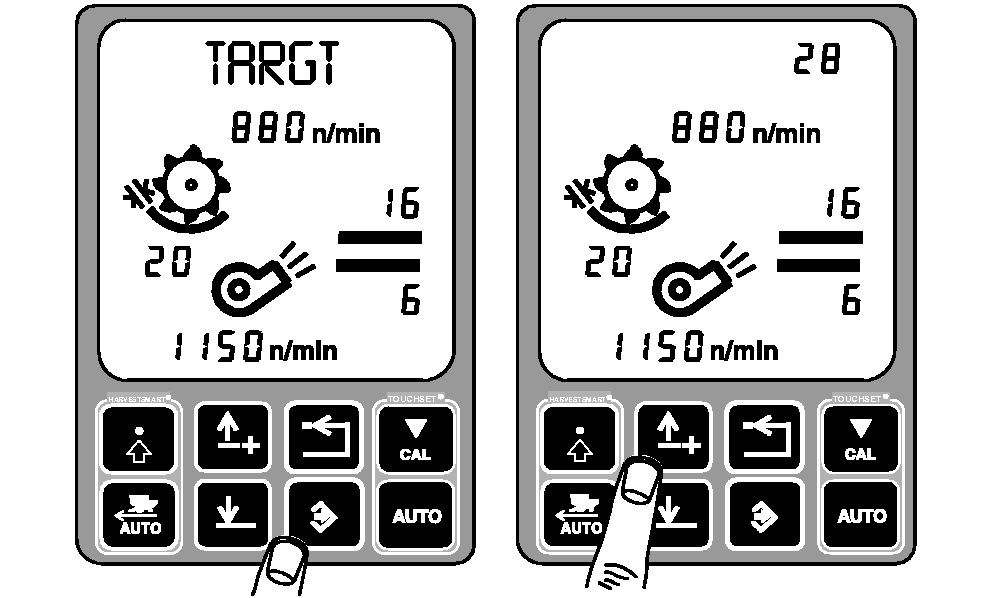
Press enter button to access rotor TARGT calibration. Rotor target pressure will be displayed in upper right-hand corner of display. Press up or down arrow button to increase or decrease target rotor pressure. |
|
OUO6075,0003978 -19-30JUN04-2/3 |
|
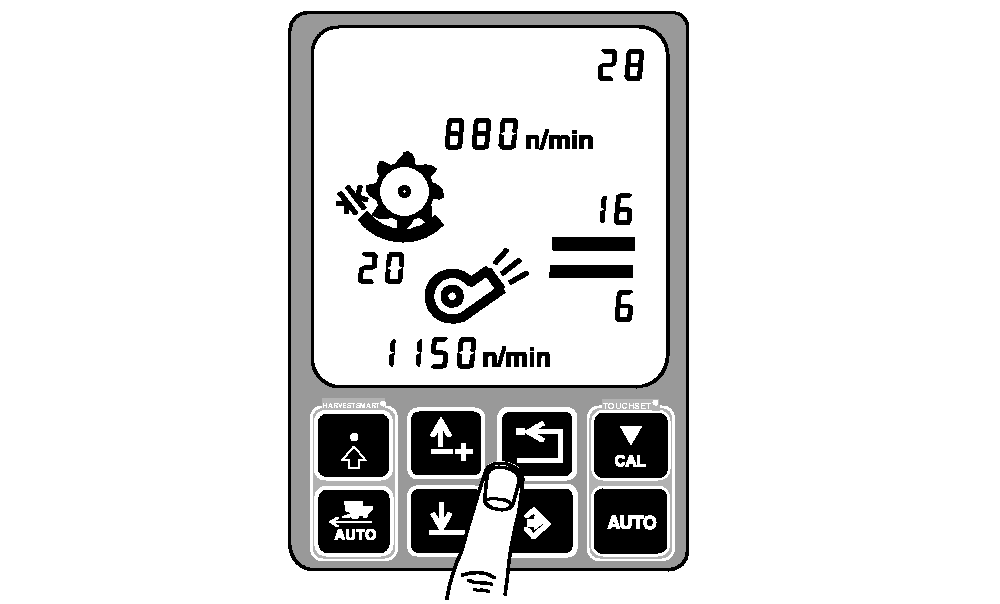
Press back arrow button to exit. |
|
OUO6075,0003978 -19-30JUN04-3/3 |