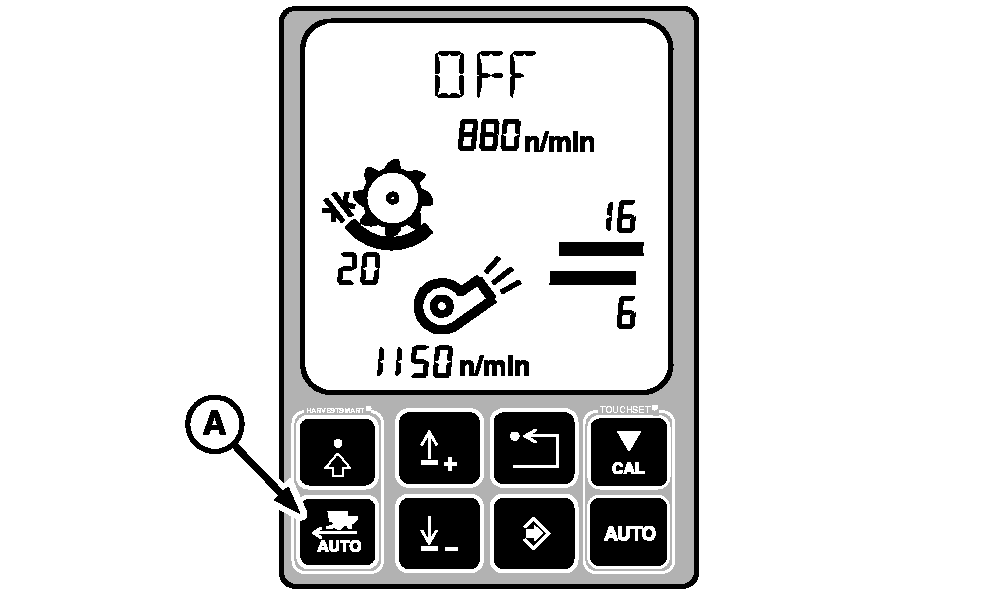
HARVESTSMART Feed Rate Control- Initial System CalibrationNOTE: Calibration will need to be done when changing crops, harvesting crops for the first time, or when field conditions change. Press HARVESTSMART auto button (A) until OFF appears on display.
|
|
OUO6075,0003A83 -19-05OCT04-1/3 |
|
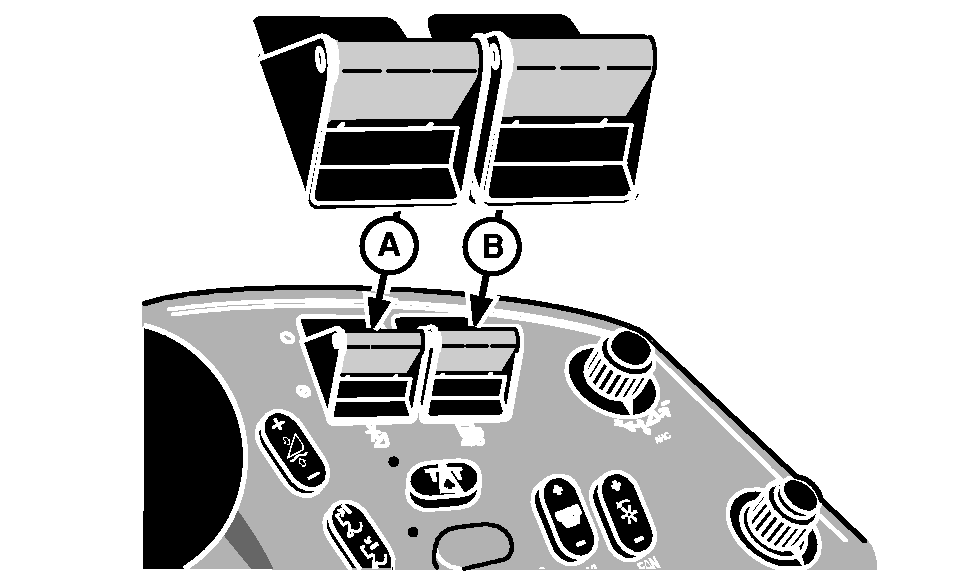
Turn header engage switch (A) and separator engage switch (B) ON and lower header. Operate machine in consistent crop at desired loss levels, maintaining the level for 10 › 15 seconds, so the machine can stabilize.
|
|
OUO6075,0003A83 -19-05OCT04-2/3 |
|
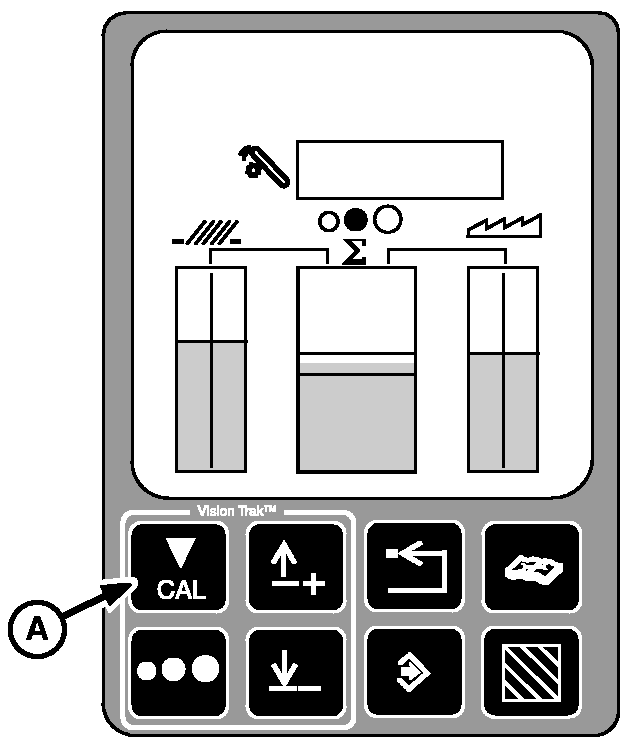
Press calibration button (A) on VISIONTRAK display. This will set material flow and loss targets for the HARVESTSMART system.
|
|
OUO6075,0003A83 -19-05OCT04-3/3 |