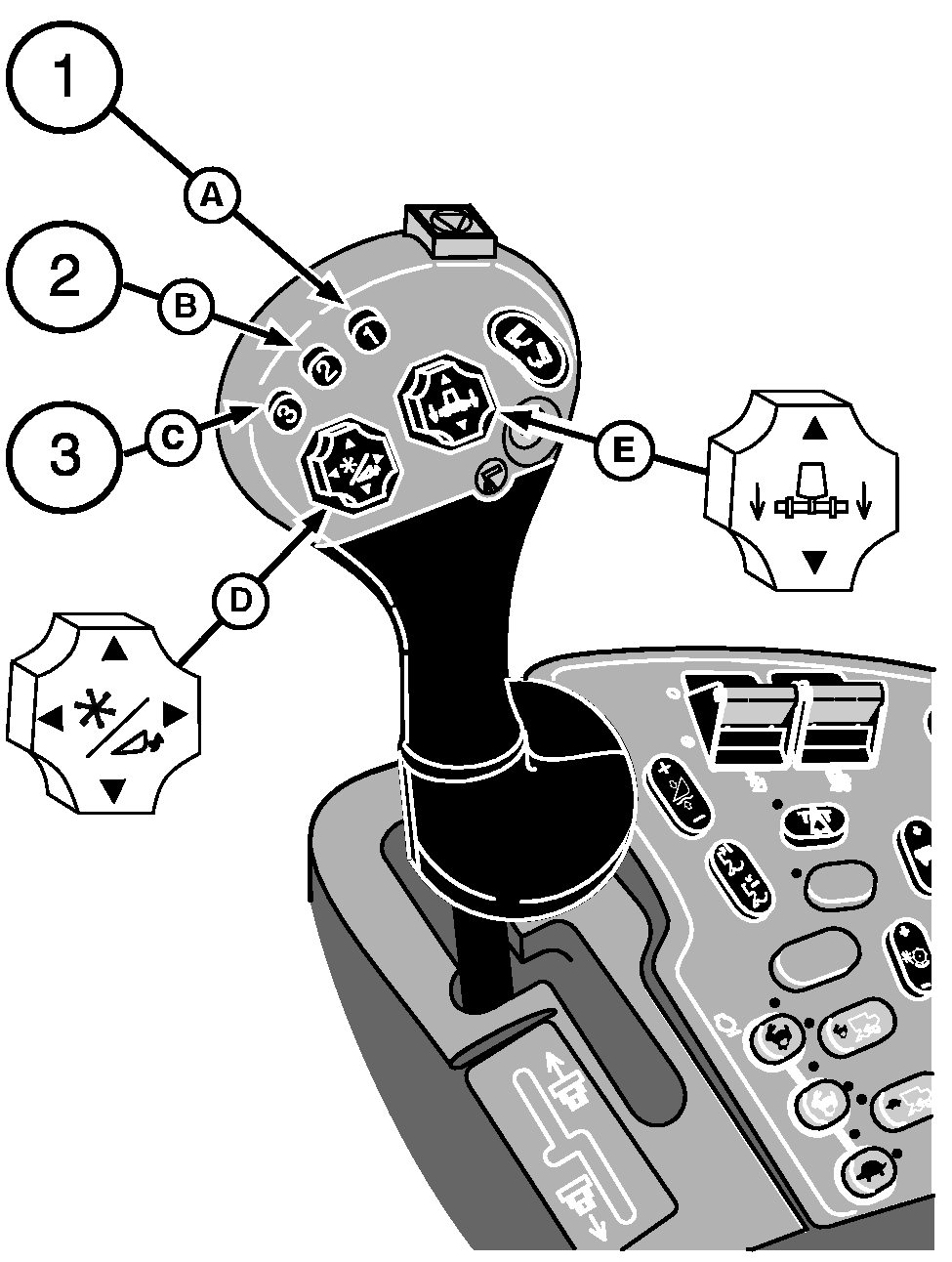
Header Activation Buttons (Black)When activation buttons (A), (B) or (C) are pressed the following functions are performed:
The electronic control system will move the header back to preselected positions. NOTE: Header positions obtained by pressing activation buttons (A), (B) or (C) may be overcome by pressing switches (D) or (E). Once activation buttons have been manually overcome, press the desired activation button to reactivate the system. Activation button must be pressed again to resume auto function. Activation buttons can be activated when:
The system is activated by pressing header activation buttons on the multifunction control handle. Header control system will take control and move the header to the selected position. |
|
OUO6075,0003AC7 -19-07OCT04-1/1 |