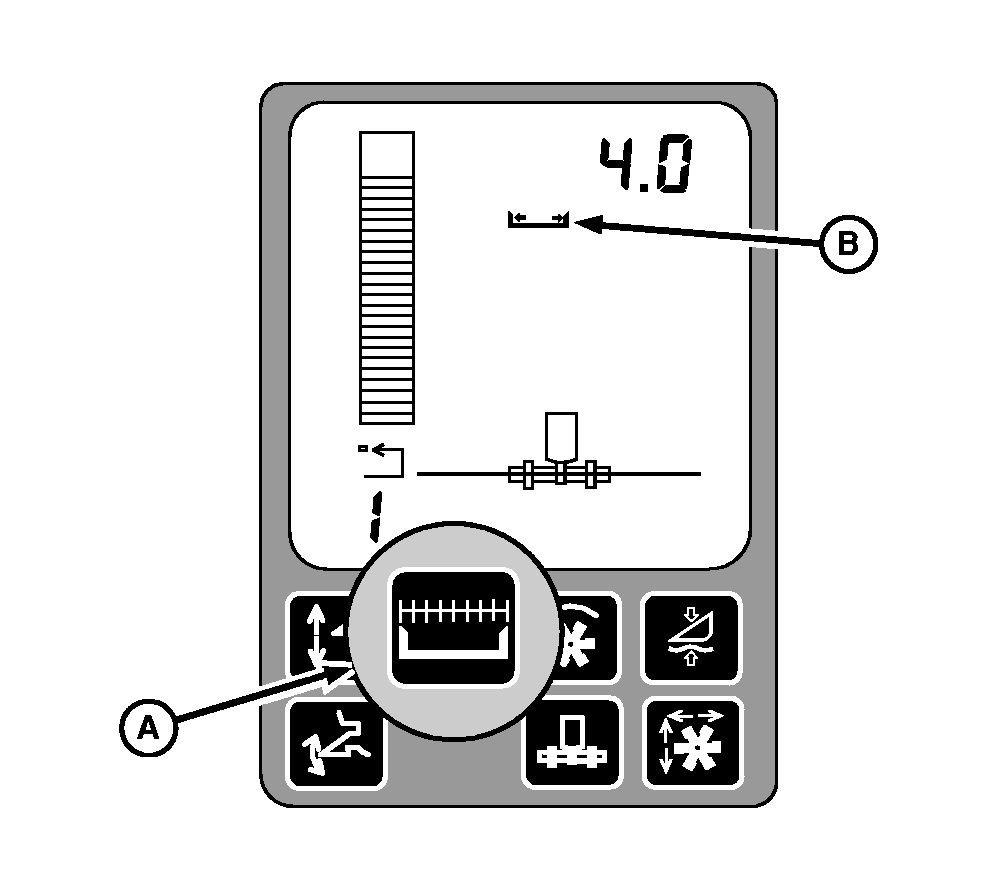
Header WidthHeader width display and units for calibration
Press header width button (A) to reduce header width by 25 % (if equipped with cutting platform) or reduce row numbers by one row (if equipped with row crop header). Press and hold header width button (A) for 2 seconds to reset header to full width. Header width symbol (B) is also returned to full width whenever a stop count message is generated by raising the header. NOTE: To set Header Width or Harvesting Threshold, (see Calibration Procedures section). |
|
OUO6075,0003AF1 -19-11OCT04-1/1 |