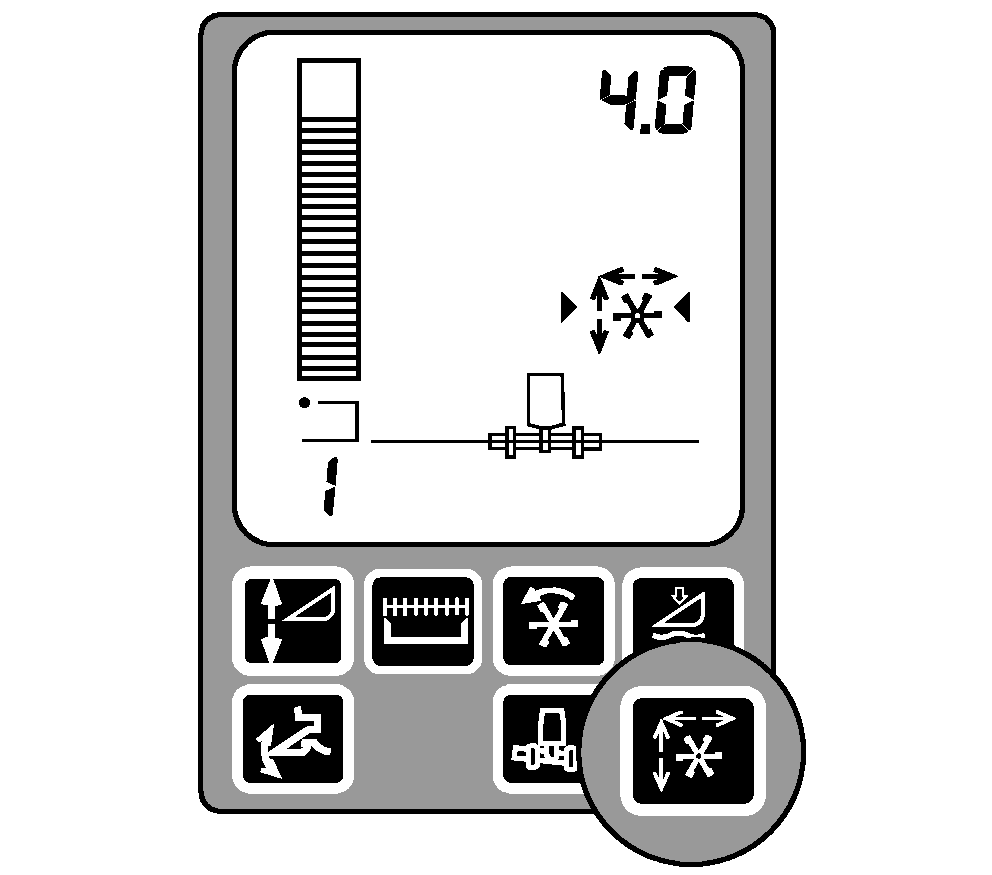
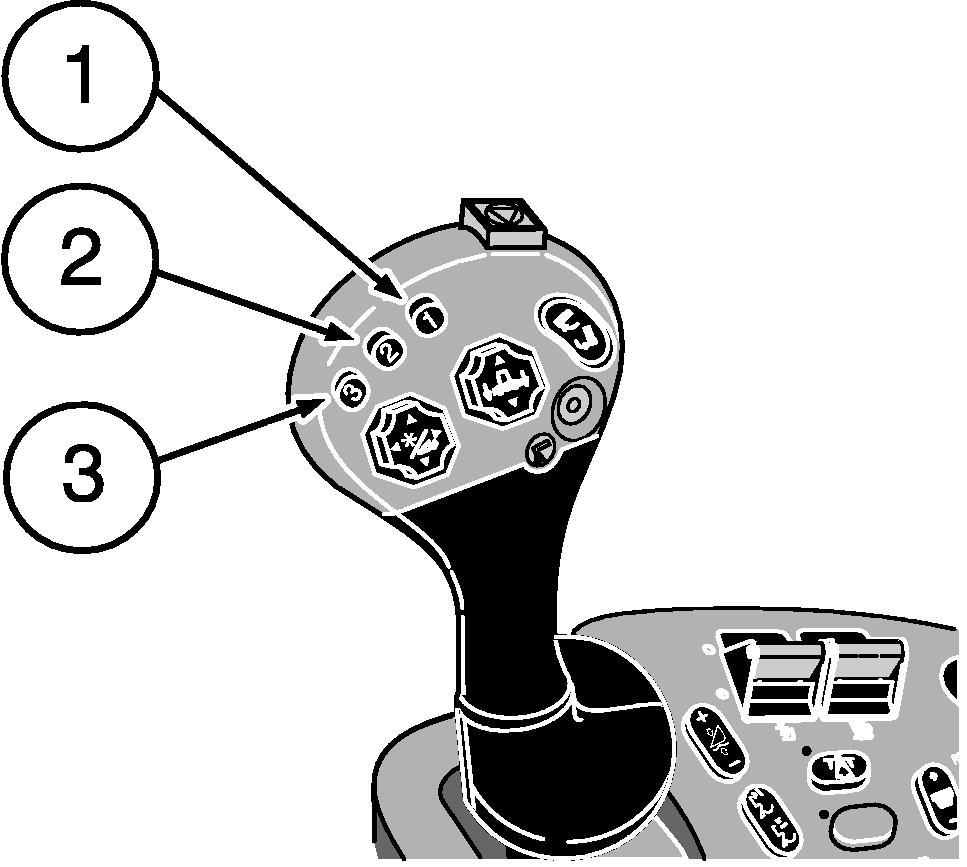
Reel Position ResumeReel Position Resume allows the operator to select the position of the reel relative to the cutterbar and return to that position automatically. Reel Position Resume must be calibrated when the header is used with the combine the first time (see Calibration Procedures section). Activation buttons 1, 2 or 3 on the multifunction control handle are used to select one of the three different programmed reel positions. Operation: Reel Position Resume will be active when:
|
|
OUO6075,0003AF5 -19-16AUG05-1/2 |
|
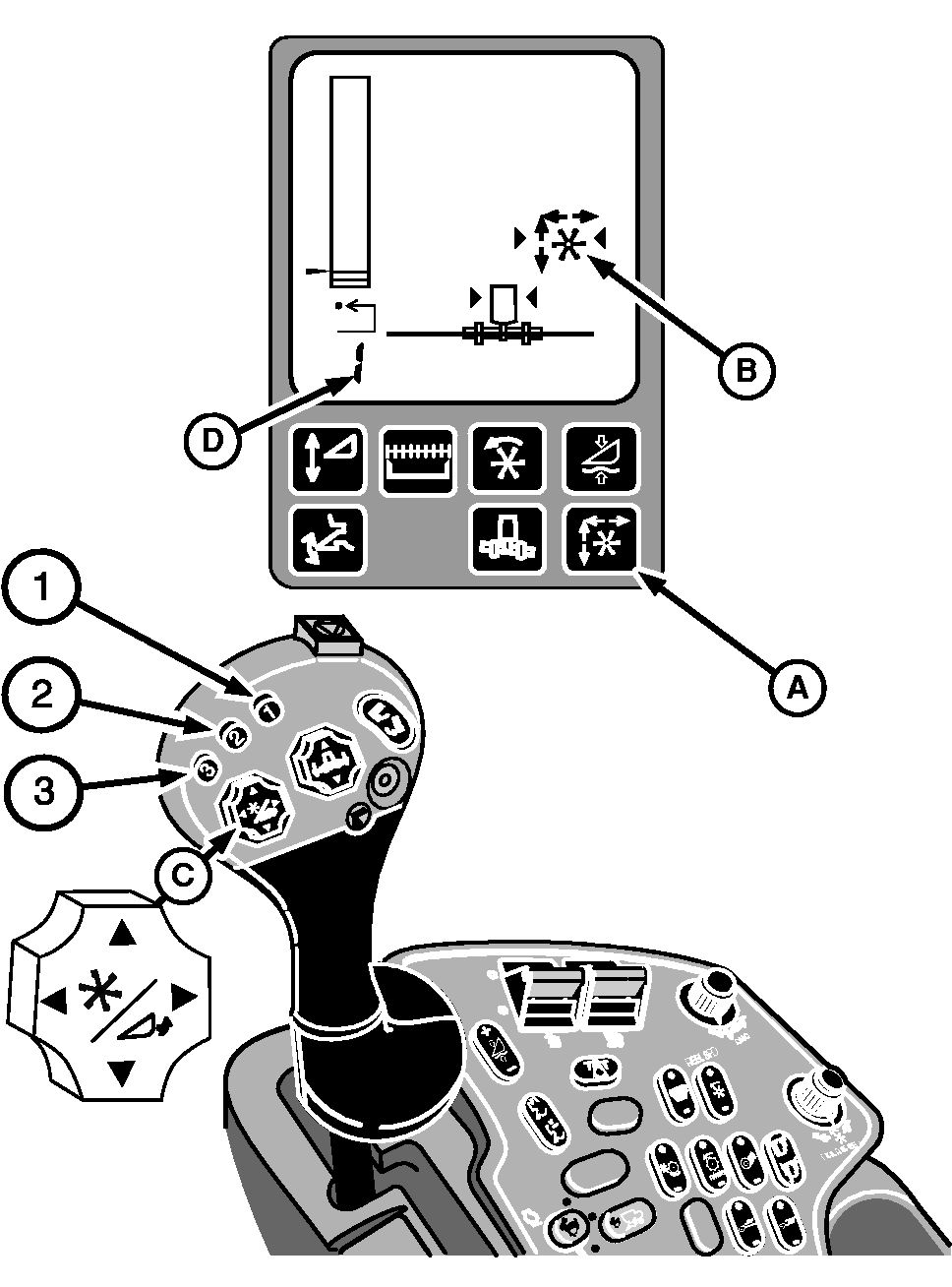
The system is enabled by pressing button (A) on the display. Symbol (B) will appear on the display. Arrow symbols indicate the system is active. Use reel lift and reel fore/aft switch (C) to obtain the desired reel fore-and-aft position and to obtain the reel height position. NOTE: When harvesting conditions are such that more than one reel position is required, e.g., one position for down crop and one position for standing crop, the operator can store a reel position for each resume button and move from one reel position to another by pushing and releasing resume buttons. Press and hold one of the activation buttons 1, 2 or 3 on the multifunction control handle for 2 seconds to memorize the reel position. Number (D) in the lower left corner of the display indicates which activation button was selected. Manually moving reel lift and reel fore/aft switch (C) on the multifunction control handle will deactivate the reel position. Press any of the three activation buttons to reactivate the system. Reel will now move to the selected position. The system can be disabled by pressing button (A) on the display. |
|
OUO6075,0003AF5 -19-16AUG05-2/2 |