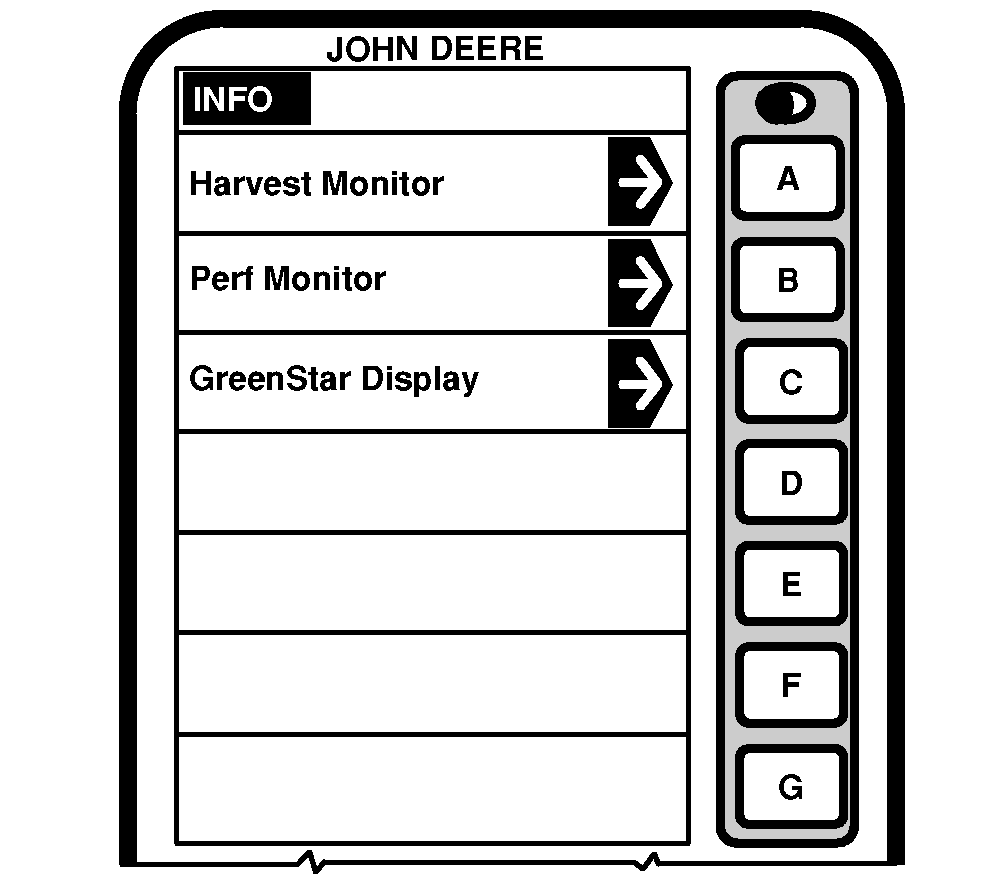
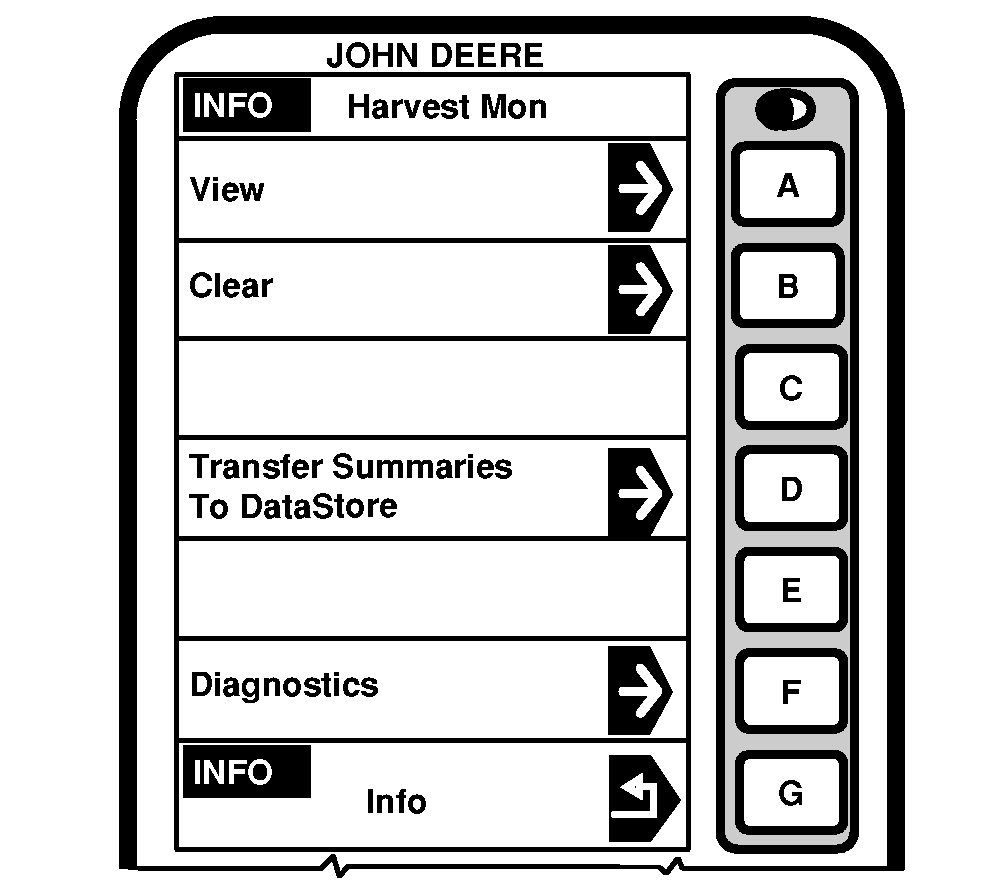
INFO - Harvest Monitor
|
|
|
NOTE: Press INFO button to access INFO screen. Press letter button next to Harvest Monitor to access INFO - Harvest Monitor. These screens allows the operator to view: View
NOTE: If a printer is available, all totals can be printed out . The printer may need to be installed then switched on. Clear
|
|
OUZXMAG,0001D6F -19-02SEP04-1/1 |