INFO - View Menu - Crop Totals |
|
|

|
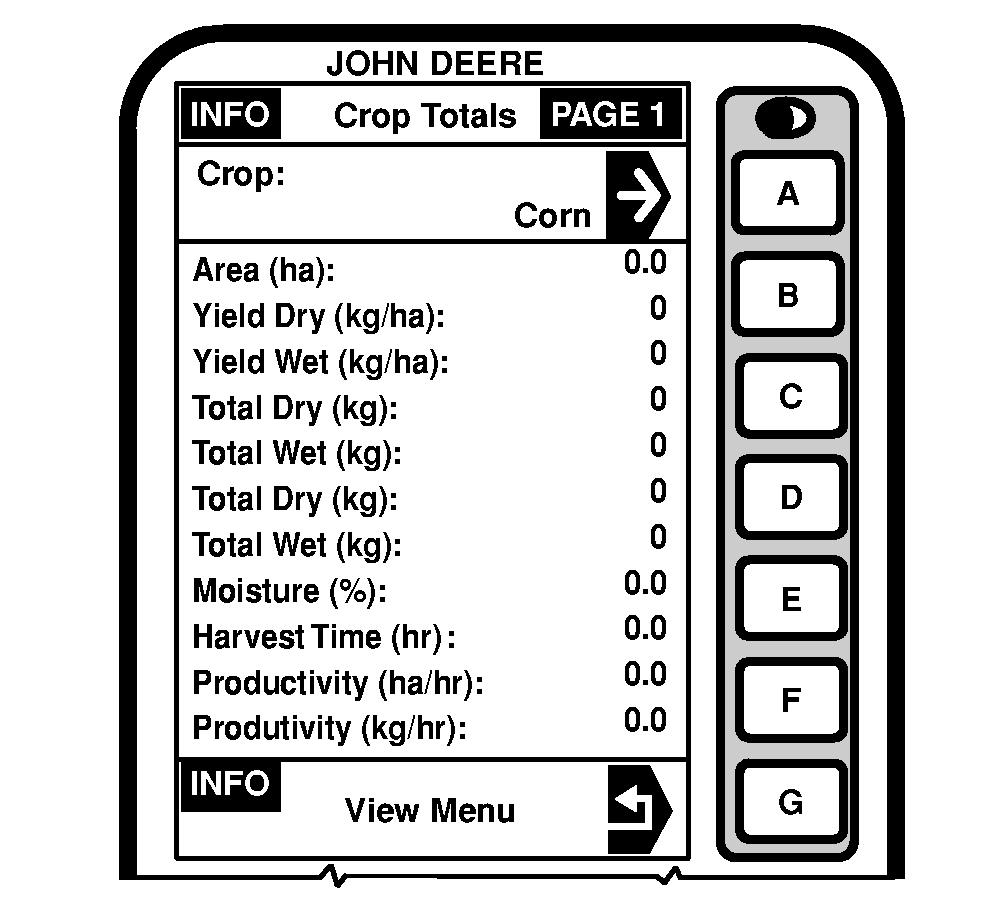
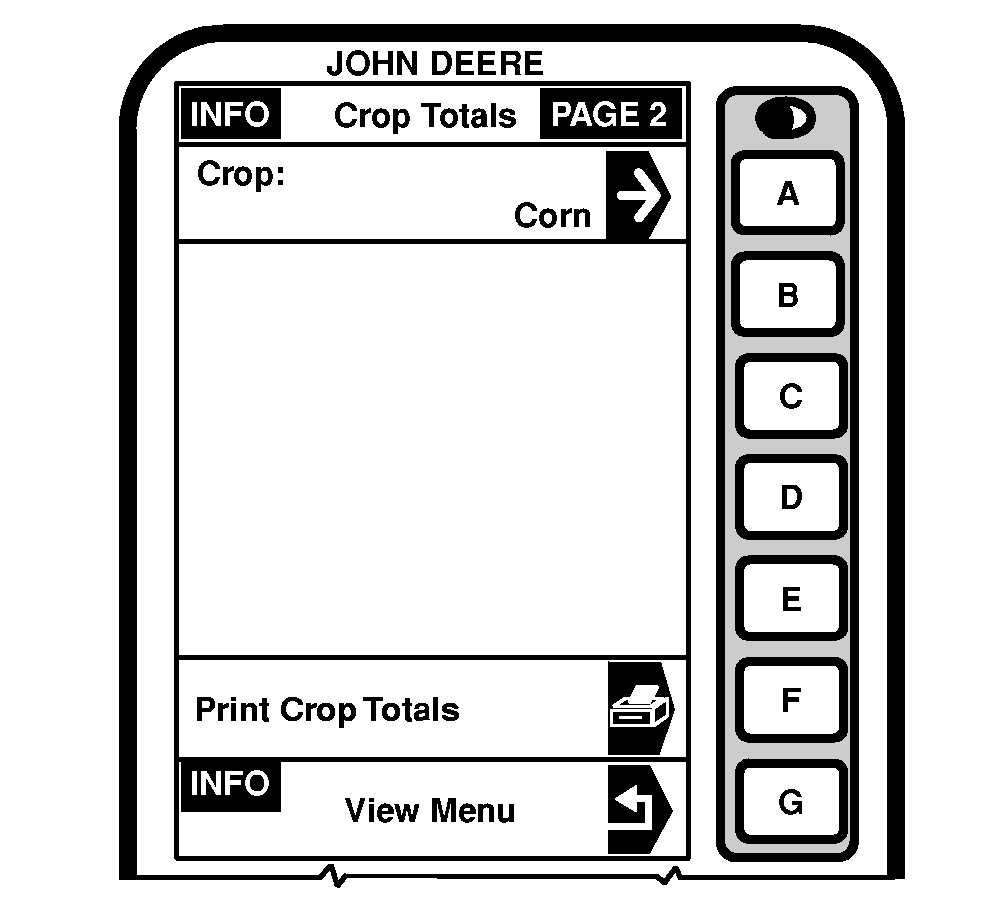
Press letter button next to "Crop Totals" on INFO - View page and INFO - Crop Totals will appear. This screen displays data acquired for a particular crop. Crop selected in SETUP - Harv Mon - PAGE 1 is displayed along with all its harvest information as shown in the sample display. On INFO - Crop Totals - PAGE 2, if a printer is available, by pressing letter button next to "Print Crop Totals" the user is able to print out displayed crop totals. NOTE: The printer may need to be installed then switched on. Once print out is over, successively press on ejection button to sufficiently roll out paper so that it can be torn off far below the printed area. By pressing letter button next to "Crop" the user is able to change which crop totals to view without changing what crop was selected under SETUP - Harv Monitor. |
|
OUZXMAG,0001D70 -19-02SEP04-1/1 |