HARVESTSMART Feed Rate Best Practices
HARVESTSMART System Operation
-
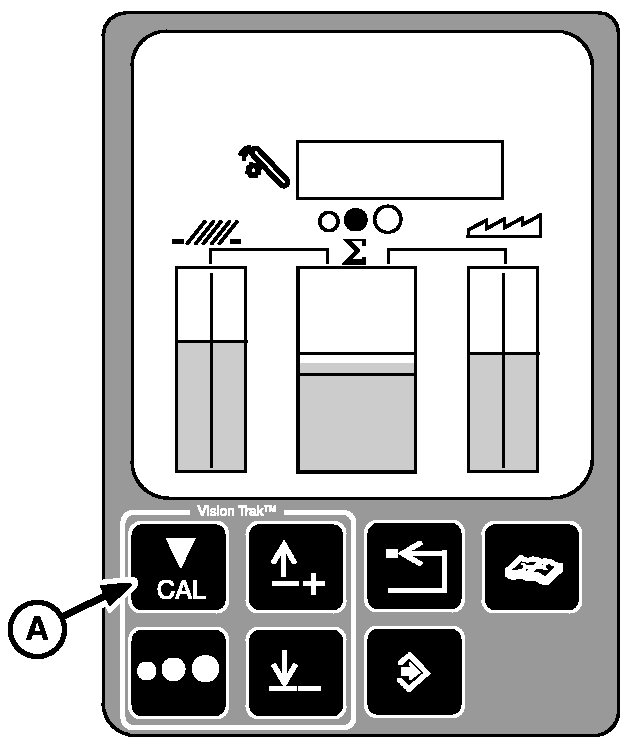
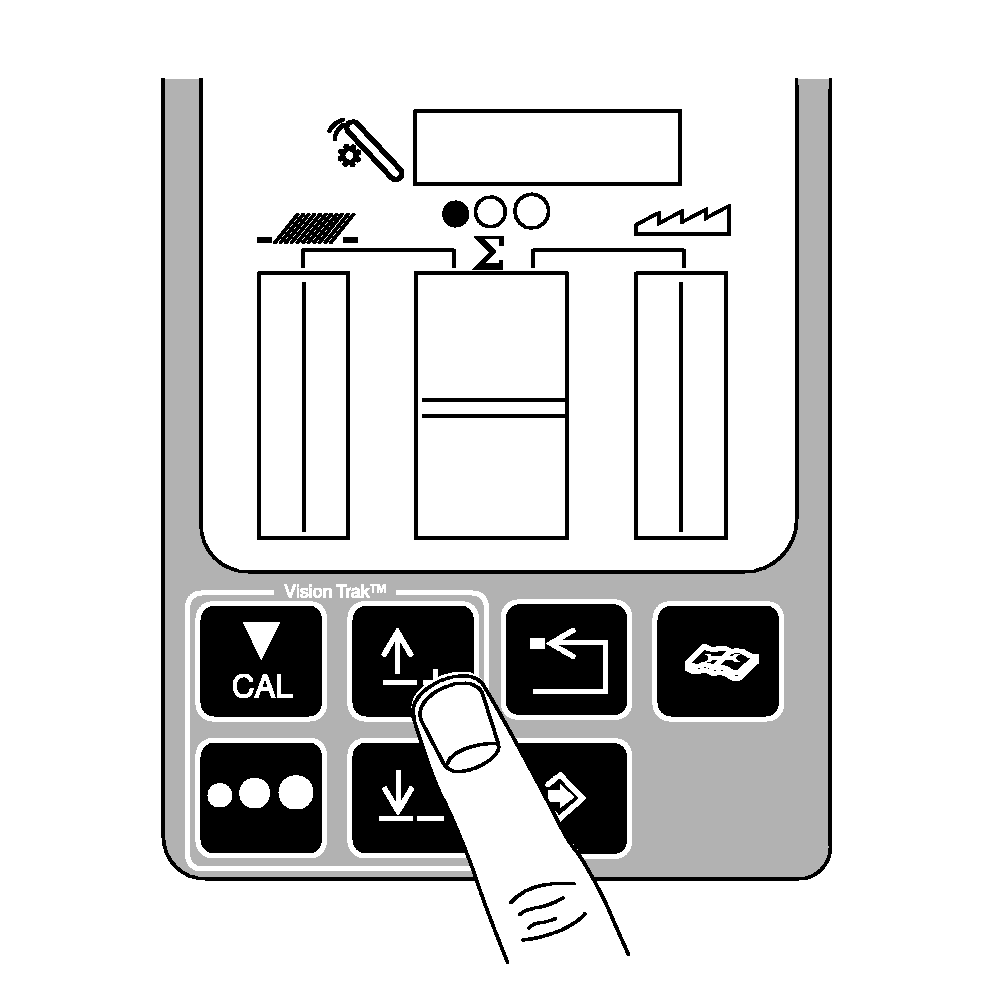
Calibrate system
using calibration button (A) on VISIONTRAK display.
Operate machine in desired crop at acceptable throughput and loss level for 15-20 seconds ensuring steady operation (this allows rotor pressure and loss levels to come up to a steady state).
By calibrating VISIONTRAK the following parameters are set:
-
Target Volume (Throughput)
-
Target Loss
-
VISIONTRAK Loss Calibration Factor
|
|
|
|
OUO6075,0000329 -19-23MAR06-1/6
|
-
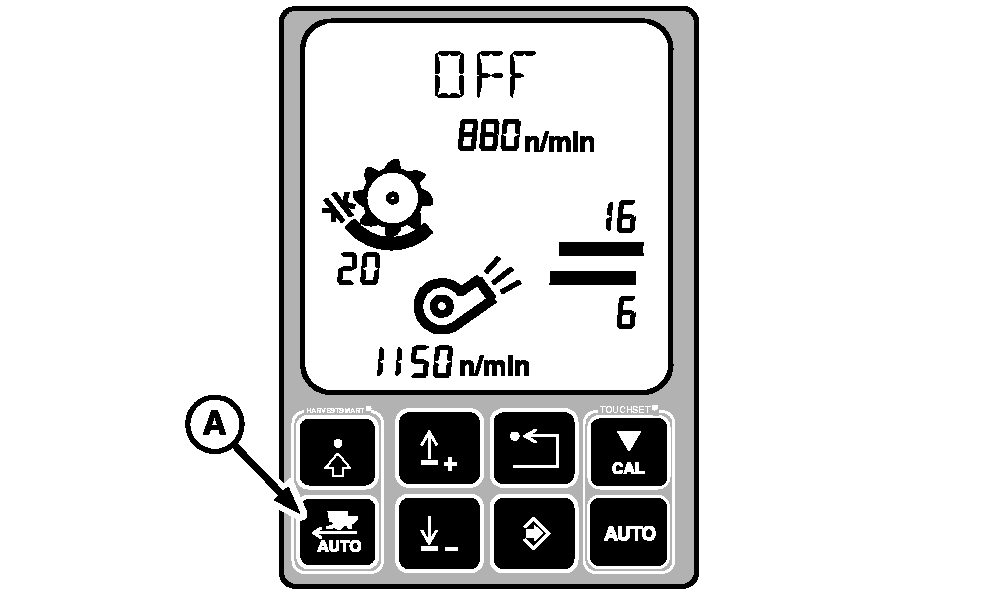
Activate the system
by pressing HARVESTSMART auto button (A) on the display. Choose one of the two operating modes (SMART is recommended mode, but if losses are not a concern or monitors are not reliable due to conditions use capacity (CPCTY) mode).
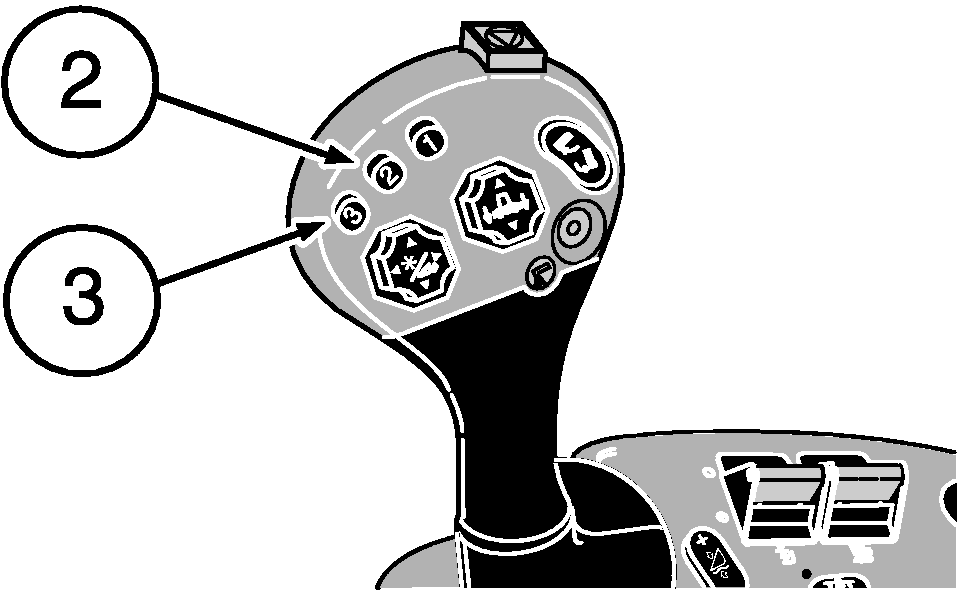
Press activation buttons 2 or 3 on multifunction control handle to activate system and move multifunction control handle forward allowing HARVESTSMART to increase speed accordingly to crop density.
NOTE:
Pulling multifunction control handle rearward past the set speed will always reduce machine speed.
A-HARVESTSMART Auto Button
|
|
|
|
OUO6075,0000329 -19-23MAR06-2/6
|
HARVESTSMART System Adjustments
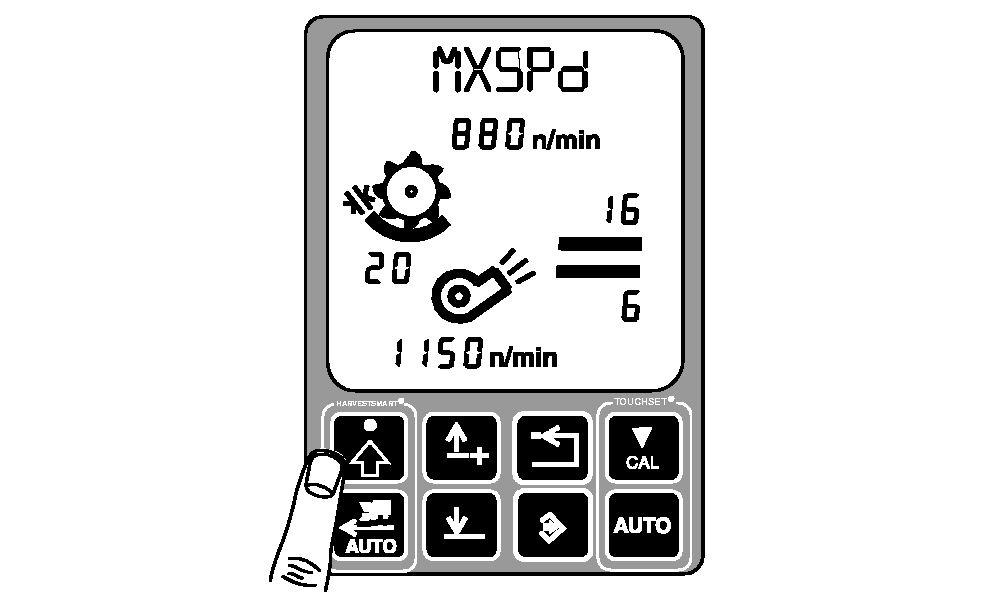
These parameters can be modified to increase the functionality and optimize the performance › use the HARVESTSMART settings button on the display.
-
Max Speed (MXSPd)
› use this parameter to set a maximum ground speed when HARVESTSMART system is active.
|
|
|
|
OUO6075,0000329 -19-23MAR06-3/6
|
-
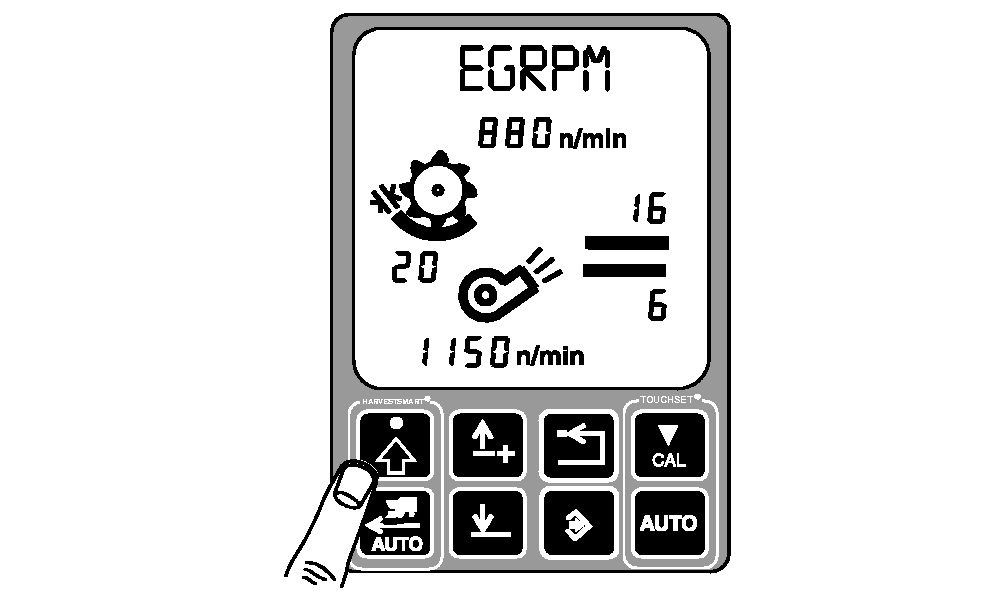
Engine RPM (EGRPM)
(2150 rpm - 2250 rpm) › use this to set the lowest allowable engine rpm HARVESTSMART will allow.
-
If slug feeding is a concern, increase this setting to allow for more cushion on the engine load.
-
Using the engine rpm to control ground speed can be accomplished by setting the value close to the operating rpm. This can be done in crops where there are large header loads relative to threshing loads such as corn.
|
|
|
|
OUO6075,0000329 -19-23MAR06-4/6
|
-
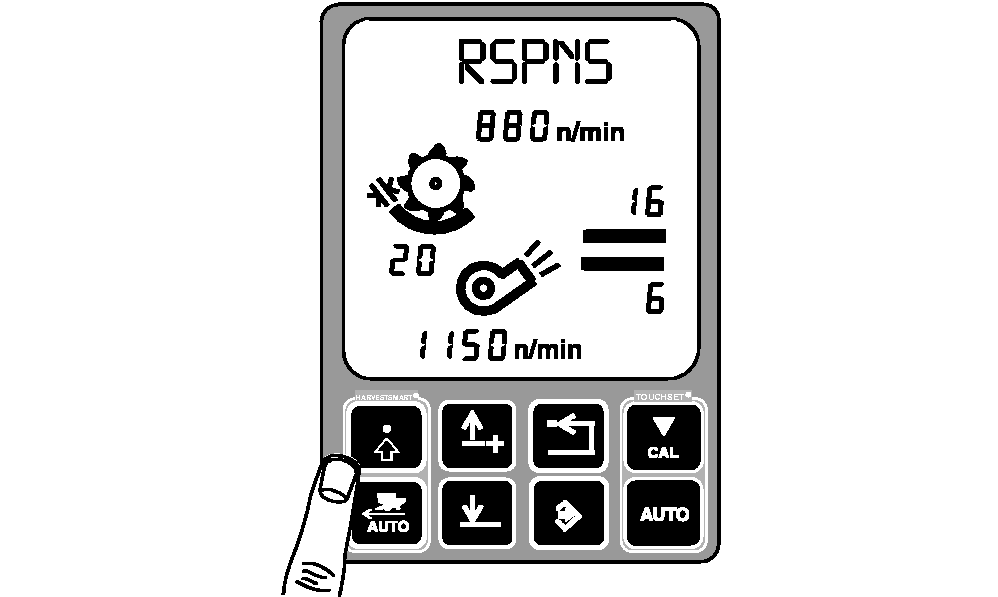
Response Rate (RSPNS)
(0-100) › use this to adjust how aggressively HARVESTSMART makes ground speed changes.
|
|
|
|
OUO6075,0000329 -19-23MAR06-5/6
|
-
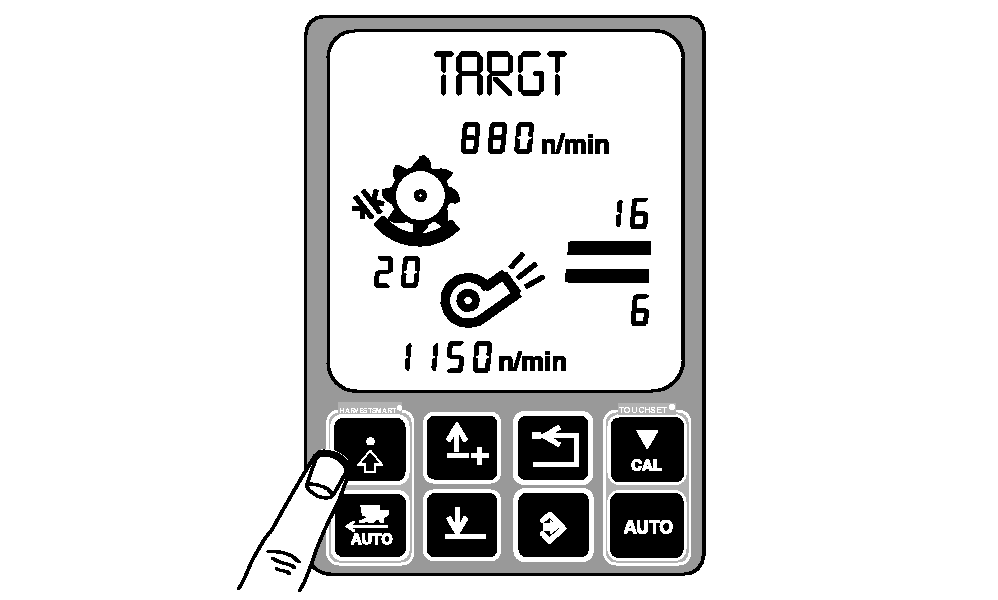
Target Volume (TARGT)
(0.2 volts - 2.5 volts) › use this to set the target volume or throughput independently of VISIONTRAK.
-
This parameter can be used when the operator would like to adjust the target volume (based on rotor load) without changing the VISIONTRAK calibration factor.
-
The recommended way of adjusting target throughput in SMART mode is using up/down arrow buttons on the VISIONTRAK display. By adjusting settings through the VISIONTRAK display keeps the target volume/loss relationship intact. Example, if VISIONTRAK calibration factor is acceptable, but the machine is maintaining too slow of a ground speed, increase the target volume parameter by 0.02 volts. If ground speed is too high, decrease the target volume parameter by 0.02 volts.
|
|
|
|
OUO6075,0000329 -19-23MAR06-6/6
|
|