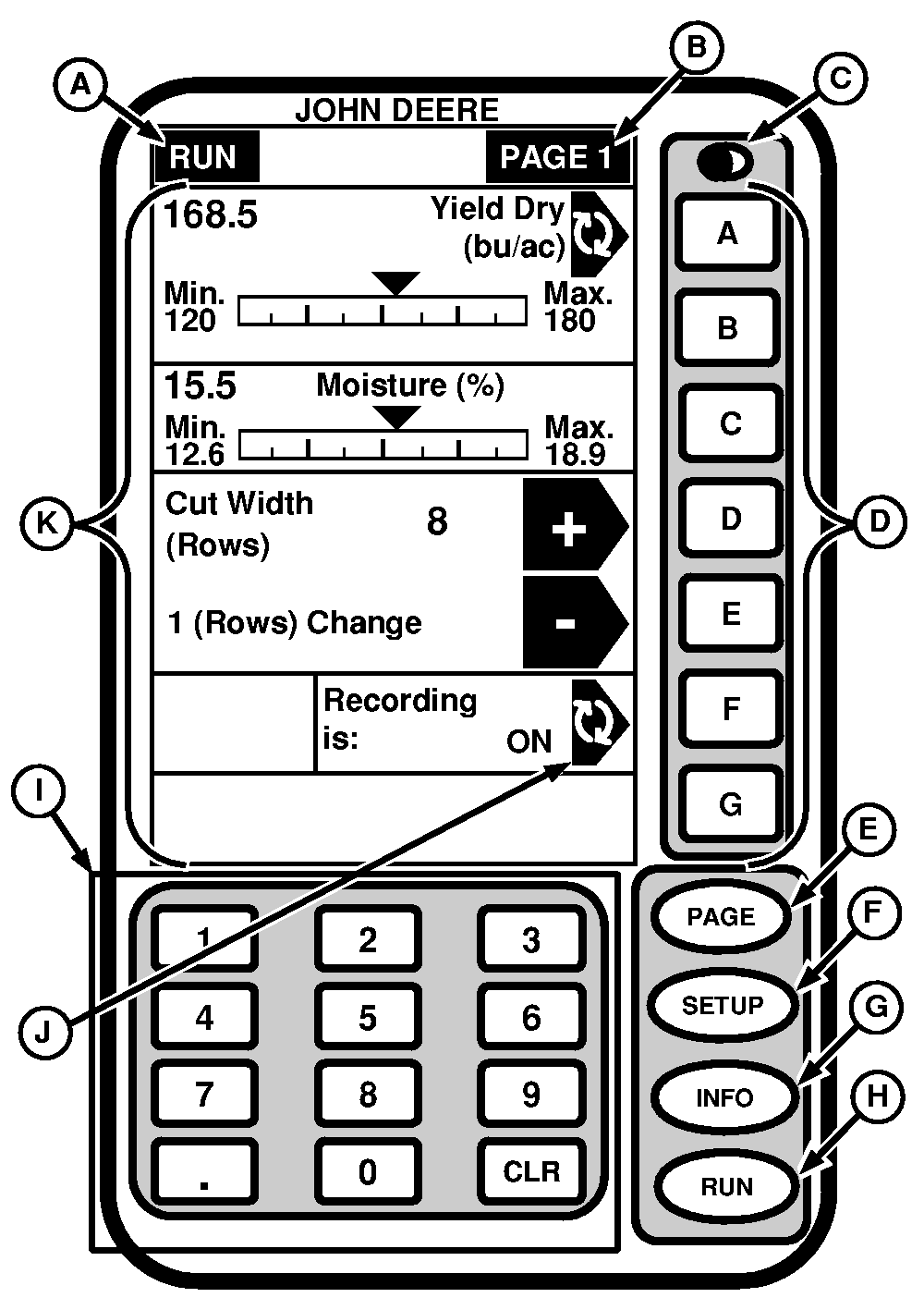
General InformationThe GREENSTAR display is a multipurpose display with easy-to-use, menu-driven commands. It has a display area with several information display cells, seven alpha buttons (A-G) located to the right of the display cells, a numeric keypad, a PAGE button and three mode select buttons (SETUP, INFO and RUN). An example of each screen is shown on the following pages. Each screen contains many cells and each cell displays a specific piece of information. IMPORTANT: Display screen illustrated on the following pages are provided for reference only. Actual screens may appear different due to connection of optional devices and/or software version in use.
|
|
OUO6075,0003010 -19-25AUG03-1/1 |