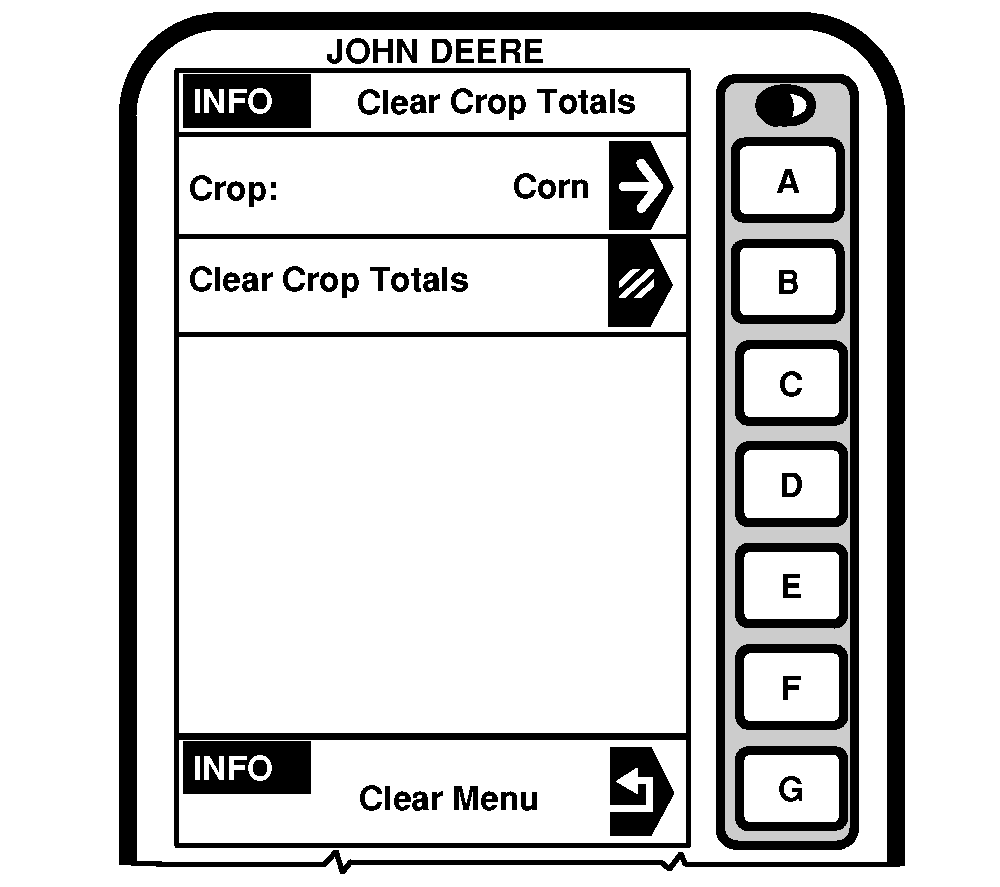
INFO - Clear - Crop TotalsIMPORTANT: This function will delete all totals selected crop(s). This function will not delete crop names. Press letter button next to "Crop Totals" on INFO - Clear and INFO - Clear Crop Totals screen will appear. NOTE: To select a different crop press letter button next to "Crop Name" and SETUP - Crop screen will appear. Press letter button next to desired crop. Press letter button next to "Clear Crop Totals" to clear the displayed crop. Press letter button next to "Clear All Crops" to clear crops. |
|
OUO6075,0003033 -19-26AUG03-1/1 |