INFO - GREENSTAR Display
|
|
|
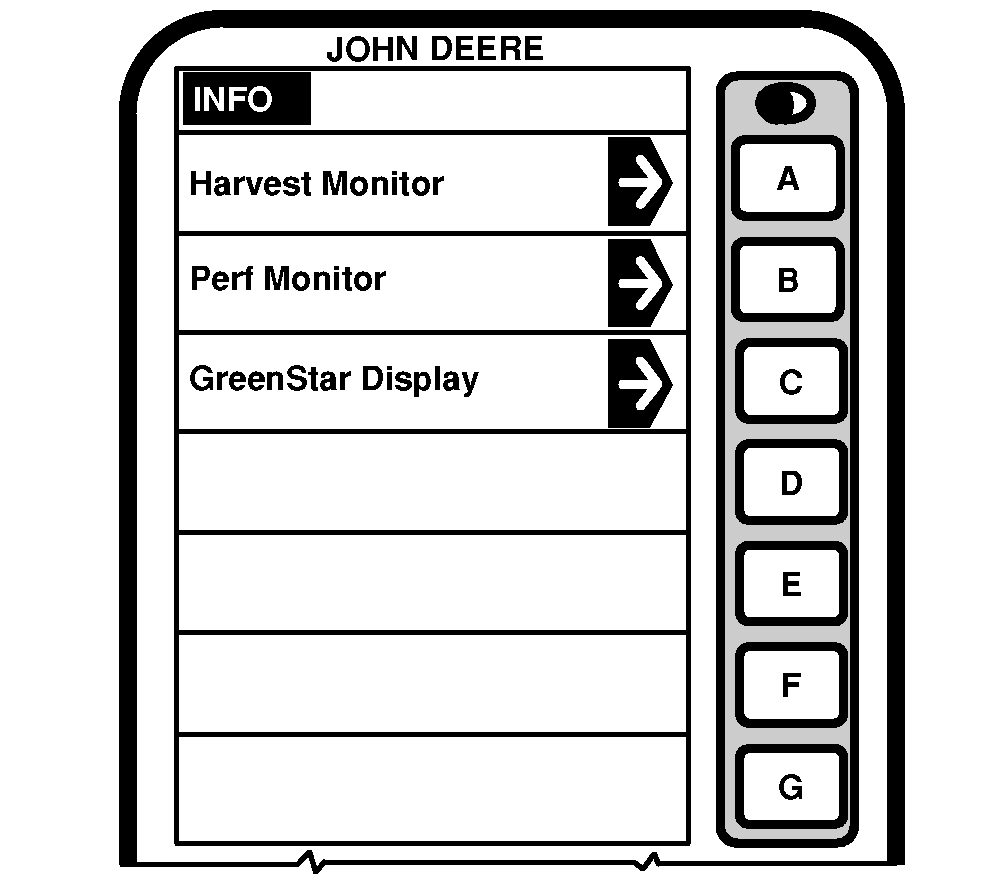
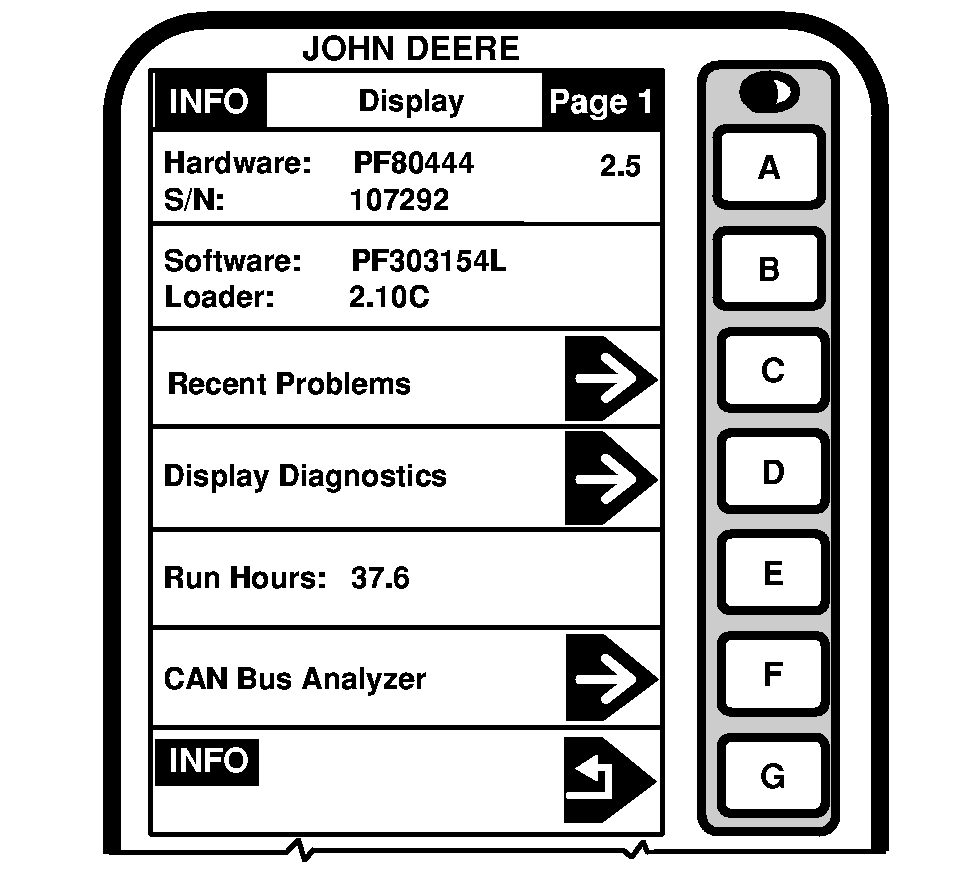
INFO - GREENSTAR Display screen shows detailed information about the GREENSTAR Display. This information will help troubleshoot the display if a problem occurs. Press letter button next to "GREENSTAR Display". INFO - Display screen will appear. HardwareHardware cell shows part number of GREENSTAR Display. |
Software
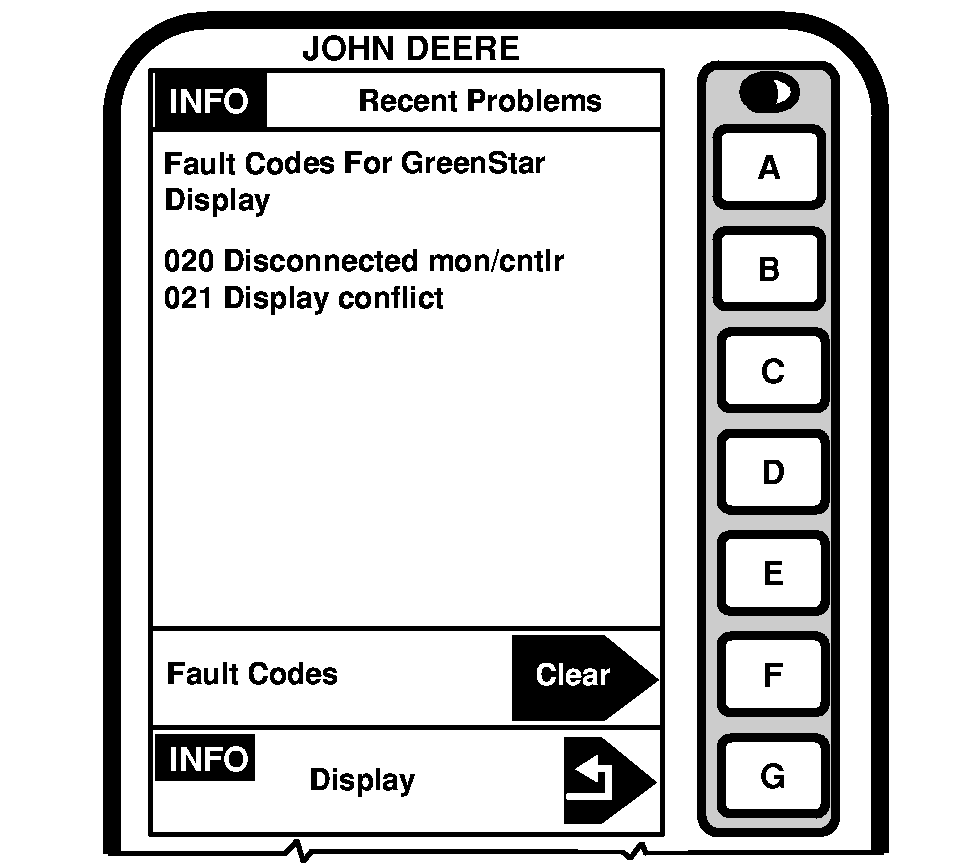
This cell shows the software part number being used by GREENSTAR Display. Recent ProblemsThis cell shows recent problems encountered by the GREENSTAR Display. To view "Recent Problems" cell: |
OUO6075,0003115 -19-10OCT03-1/2 |
|
|
|
1.
Press letter button next to "Recent Problems" to view listing of problems encountered.
2. Press letter button next to "Clear" to erase all recent fault codes. 3. Press letter button next to "INFO" to return to previous screen. Display DiagnosticsThis cell is for factory use only. Run HoursThis cell shows the number of hours of operation on the display. |
CAN Bus Analyzer
This cell is for factory use only. GSD CPU DataThis cell is for factory use only. Speed Source DataThis cell is for factory use only. |
OUO6075,0003115 -19-10OCT03-2/2 |