Concave Sensor Zero Calibration
Concave position sensor is calibrated using the concave calibration procedure. Concave calibration procedure must be performed before first use, replacing any of the sensors, or changing concaves.
NOTE:
If sensor has been replaced, be certain concave and separator are clear of crop material.
Prepare header for calibration:
-
Turn key switch to "RUN" position or start combine.
|
|
|
|
OUO6075,0003886 -19-01JUN04-1/7
|
|
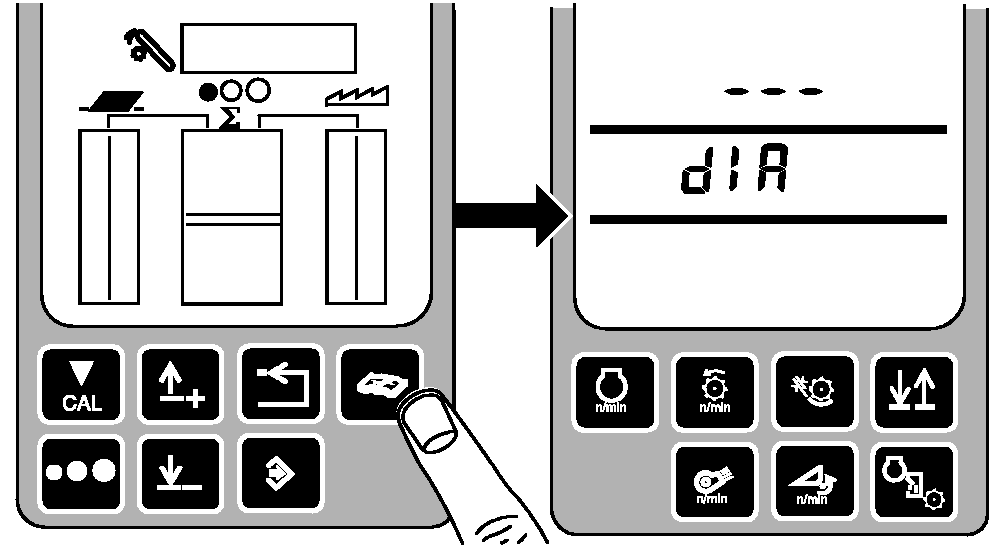
Press diagnostic button. dIA will be displayed.
|
|
|
|
OUO6075,0003886 -19-01JUN04-2/7
|
|
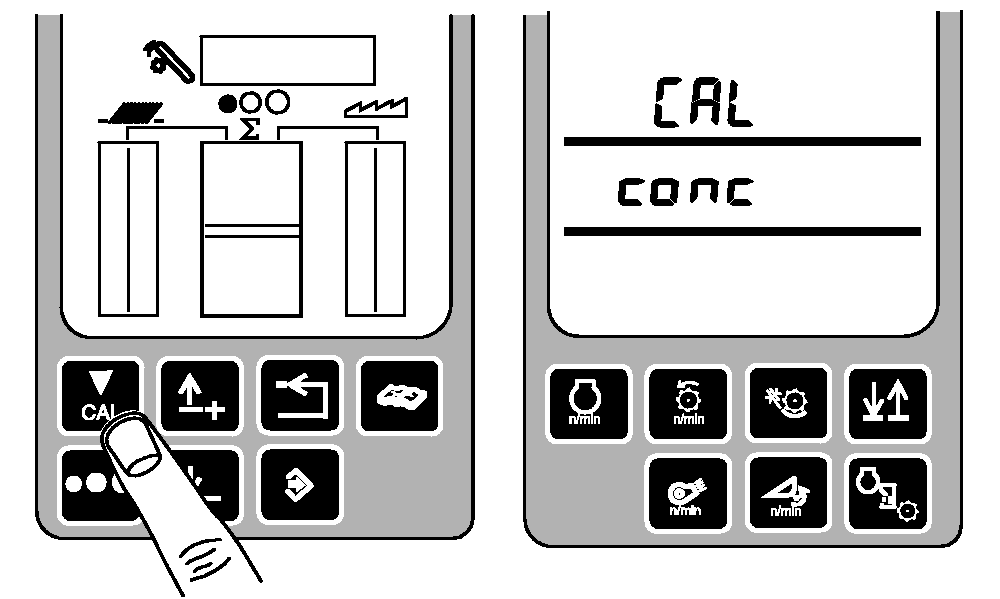
Press calibration button. CAL and conc will be displayed.
|
|
|
|
OUO6075,0003886 -19-01JUN04-3/7
|
|
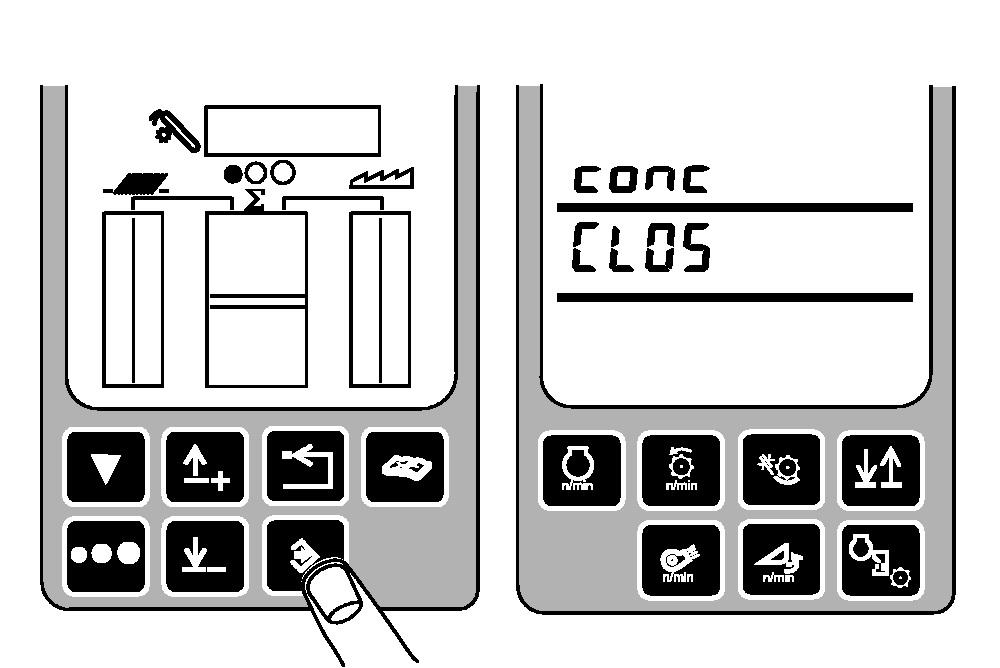
Press enter button. conc and CLOS will be displayed.
|
|
|
|
OUO6075,0003886 -19-01JUN04-4/7
|
|
To set zero setting:
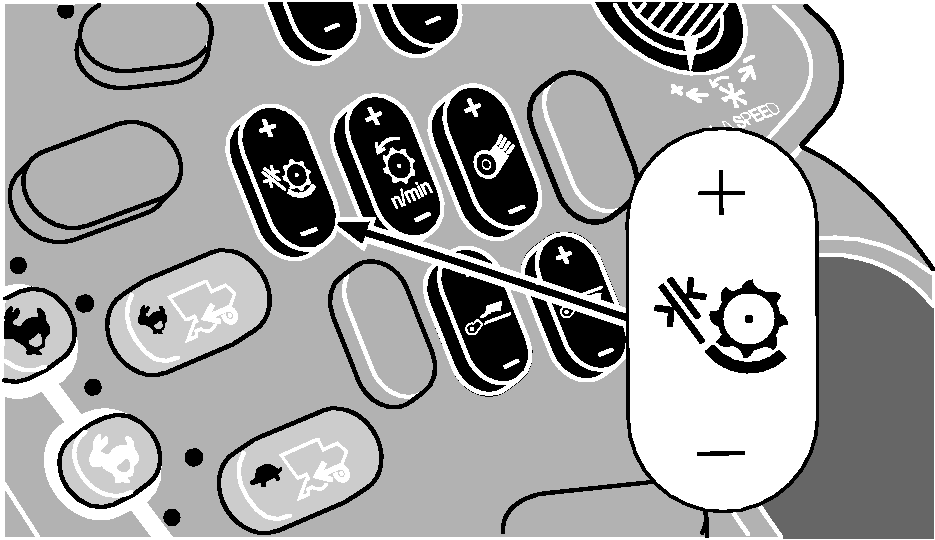
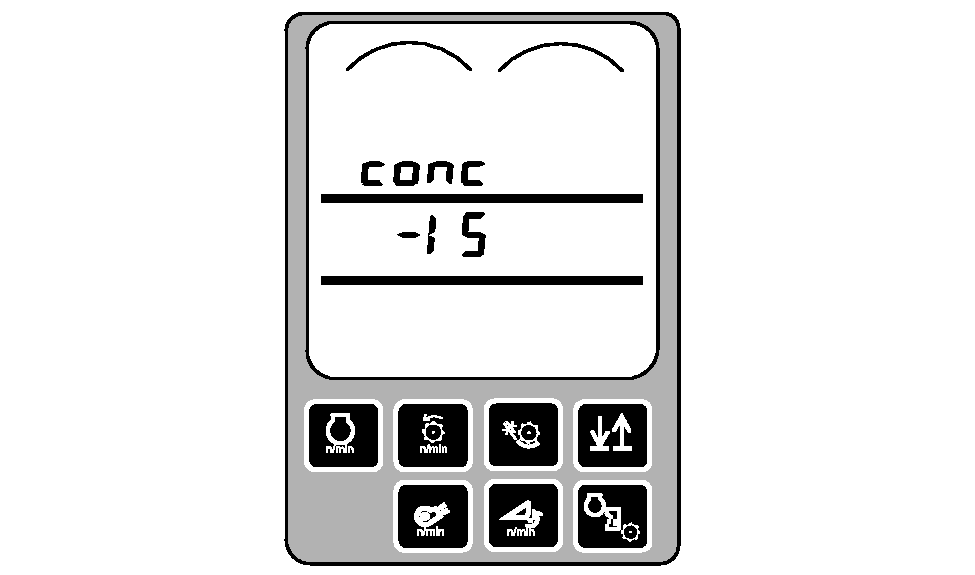
Press and hold the minus (-) symbol on the concave clearance switch until the concave is completely closed (clicking sound will be heard). As the minus (-) symbol is pressed, the numbers in middle line of the display will decrease until the concave is completely closed.
|
|
|
|
OUO6075,0003886 -19-01JUN04-5/7
|
|
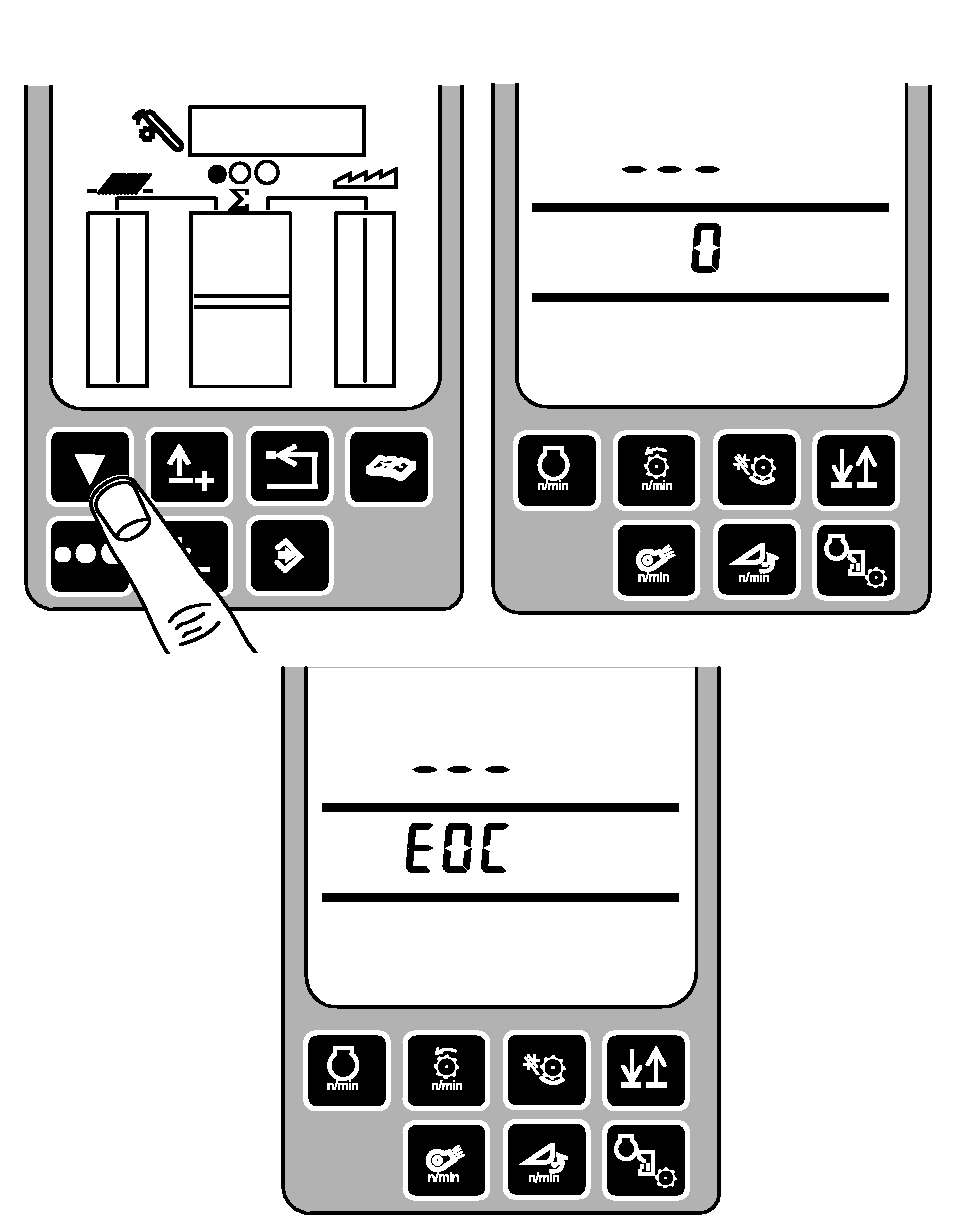
Press calibration button. Zero (0) will be displayed for two seconds until EOC is displayed.
|
|
|
|
OUO6075,0003886 -19-01JUN04-6/7
|
|
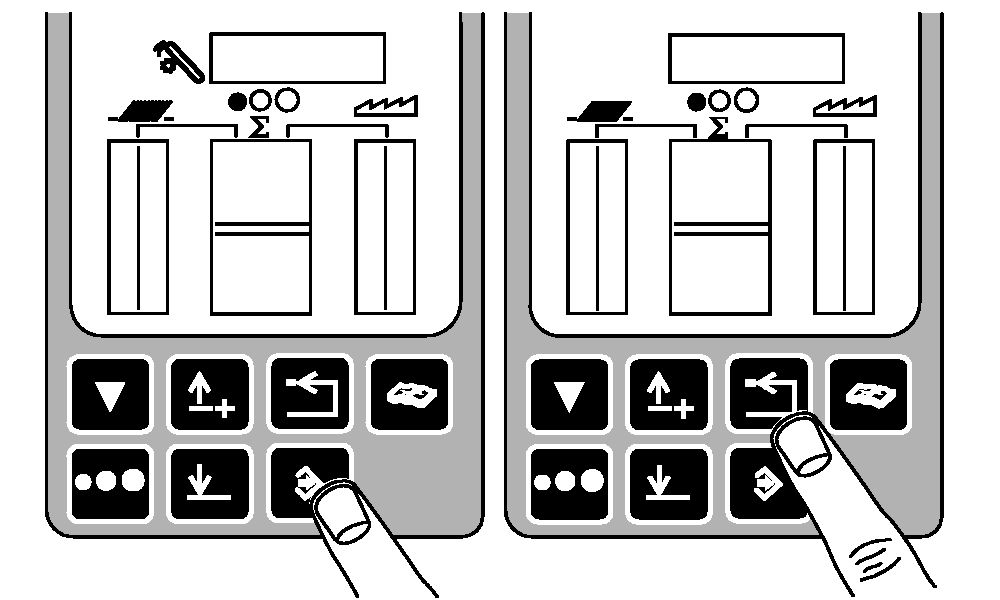
Press enter button to store calibration value or press back arrow button to abort calibration (not save values).
Press back arrow button to return to normal operation.
|
|
|
|
OUO6075,0003886 -19-01JUN04-7/7
|
|