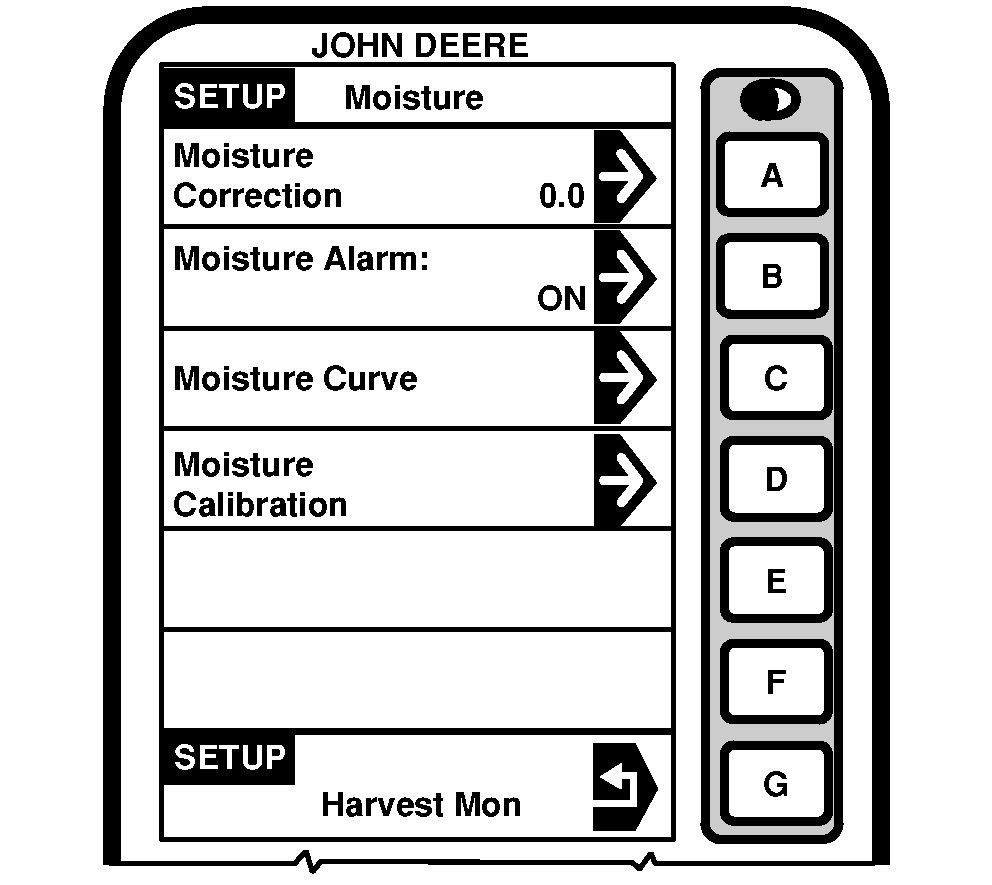
SETUP - Moisture CorrectionIMPORTANT: Changing moisture correction in the "Moisture Correction" cell will not change the data already saved. After changes are made, all harvest information collected from that point will reflect the changes. SETUP - Moisture screens are used to setup moisture correction, moisture alarm (on/off) and moisture curves. Press letter button next to "Moisture" on SETUP - Harv Mon - PAGE 1. SETUP Moisture screen will appear. Moisture correction screen is used to set moisture correction to match reading from a customer or elevator certified moisture sensor as shown on RUN - PAGE 1. |
|
OUO6075,0003E0B -19-17FEB05-1/1 |