User Calibration Procedures
|
The following user calibration procedures can be performed using on board instructions provided:
|
|
OUO6075,00009D2 -19-17APR07-1/2 |
|
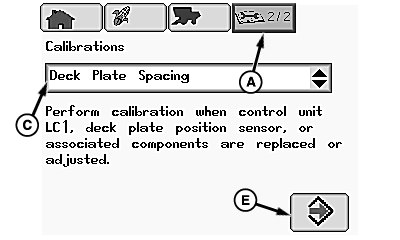
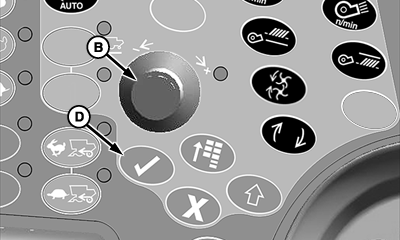
From diagnostics and calibration icon (A), rotate selection dial (B) until calibrations menu (C) is highlighted. Press confirm switch (D) and rotate selection dial until desired calibration is highlighted. Press confirm switch and rotate selection dial until calibration icon (E) is highlighted. Press confirm switch and follow instructions shown on CommandCenter display to calibrate. Repeat as needed for other calibrations.
|
|
OUO6075,00009D2 -19-17APR07-2/2 |