Height Sensitivity
Height Sensitivity controls the speed of which the feeder house will raise/lower in automatic mode to accommodate the terrain.
Increasing sensitivity causes feeder house to respond faster to changing terrain features.
Modify When:
- Increase Height Sensitivity if the header is slow to react to changing ground conditions.
- Decrease Height Sensitivity if the header is leaving wavy stubble off the ground or pulsing up and down while on the ground.
Procedure to Modify:
-
Select screen area under Height Sensitivity to open Height Sensitivity page.
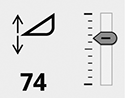
H114074-UN-19DEC16Height Sensitivity
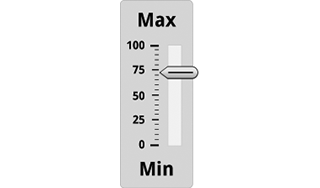
H113515-UN-20DEC16Slide Bar
Slide bar displays current sensitivity. -
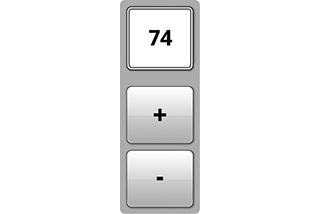
H118578-UN-20DEC16Adjustment
Select plus (+) to increase or minus (-) to decrease desired sensitivity.Minimum: 0
Maximum: 100
Default: 50
Increment: 1
-

H116648-UN-19DEC16Close
Select to close.

H116140-UN-19DEC16
Input Field
Alternative Procedure to Modify:-
Select to activate Navigation Bar and Armrest Adjustment Dials.
-
H115035-UN-14MAR16Navigation Bar Adjustment Dial
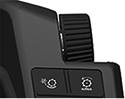
H115034-UN-28MAR16Armrest Adjustment Dial
Use Navigation Bar or Armrest Adjustment Dial to select desired setting.- Turn dial clockwise to increase value.
- Turn dial counterclockwise to decrease value.
Minimum: 0
Maximum: 100
Default: 50
Increment: 1
|
SS43267,00007E8-19-20170516 |