Tilt Sensitivity
Tilt Sensitivity controls the speed at which the feeder house tilts to accommodate changes in terrain. Increasing sensitivity causes feeder house to react faster.
If operating 600F and 600FD, HydraFlex™ Pressure settings may also affect header height sensitivity.
Modify When:
- Increase Tilt Sensitivity if the header is slow to react to changing ground conditions.
- Decrease Tilt Sensitivity if the header is leaving wavy stubble off the ground or pulsing side to side while on the ground.
Procedure to Modify:
-
Select screen area under Tilt Sensitivity to open Tilt Sensitivity page.
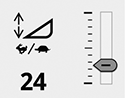
H113728-UN-19DEC16Raise/Lower Speed
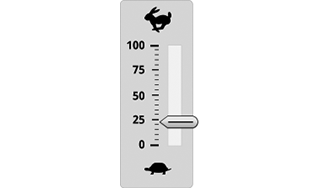
H113513-UN-20DEC16Slide Bar
Slide bar displays current sensitivity. -
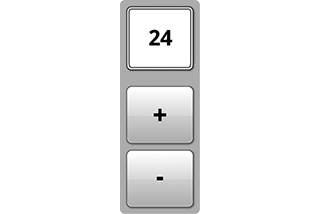
H116141-UN-20DEC16Adjustment
Select plus (+) to increase or minus (-) to decrease desired sensitivity.Minimum: 0
Maximum: 100
Default: 50
Increment: 1
-

H116648-UN-19DEC16Close
Select to close.

H116140-UN-19DEC16
Input Field
Alternative Procedure to Modify:-
Select to activate Navigation Bar and Armrest Adjustment Dials.
-
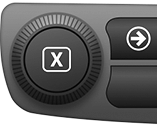
H115035-UN-14MAR16Navigation Bar Adjustment Dial
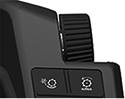
H115034-UN-28MAR16Armrest Adjustment Dial
Use Navigation Bar or Armrest Adjustment Dial to select desired setting.- Turn dial clockwise to increase value.
- Turn dial counterclockwise to decrease value.
Minimum: 0
Maximum: 100
Default: 50
Increment: 1
|
SS43267,00007E9-19-20170516 |