Heating, Ventilation, and Air Conditioning (HVAC) Main Page
H120313-UN-04JAN17
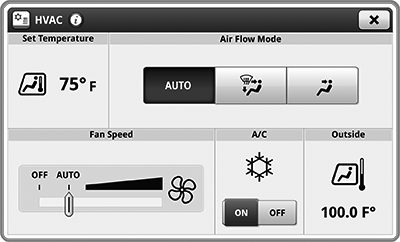
HVAC
Underscored text identifies that additional information is available within this section or another section of this publication.Main page shown is for example only. Your main page may differ depending on options or connected equipment.
HVAC application is used to adjust temperature, fan speed, and air flow mode inside of cab and view outside temperature.
H119378-UN-15SEP16
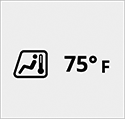
Set Temperature
Items accessible on HVAC main page:Set Temperature— set a desired temperature inside cab.

H114797-UN-17MAR16
Air Flow Mode
Air Flow Mode— adjust distribution of air flow inside cab.
H114801-UN-17MAR16
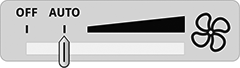
Fan Speed
Fan Speed— control fan speed inside cab.
H113850-UN-05MAY16
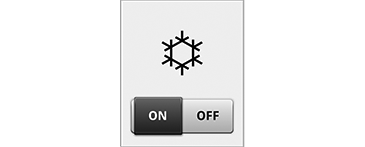
Air Conditioning
Air Conditioning (A/C)— enable or disable air conditioning.
H119377-UN-16SEP16
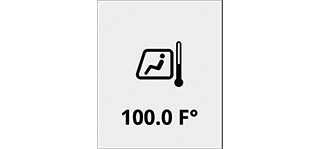
Outside
Outside— view current outside temperature.
H115024-UN-04JAN17
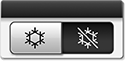
A/C
Run Page ModulesModules for this application can be added to run pages using Layout Manager.
Example:
A/C— toggle gives you direct access to enable/disable the A/C.
Different modules can be available for your application.

H116265-UN-04JAN17
A/C ON/OFF
Shortcut KeysShortcut keys for this application can be added to the shortcut bar using Layout Manager.
Example:
A/C ON and OFF— quick access to turn air conditioning on and off.
Different shortcut keys may be available for your application.
|
SS43267,000080B-19-20170127 |