Combine Overview
Underscored text identifies that additional information is available within this section or another section of this publication.
Combine Overview outlines the controls and features found inside the cab. Knowledge of these items helps you to correctly operate the machine as well as enhancing your comfort and operating experience.
Some items below are only displayed if machine is equipped with the associated option.
Items Accessible on the Combine Overview Page:
H118294-UN-22DEC16
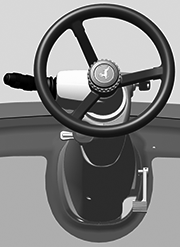
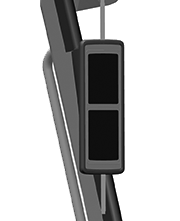
Front Console
Front Console— items located in front of you near the steering wheel.
H118296-UN-22DEC16
H118301-UN-22DEC16
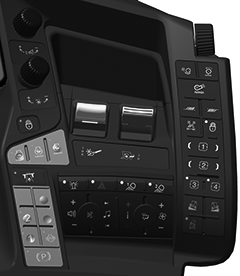
CommandARM™
CommandARM™ Console and Display— switches for machine operation, attached to the right-hand side of the seat.
H118300-UN-22DEC16
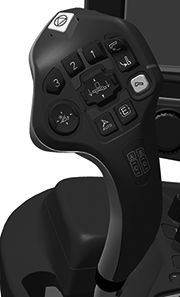
Multi-Function Lever
Multi-Function Lever— items on the multi-function lever.
H118299-UN-22DEC16
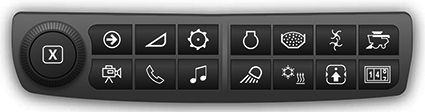
Navigation Bar
Navigation Bar— items on navigation bar located below the monitor.
H118302-UN-22DEC16
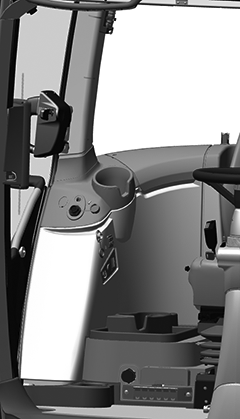
Right-Hand Cab Items
Right-Hand Cab Items— connectors and ports for information input and powering auxiliary devices, on the right-hand fender well near the window.
H118303-UN-22DEC16
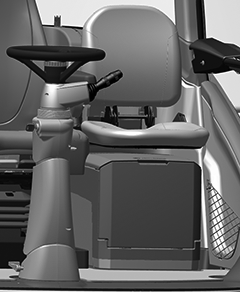
Left-Hand Cab Items
Left-Hand Cab Items— items located on the left-hand side of the front console.
H118297-UN-22DEC16
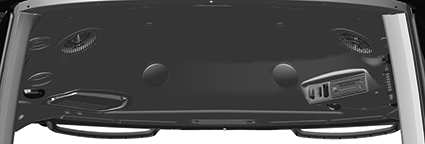
Overhead Controls
Overhead Controls— items located in the headliner above you.
H118295-UN-22DEC16
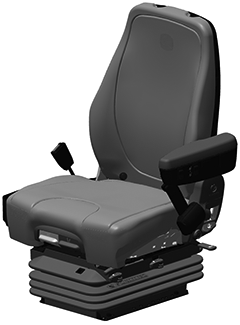
Seat Controls
Seat Controls— allow adjustment to the seat to increase your operating comfort.|
SS43267,000080F-19-20170127 |