Right-Hand Cab Items
N128645-UN-15FEB17
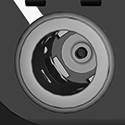
Auxiliary Outlet
Auxiliary Outlet— used when connecting accessories (12 V).

N122943-UN-02MAY16
USB Outlet
USB Outlet— used for exporting information to a flash drive, loading information to the display, and display programming.
N122944-UN-05MAY16
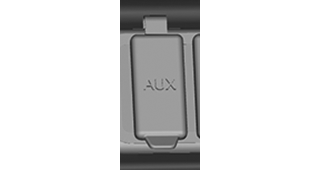
Auxiliary (AUX) Input
Auxiliary (AUX) Input— used for playing music from an auxiliary source on the radio when that mode is selected on the radio.
N122945-UN-05MAY16
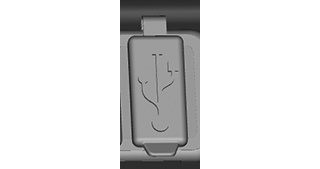
USB Input
USB Input— used for playing music from an USB source on the radio when that mode is selected on the radio.

H121337-UN-18MAY17
2630 Ethernet Input
2630 Ethernet— used to connect a 2630 display as a secondary monitor.

H121338-UN-18MAY17
4600 Extended Monitor Port
4600 Extended Monitor Port— used to connect a 4600 extended monitor for a secondary display.

H121339-UN-18MAY17
Auxiliary Display Connector
Auxiliary Display Connector— used for connecting auxiliary equipment.
H118079-UN-19JAN17
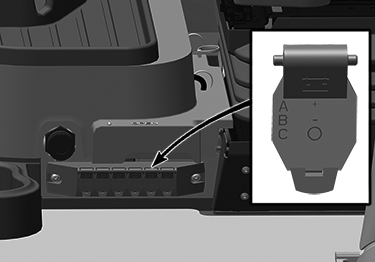
Auxiliary Power Outlet Strip
Auxiliary Power Outlet Strip— is equipped with six additional electrical outlets which are at the lower rear of the right-hand window. These outlets provide key-switched or unswitched power.Maximum combined current draw for switch power is 20 amps and unswitched power is 30 amps.
- Spade terminal (A) is direct positive power at all times.
- Spade terminal (B) is ground.
- Spade terminal (C) is auxiliary power (key switch ON).
H118071-UN-15APR16
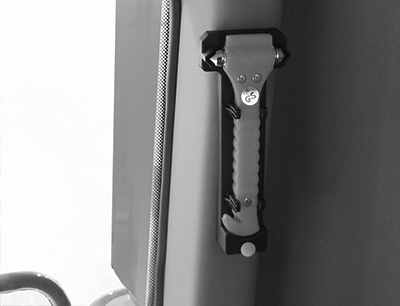
Emergency Exit Style A
H121414-UN-18MAY17
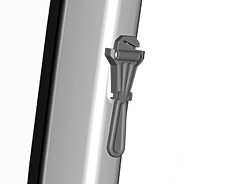
Emergency Exit Style B
Emergency Exit— allows you to exit the combine in case of emergency.- Pull down to remove the emergency exit device.
- Use the hammer to break the window and exit cab if doors do not open.
- Use the knife in the handle to cut seat belts if they do not unbuckle.
H118069-UN-15APR16
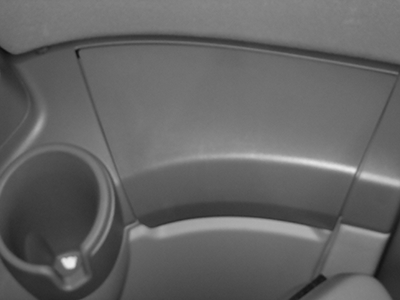
Manual Storage Location
Manual Storage Location— compartment located along rear cab wall that stores the Operator’s Manual.
H118068-UN-15APR16
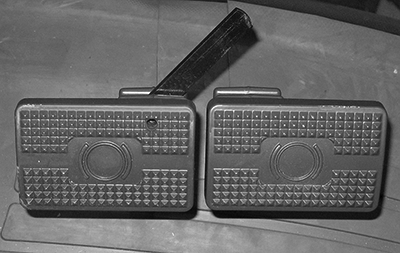
Brake Pedals
Brake Pedals— allows you to stop the machine.Leave the brake pedals unlocked for field use and locked together when transporting.
H118076-UN-15APR16
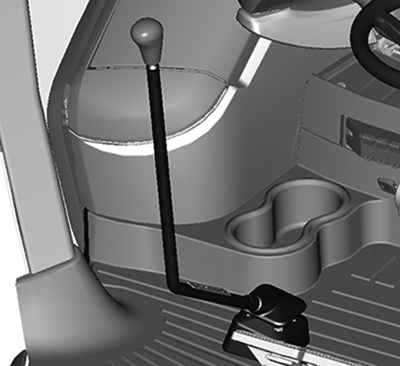
Gearshift Lever
Gearshift Lever (If Equipped)— allows you to manually shift gears.Stop the machine and move the multi-function lever to neutral before shifting gears.
When shifting the gearshift lever, the shift pattern is a straight line with detents for 1, 2, and 3. Less resistance is felt for neutral between 1st and 2nd gears.
|
SS43267,0000817-19-20170518 |