Direction
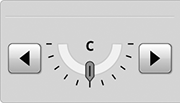
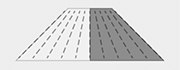
Direction changes the direction of material exiting the chopper for wind compensation.
Modify When:
- Wind speed changes.
- Wind direction changes.
- Machine direction changes.
- Field changes.
- Terrain changes.
H117001-UN-03JAN17
Direction
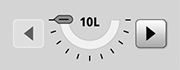
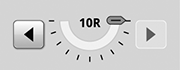
Procedure to Modify:Select to adjust the direction left or right.
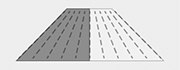
When changes are made to the spread direction, the spreader diagram changes as well.
If direction is not known, the center marker disappears and dashes appear for the position value.
H118133-UN-03JAN17
Direction
H118128-UN-03JAN17
Width
H118134-UN-03JAN17
Direction
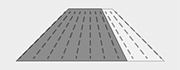
H118129-UN-03JAN17
Width

H118135-UN-03JAN17
Direction
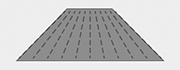
H118130-UN-03JAN17
Width
H118136-UN-03JAN17
Direction
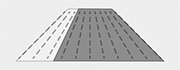
H118131-UN-03JAN17
Width
H118137-UN-03JAN17
Direction
H118132-UN-03JAN17
Width

H118138-UN-03JAN17
Input Field
Alternative Procedure to Modify:-
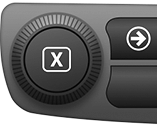
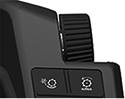
Select to activate Navigation Bar and Armrest Adjustment Dials.
-
H115035-UN-14MAR16Navigation Bar Adjustment Dial
H115034-UN-28MAR16Armrest Adjustment Dial
Use Navigation Bar or Armrest Adjustment Dial to select desired direction.- Turn dial clockwise to increase value.
- Turn dial counterclockwise to decrease value.
-

H114674-UN-03JAN17Close
Select to close.
|
SS43267,0000896-19-20170203 |