History | Performance
Performance Monitor is used to show the performance target and current performance displayed on a timeline. To view Performance Monitor, select History and choose Performance tab at top.
Items Accessible on Performance Monitor Page:

H113781-UN-30JAN17
Performance/Adjustments
Performance/Adjustments— use Performance/Adjustments toggle to switch between Performance Monitor and Adjustment History.
H119765-UN-30JAN17
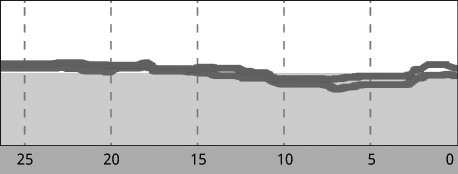
Loss Performance
Loss Performance— chart view of the Separator, Shoe, and Tailings.Green area of chart represents the performance target.
H119766-UN-30JAN17
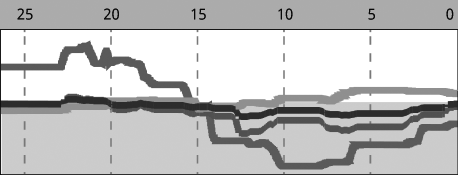
Quality Performance
Quality Performance— chart view of the Broken Grain, Foreign Material Light, Foreign Material Heavy, and Unthreshed.Green area of chart represents the performance target.

H119764-UN-30JAN17
Field/Machine Performance Graph
Field/Machine Performance Graph— displays Throughput, Productivity, or Yield.

H119776-UN-25JAN17
Units
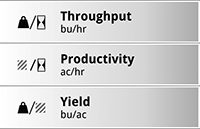
Performance Options- select to change units being measured.
H113756-UN-25JAN17
Performance Options
Throughput is selected by default.Select between Throughput, Productivity, and Yield graphs.
|
SS43267,0000948-19-20170130 |