Current Settings | Cleaning Fan
Cleaning Fan Speed allows you to modify the fan speed to improve grain cleanliness and reduce grain loss.
For the fan speed settings, refer to Crop Settings section in your Operator's Manual.
Modify To:
Increase Fan Speed To:
- Improve sample quality; reduce the amount chaff or light material other than grain in the grain tank by blowing it out.
Decrease Fan Speed To:
- Reduce cleaning shoe loss; smaller lighter grains can be carried out of the cleaning shoe if the cleaning fan speed is too high.

H113684-UN-27JAN17
Cleaning Fan Speed
Procedure to Modify:-
Engage the separator and run the engine at high idle.
-
Select to set the cleaning fan speed.
-
H116982-UN-30JAN17Adjustment
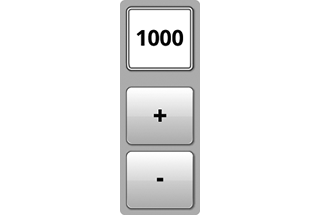
Select plus (+) to increase or minus (-) to decrease speed or select the input field and use the Armrest Adjustment Dial to make desired speed changes.-

H118088-UN-27JAN17Input Field
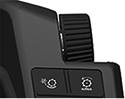
H115034-UN-28MAR16Armrest Adjustment Dial
Turn the dial clockwise to increase the value. - Turn the dial counterclockwise to decrease the value.
Minimum and Maximum values may change if machine is equipped with a cleaning fan slow down Kit.
Minimum: 620 rpm
Maximum: 1350 rpm
Increment: 10 rpm
-
-

H116113-UN-27JAN17Close
Select to close.
|
SS43267,000096D-19-20170201 |