Adjusting Platform Drop Rate
Drop Rate for 60 Series STS
NOTE:
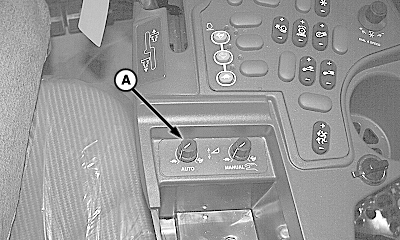
H80536-UN-31MAR04
A - Dial
Response rate control for Header Height Sensing and Active Header Float Pressure (Automatic Functions).Dial (A) controls response rate of header raise/lower functions when in automatic mode. See your combine Operator’s Manual for procedures.
Drop Rate for 60 series Walkers CTS & Sidehill, All 50 Series and All 9000/10 Series
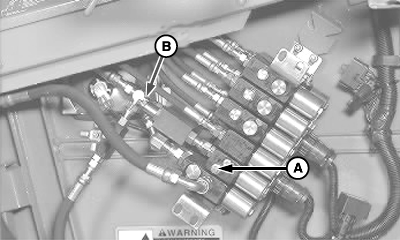
H80519-UN-30MAR04
50 Series STS Combines
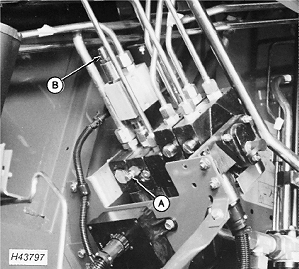
H43797-UN-21AUG91
Walkers, CTS, Sidehill Combines
A - Adjusting Screw
B - Knob
Loosen nut and adjust screw (A) out for faster manual drop; in for slower drop rate.Tighten nut after adjusting.
On combines with active header control or Dial-A-Matic, turn knob (B) fully closed and then turn knob 3/8 of a turn out, then adjust as needed to stabilize system in automatic mode under field conditions.
KR43067,0000251-19-20090421 |