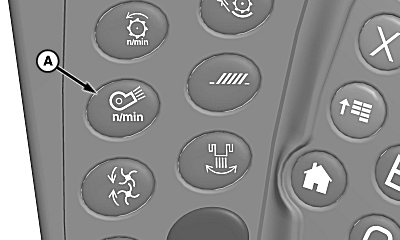
Cleaning Fan Speed Adjust Switch
H94670-UN-27JAN10
A - Cleaning Fan Speed Adjust Switch
Cleaning fan speed adjust switch (A) increases or decreases cleaning fan speed.-
Engage separator.
-
Press cleaning fan speed adjust switch.
-
Touch plus (+) or minus (-) symbol or rotate selection dial to increase or decrease cleaning fan speed.
-
Display shows operator adjustment settings.
Fan speed motor has a thermal (heat) shut off that stops the motor from working if any of the following happen:
- Switch is used continuously for more than two or three minutes.
- Adjustment system is against stop while motor is still trying to change speed.
- Excessive binding or dragging in linkage.
If any of the above causes are suspected, clean and adjust as necessary.
NOTE: Allow motor to cool 10 to 15 minutes before trying switch again.
|
OUO6075,000044B-19-20100928 |