Setup Manual Pressure
N98782-UN-24APR13
N101915-UN-12FEB13
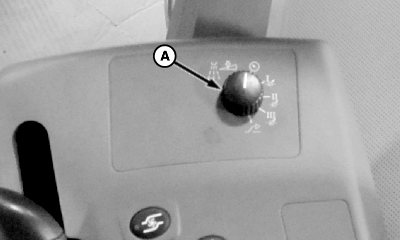
A - Rate Selection Switch
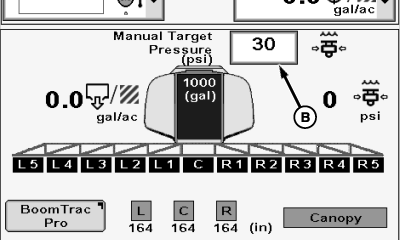
B - Input Box
The manual pressure setting allows the operator to spray at a given pressure, independent of speed and application rate.-
Turn rate selection switch (A), located on side console, to manual pressure setting.
-
Select each input box (B) next to Manual Target Pressure (psi) and enter a new value using pop-up keyboard. Select the Enter button to accept new value.
|
CS12167,000018E-19-20130613 |