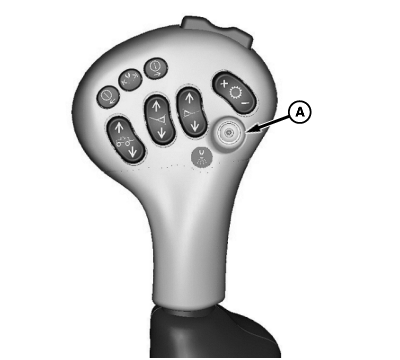
Spray System Master ON/OFF Switch
N63294-UN-15JUL03
N89584-UN-10FEB11
N89289-UN-03SEP10
A - Switch
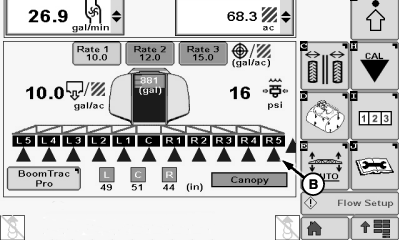
B - Sections Spraying
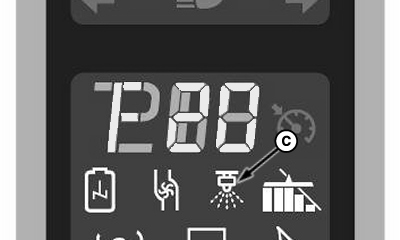
C - Indicator
Press switch (A) to turn enabled boom sections ON and press again to turn OFF.
LED light in center of switch will illuminate when switch is on. The Master Spray On indicator (C) will illuminate on the primary display unit.
Sections (B) that are actively spraying once Master ON/OFF switch is pressed, will appear on display with a dark background and a lighter letter with a cone showing below the section.
|
RG53986,00012F1-19-20130211 |