Adjust Return To Pressure
-
Place forage harvester on a scale with its front axle only (as shown).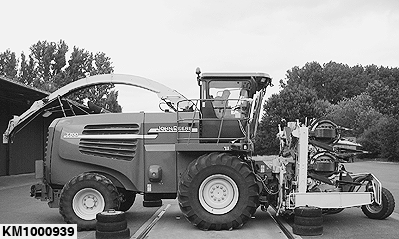
KM1000939-UN-31JUL09Lower rotary harvesting unit onto support wheel.
-
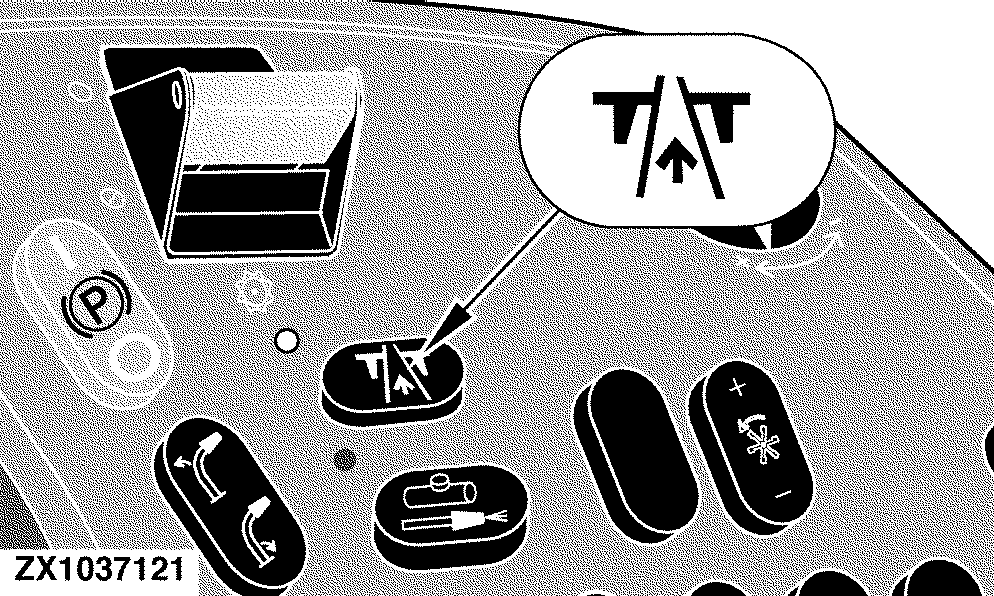
IMPORTANT: Activate the road mode to adjust the return to pressure.
ZX1037121-UN-19MAR05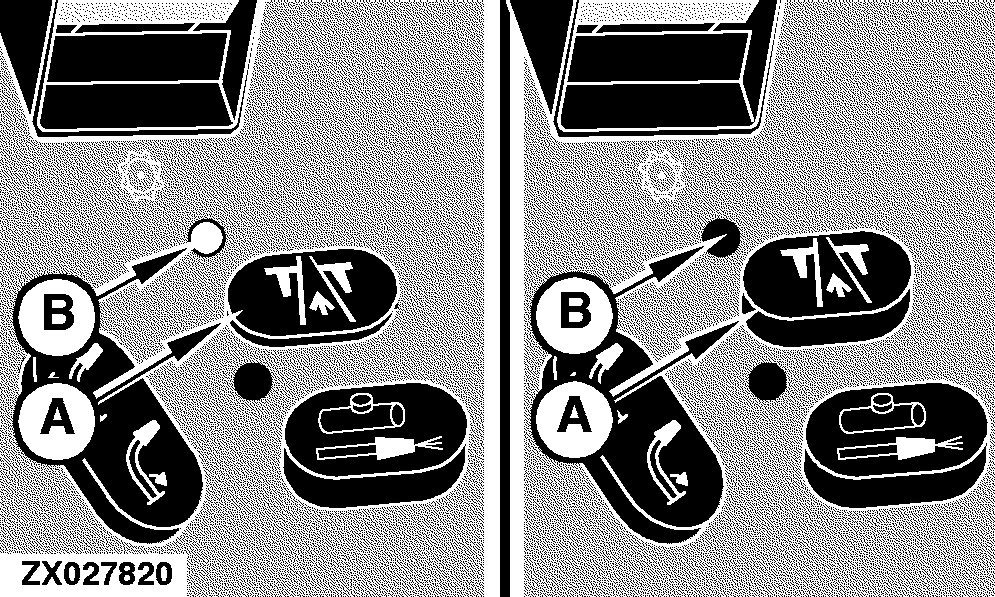
ZX027820-UN-16APR02A - Road safety switch
B - Indicator light
Press road safety switch (A) to activate the road mode. When road safety switch is pressed, indicator light (B) will come on indicating the switch is in road position. Pressing the switch will disengage all the hydraulic functions with the exception of the steering and the return to pressure. -
ZX028651-UN-26APR02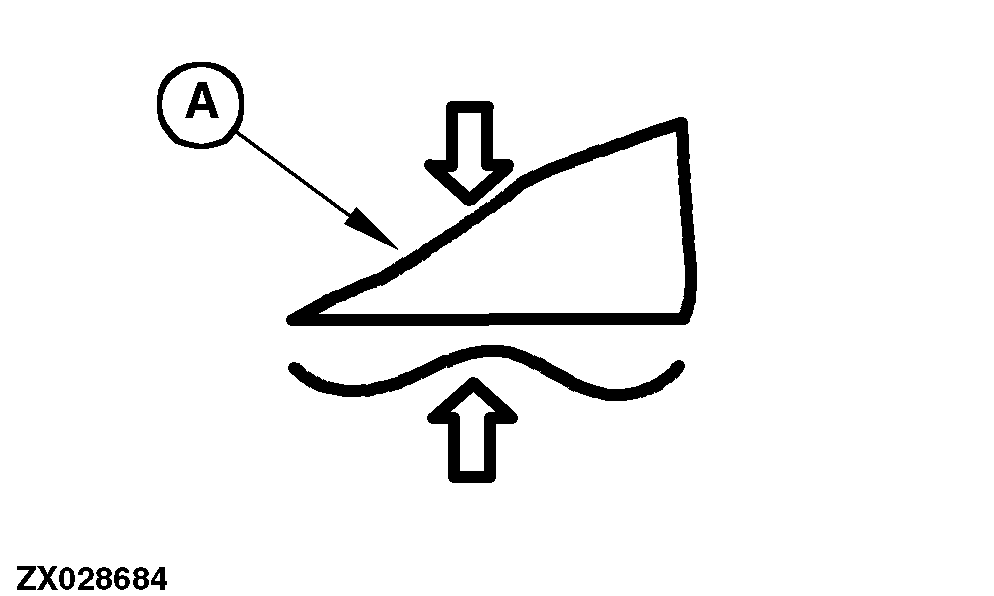
ZX028684-UN-16MAY02A - Return to pressure icon
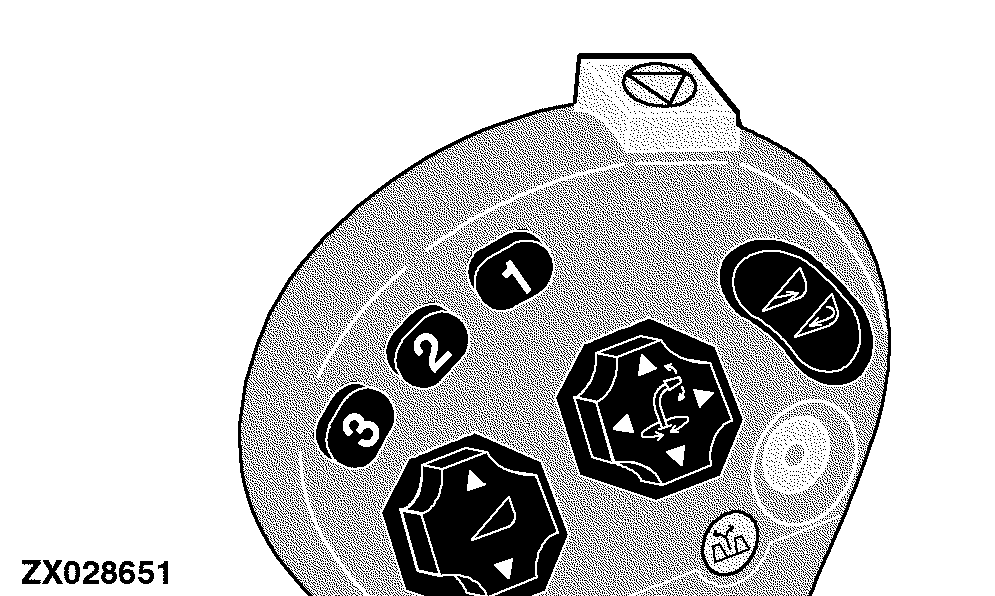
Press button (3) on the multi-function lever to activate the return to pressure mode.NOTE: If the return to pressure mode is active, icon (A) will be displayed.
-
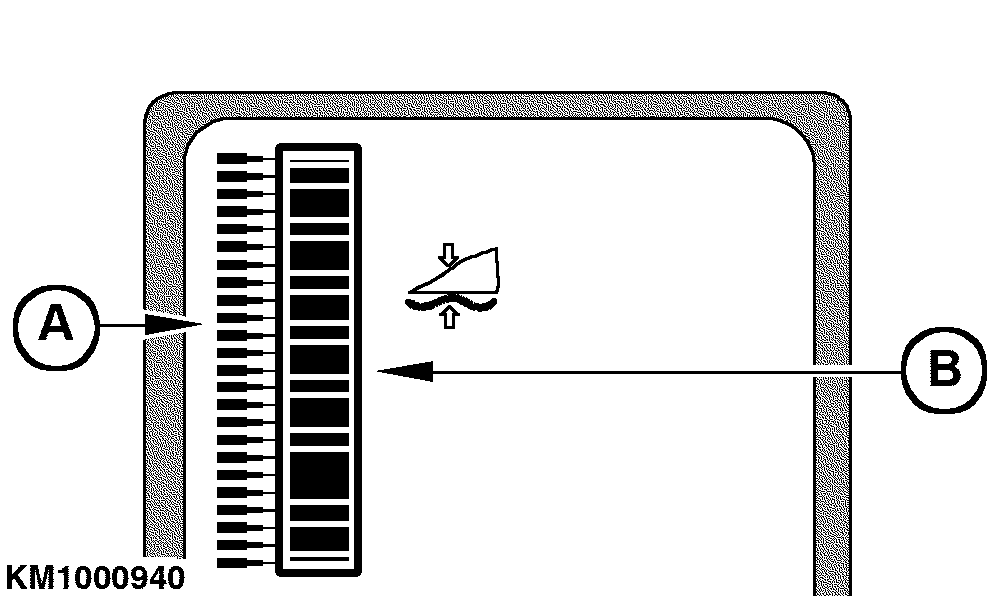
KM1000940-UN-31JUL09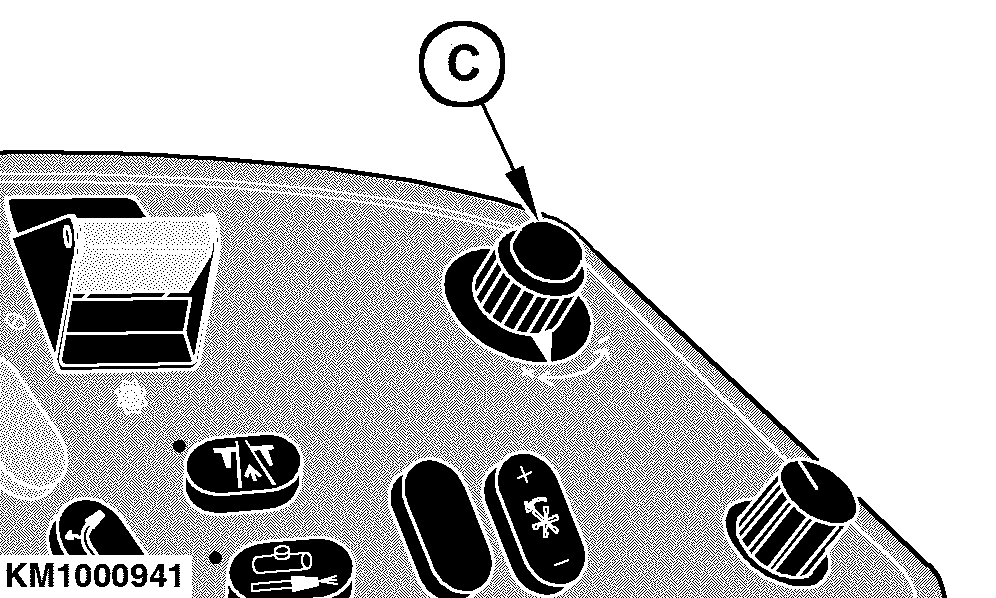
KM1000941-UN-31JUL09A - Outer bar graph
B - Inner bar graph
C - Input switch
The inner bar graph (B) is used to graphically represent the current pressure.Additionally, the previously stored desired pressure value is used to determine which pointer element on the outer bar graph (A) is displayed.
When the return to pressure is first activated or reactivated, the digital display line displays the desired pressure value, for a maximum of 3 seconds or until another switch on the display is pressed.
While adjusting the desired pressure setting (see below), the digital display line continues to update the pressure value.
To ensure that the inner bar graph represents the maximum pressure range of the rotary harvesting unit that is currently in use, a calibration is required. This calibration determines which pressure readings correspond to the operating range of the rotary harvesting unit. Without doing this calibration, the bar graph display may not show the complete range of pressure of the rotary harvesting unit.
To calibrate the rotary harvesting unit type use the following address:
- Rotary harvesting unit type — Address SPF 100 (without AHC option)
- Rotary harvesting unit type — Address HHC 100 (with AHC option)
NOTE: For more information on calibration, see Operator's Manual of the forage harvester.
Adjust return to pressure using input switch (C) so that front axle load will be exactly 11500 kg (25353 lb).
If a front axle load of 11500 kg (25353 lb) has been reached, read the displayed pressure value and set this value every time the forage harvester is driven on public roads with the support wheel attached.
 CAUTION: To observe the maximum permissible front axle load
of 11500 kg (25353 lb) adjust the load regularly.
CAUTION: To observe the maximum permissible front axle load
of 11500 kg (25353 lb) adjust the load regularly.
|
KM00321,00001DC-19-20090812 |