Backlight Brightness—Cab Displays
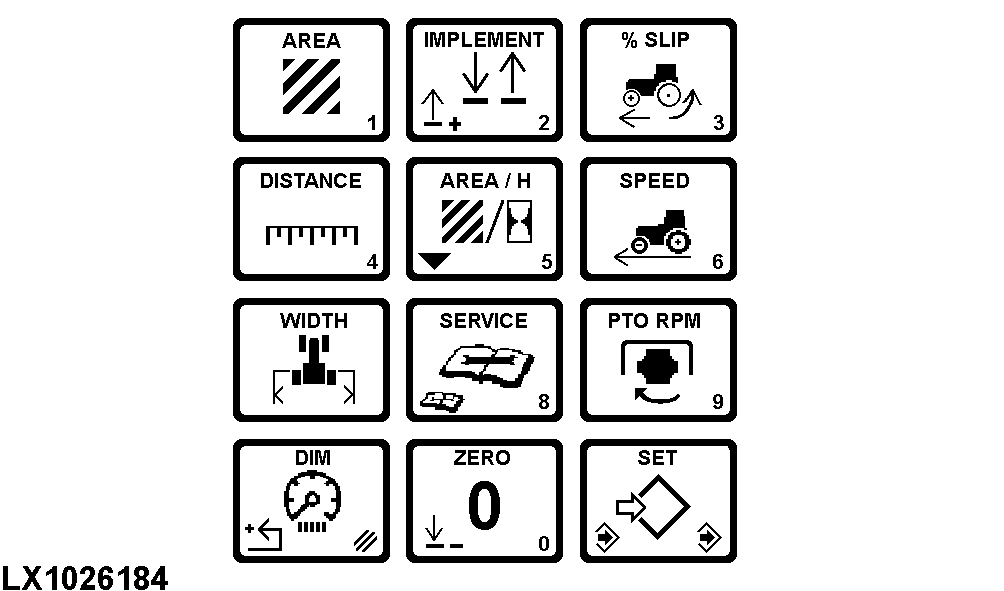
LX1026184-UN-06MAY08
Press (A) once to display system backlight intensity for displays in the cab.
Backlight intensity will remain at maximum brightness with headlights in the OFF position.
Headlight switch must be in the “ON” position to make adjustments.
Press (B) to “set” and input a numeric value (0—255).
Press (B) once again to “save”.
|
OU12401,00009BC-19-20020101 |