Adjusting Backlight—Performance Monitor
LX1026185-UN-29JAN02
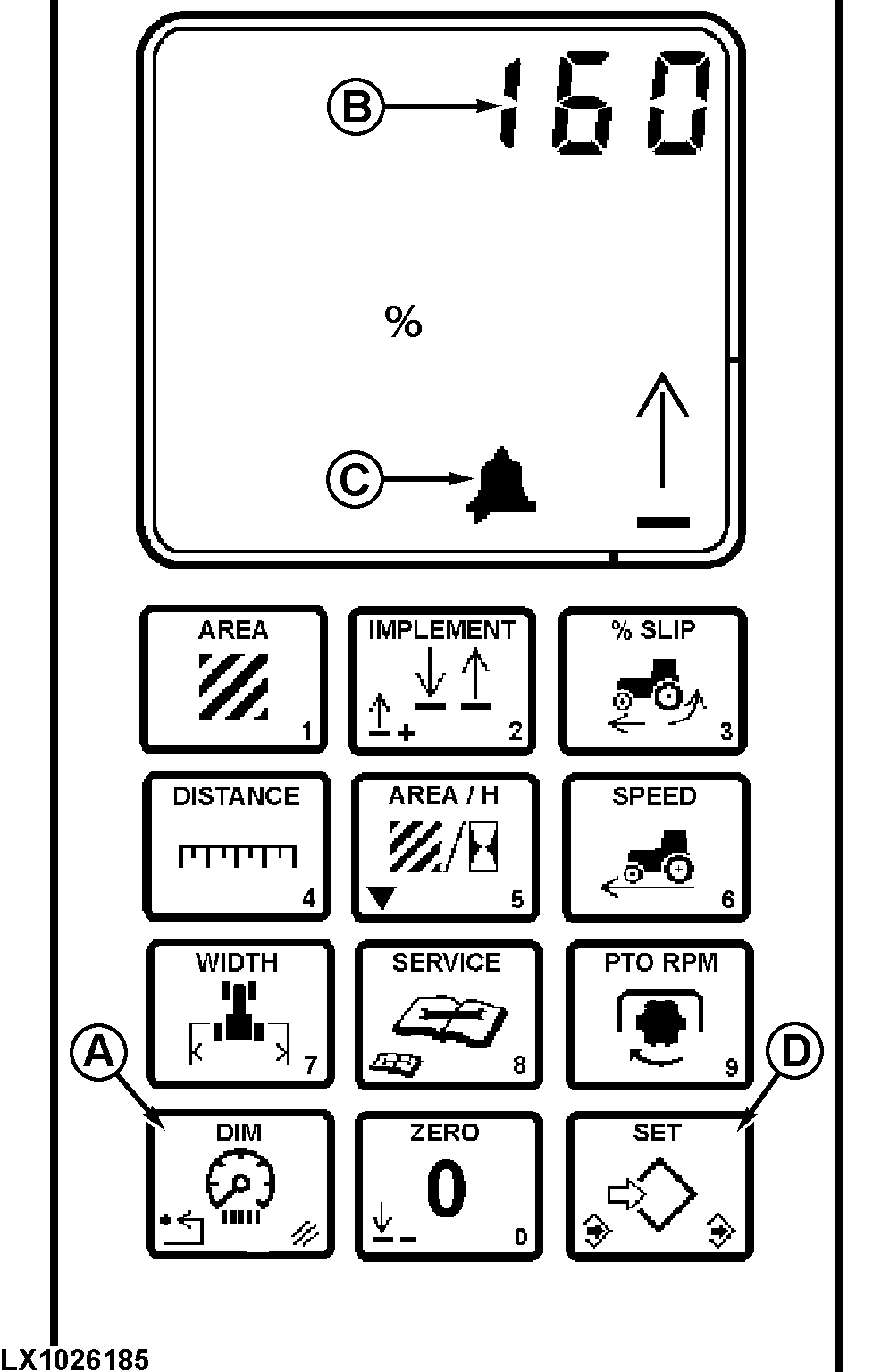
Press switch (A) twice. The numerical display will show the backlight setting of the performance monitor (B). A bell symbol (C) will be displayed.
Press (D) to “set” and input a numerical value (0—255).
Backlight intensity can be adjusted brighter (100—255) or dimmer (0—100) than instrument panel display.
Press (D) once again to “save”.
Hold “0” (ZERO) to turn “ON” or “OFF” the performance monitor backlight.
|
OU12401,00009BD-19-20020101 |