Adjust Instrument Panel Brightness and LCD Display (If equipped)
-
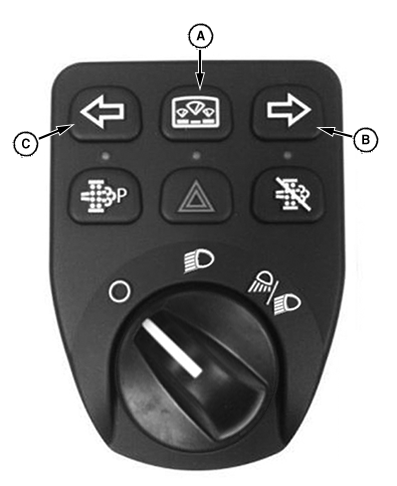
LV25740-UN-16AUG16Left-Hand Switch Module
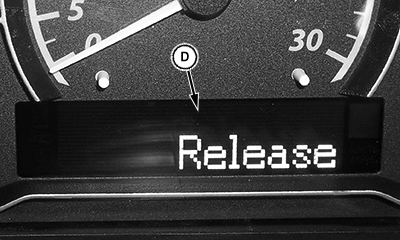
LV26081-UN-16AUG16Release Message
A - Display Mode Switch
B - Left Arrow
C - Right Arrow
D - Release Message
Press and hold the Display Mode Switch (A) until Release (D) appears on the display screen. -
Use the right arrow (B) to navigate to the desired setting (dimmer, backlight, or contrast) or the left arrow (C) to abort programming and return to the main menu.
-
Press the display mode switch to edit the desired display setting (dimmer, backlight, or contrast).
-
Press the left or right arrow to select the desired setting (1 - 9) on the instrument panel.
-
Press the display mode switch to save the value and return to the main menu.
|
GS25068,0003DEB-19-20180201 |