Adjusting Instrument Panel Brightness and LCD Display (If equipped)
-
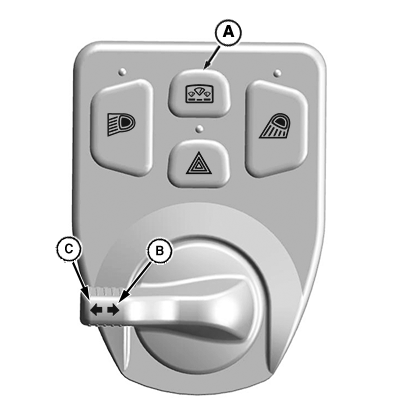
LV26007-UN-18AUG16Left-Hand Switch Module
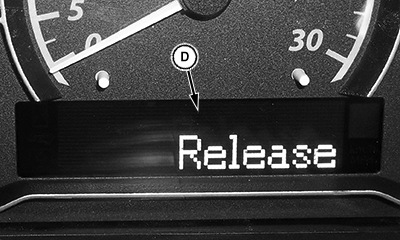
LV26081-UN-16AUG16Release Message
A - Display Mode Switch
B - Left Arrow
C - Right Arrow
D - Release Message
Press and hold the Display Mode Switch (A) until Release (D) appears on the display screen. -
Use the right arrow position (B) to navigate to the desired setting (dimmer, backlight, or contrast) or the left arrow position (C) to abort programming and return to the main menu.
-
Press the display mode switch to edit the desired display setting (dimmer, backlight, or contrast).
-
Press the left or right arrow to select the desired setting (1 - 9) on the instrument panel.
-
Press the display mode switch to save the value and return to the main menu.
|
UP00731,00002E1-19-20160823 |