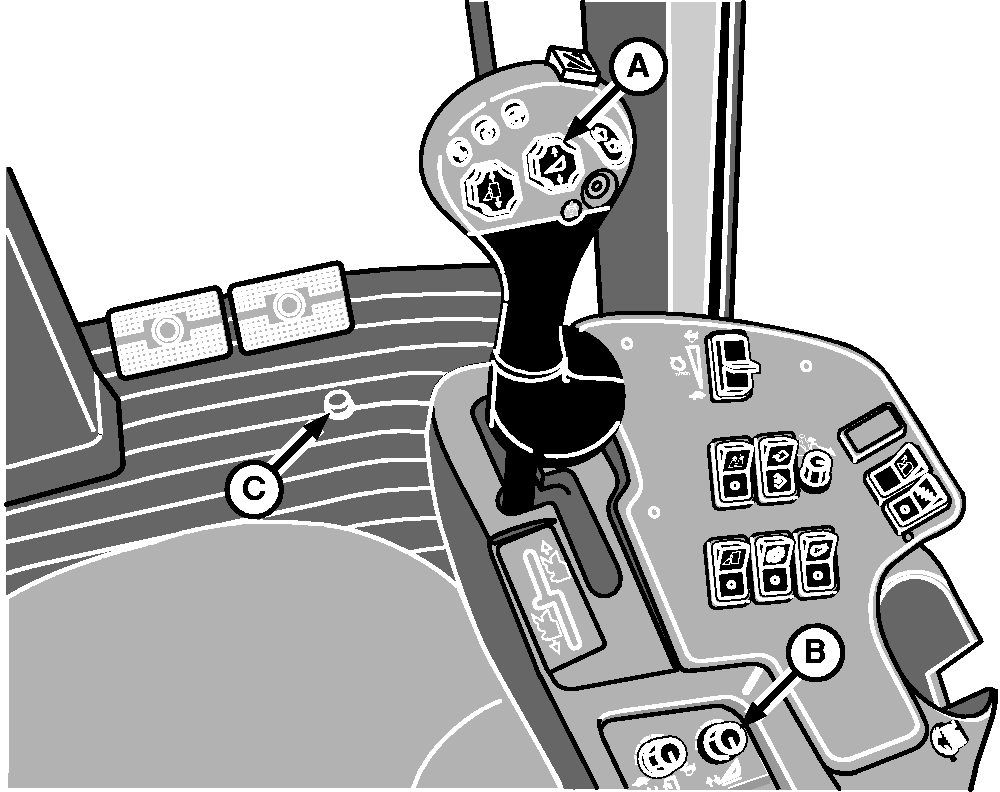
Header Raise/Lower Button and Header Height Control KnobPress top of button (A) to raise header. Press bottom of button to lower header. To temporarily lower header below preset height controlled by knob (B), press down stop override switch (C) and then press the bottom of button (A). Press top of button (A) until header is above preset height and then press the bottom of the button to return header to preset height.
|
|
OUO6043,000155B -19-27NOV02-1/1 |