Programming TachometerNOTE: Machine is programmed at factory. 1. Press ground speed switch (A) and water pressure switch (B) simultaneously while turning key to ON position, then release switches. Tachometer will display a code indicating the design level of the tachometer while initializing.2. Wait until the tachometer displays a three digit number with the indicator square on the left-hand side in the upper left corner. The number displayed can be changed and stored by:
|
|
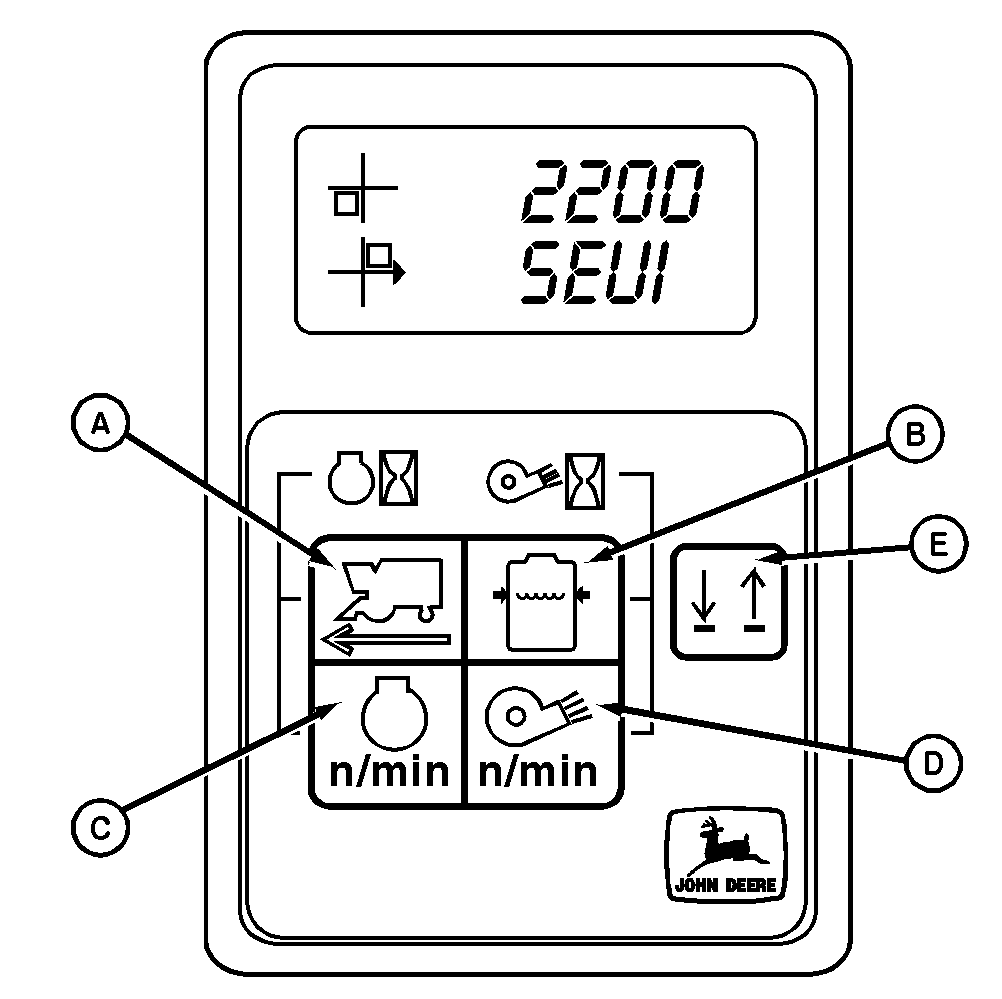
OUO6043,00014FC -19-25OCT01-1/2 |
|
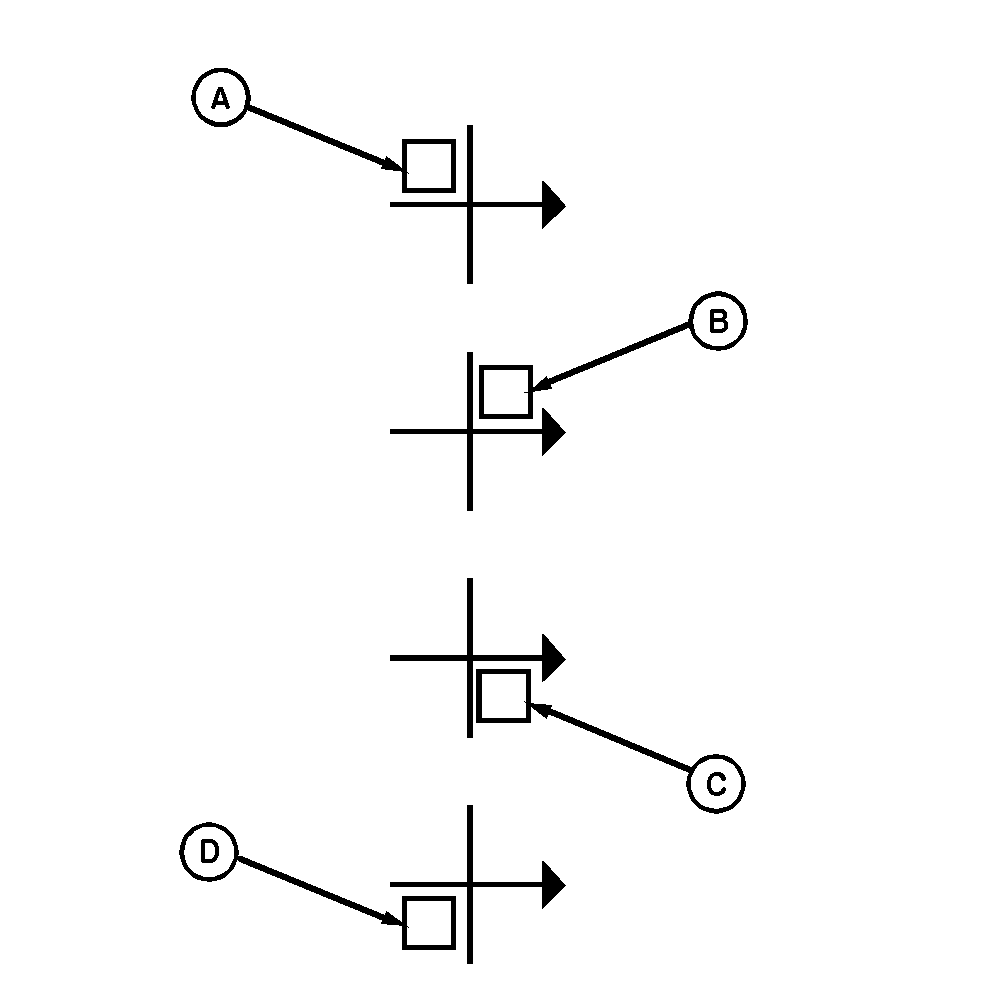
A square that will appear on the left-hand side of the display will change location each time you store a number to indicate which calibration code should be entered next:
3. Enter and store the following factory, machine, tire size, and engine pulse codes: a. Enter JDDMW Factory Code
b. Enter Machine Code: 003 c. Enter Tire Radius Specification Specification
Specification
d. Enter Engine Pulses: 27 4. Turn key switch to OFF. The tach is now programmed for your machine. |
|
OUO6043,00014FC -19-25OCT01-2/2 |