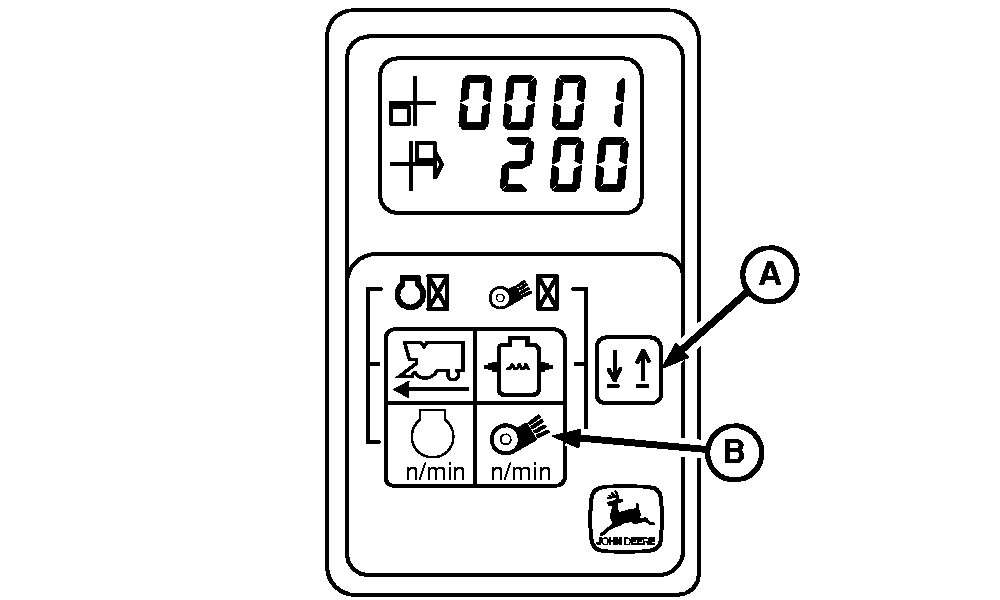
Displaying And Clearing Header Height Control Error Codes1. Enter diagnostic mode. (See Entering Header Height Control Diagnostic Mode in this section).2. Press line select switch (A) until "0001" is displayed on top line of tachometer. Error codes will appear on the bottom line of display and will scroll through all active error codes. 3. Press and hold fan speed switch (B) until "END" is displayed on bottom line. Error code(s) that are not active are now cleared. |
|
OUO6043,000156E -19-03DEC01-1/1 |