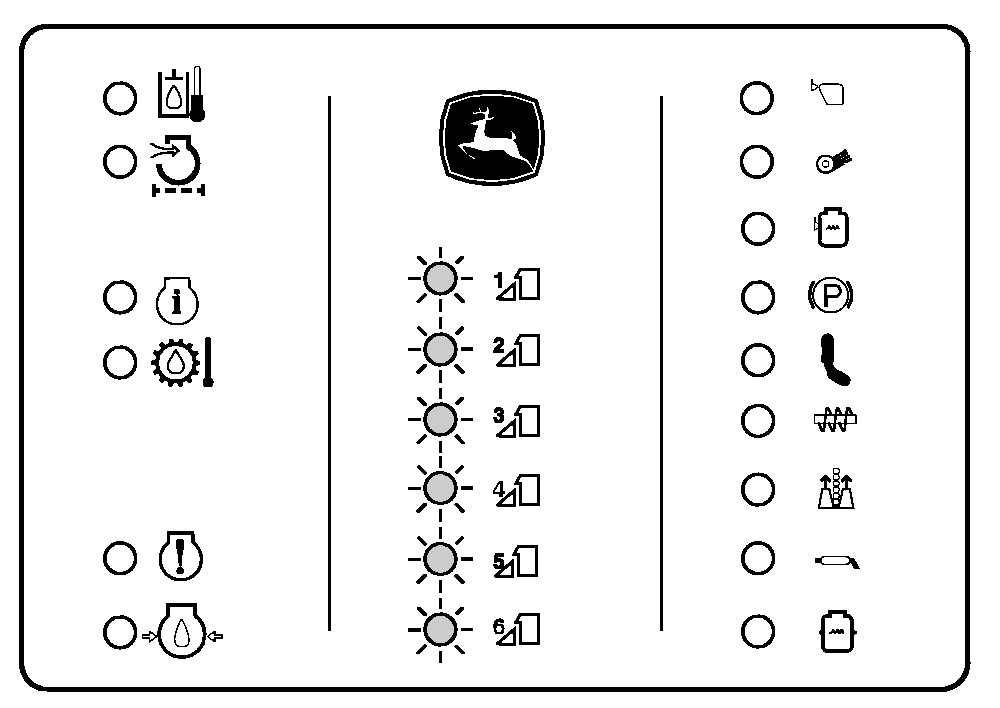
Monitor Checkout ProcedureNOTE: See your John Deere dealer if any of the following steps do not perform as indicated. 1. Verify all indicators turn on: a. Shut engine off, engage park brake switch and place transmission neutral. b. Disengage row units. c. Move hydro handle forward out of neutral position and turn key switch to start position. d. All indicator bulbs should now be on. (If any indicator lights do not come on, refer to REPLACING OVERHEAD WARNING DISPLAY BULBS in Electrical System section.) |
|
OUO6043,000147C -19-16MAR06-1/2 |
|
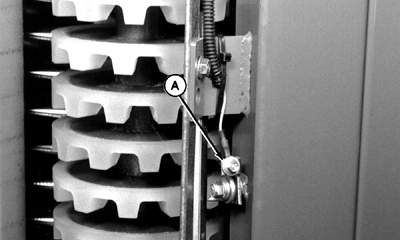
NOTE: An assistant is needed for the following step. 2. Verify correct operation of suction door indicators: a. With transmission in "neutral", park brake switch engaged and row units disengaged, turn key switch to ON position. DO NOT START ENGINE. b. Verify row unit indicator lights are not on. c. Have assistant push contact flap against grounding clip (A). d. Verify corresponding unit indicator is on. e. Verify alarm is on. f. Repeat above steps for all suction doors. g. If system does not react for all suction doors as stated above, contact flap and/or grounding clip may be dirty or out of adjustment. (See ADJUSTING DOFFER ZONE MONITOR in this section.) (See your John Deere dealer if cleaning or adjustment does not solve problem.)
|
|
 CAUTION:
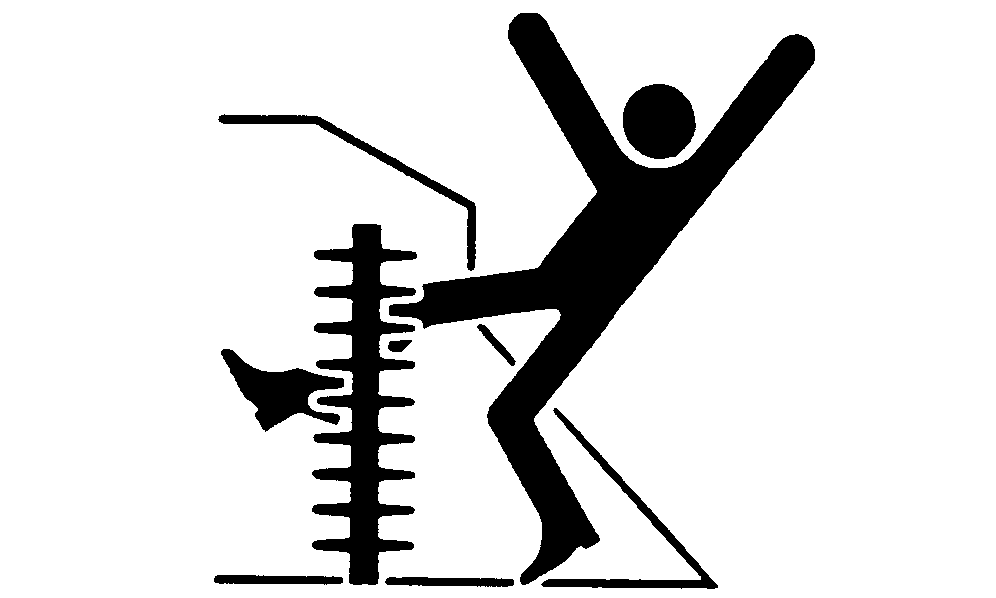
If you or others become entangled in moving parts, serious injury or death can result. To prevent injury, make sure engine is OFF and park brake switch is engaged before performing next procedure.
CAUTION:
If you or others become entangled in moving parts, serious injury or death can result. To prevent injury, make sure engine is OFF and park brake switch is engaged before performing next procedure.
OUO6043,000147C -19-16MAR06-2/2 |