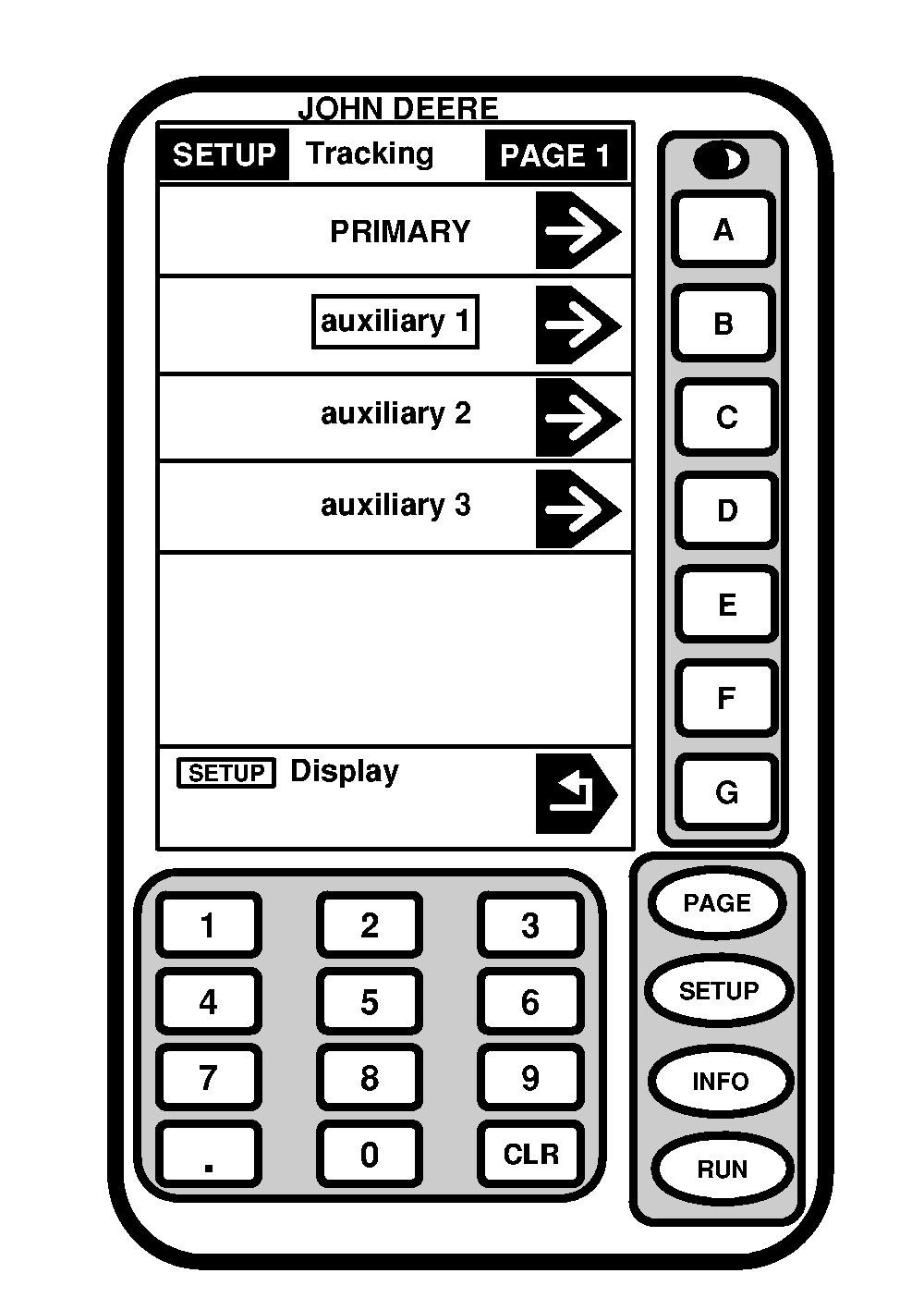
Changing Display Address
IMPORTANT:
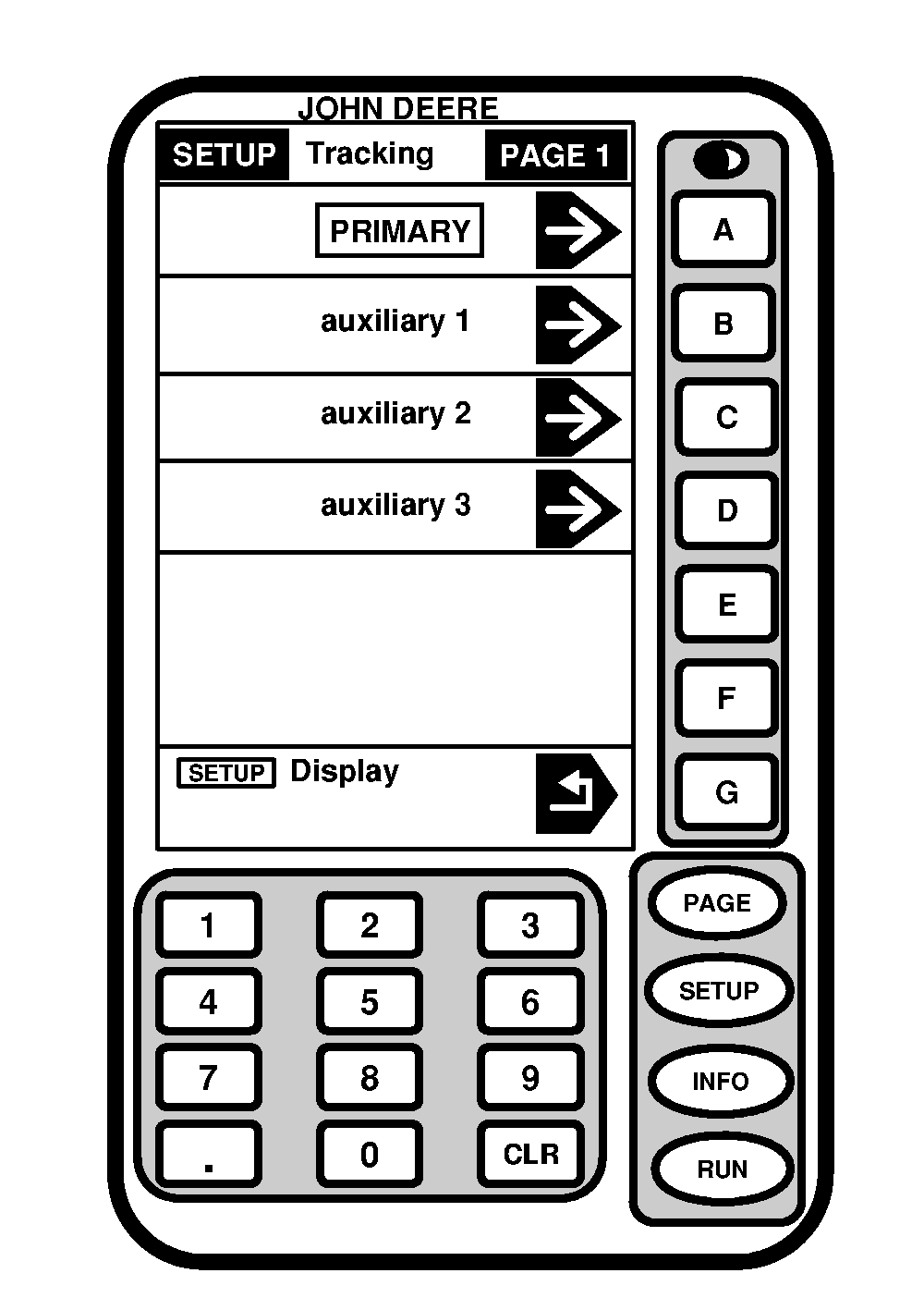
When dual displays are installed for use with either a guidance system or Field Doc along with SPRAYSTAR, SPRAYSTAR system must be set to primary display. Guidance system or Field Doc display must be set to auxiliary 1.
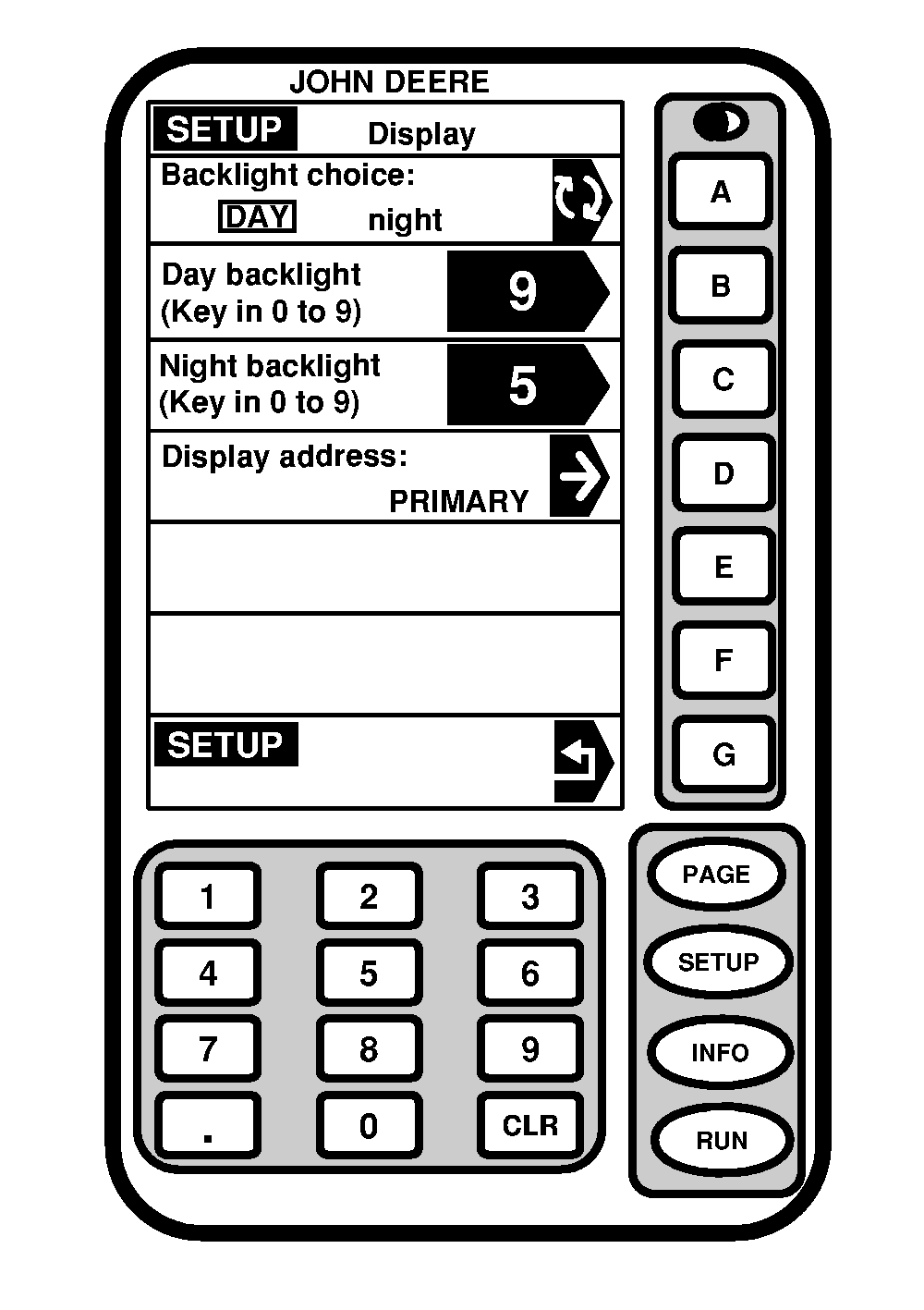
It is possible to operate the GREENSTAR system with more than one display. In order to use multiple displays, each display must have a different name.
The main display for the system is called the primary display. The secondary display (Guidance System or Field Doc) is set to auxiliary.
NOTE:
The guidance system or Field Doc display must be changed back to primary when operating as a stand alone display.
1.
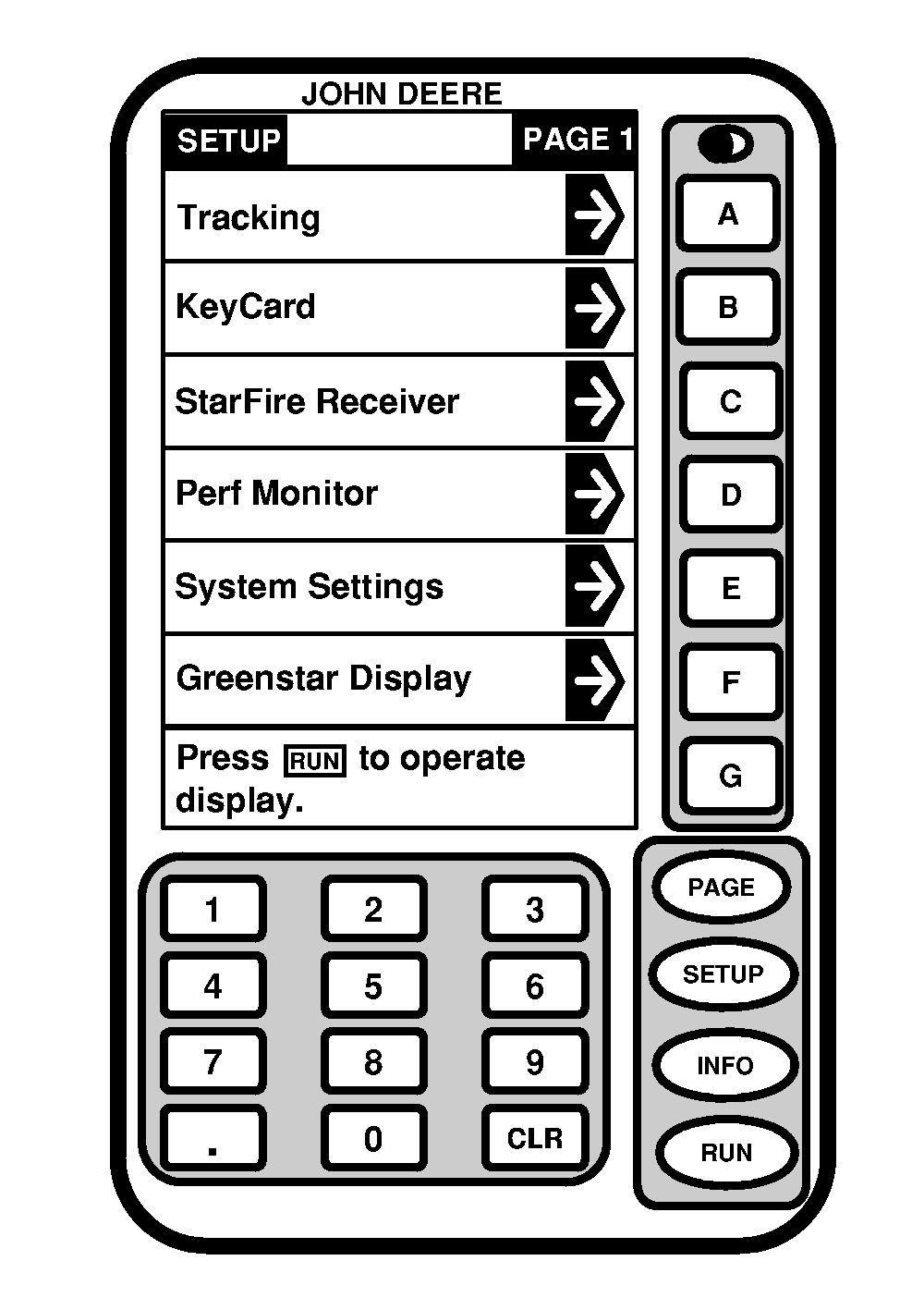
To change the display address press SETUP button.
2.
Press button next to GREENSTAR Display.
|