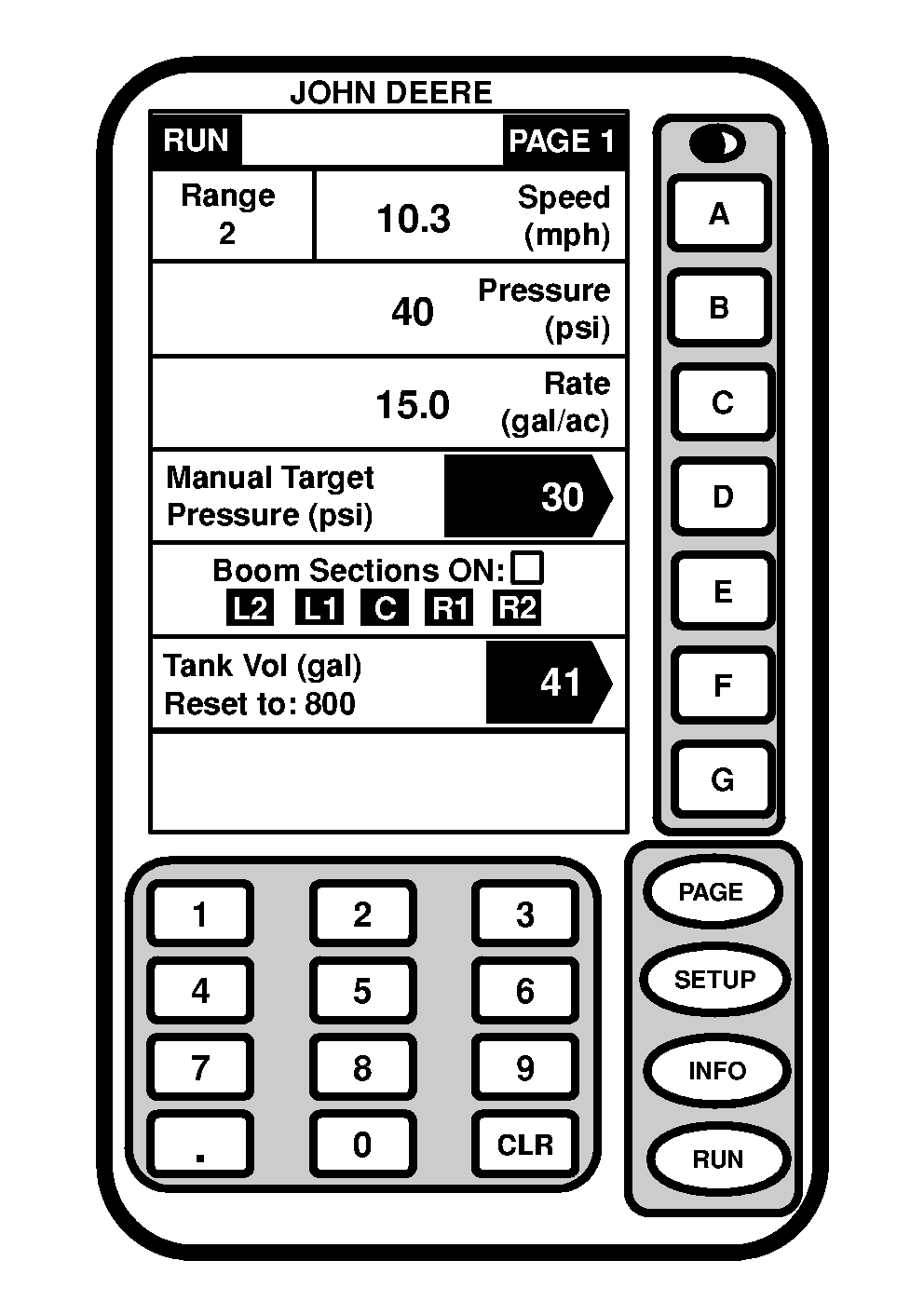
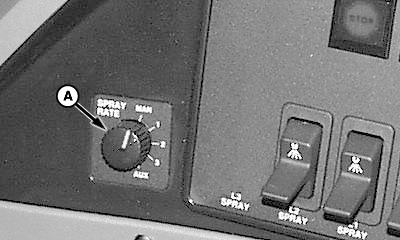
Setting Manual PressureThe manual pressure setting allows the operator to spray at a given pressure, independent of speed and application rate. 1. Press "RUN" to display RUN menu.2. Turn rate select switch (A), located on side console, to "MAN" for manual pressure setting. 3. Press letter button next to "Manual Target Pressure (psi), then enter the desired manual pressure setting. For example if 80 psi is the desired pressure setting. Enter 8 and 0 and press letter button next to "Manual Target Pressure (psi)". 4. Press letter button next to "Manual Target Pressure (psi)" to save this value.
|
|
OUO6092,0000609 -19-14JUN04-1/1 |