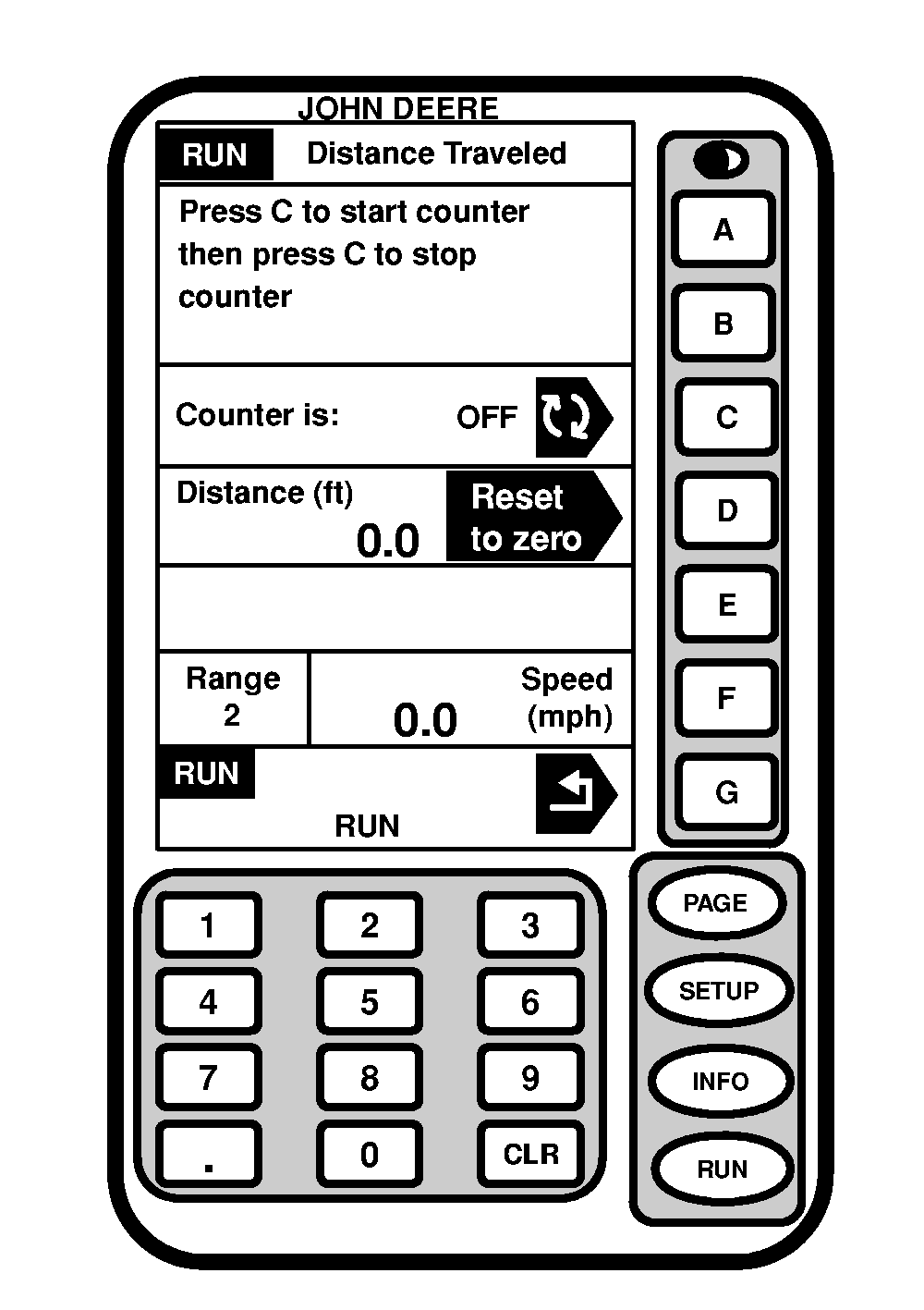
Operating Distance Counter1. Press "RUN" to display RUN menu.2. Press "PAGE" to display Page 2 of RUN. 3. Press letter button next to "Distance (ft)". 4. Press letter button next to "Distance (ft)" "Reset to Zero". 5. Press letter button next to "Counter is:" to turn ON/OFF Distance Counter. NOTE: Distance counter will automatically switch over to kilometers at 1000 m or miles at 5280 ft. |
|
OUO6092,000060C -19-15JUN04-1/1 |