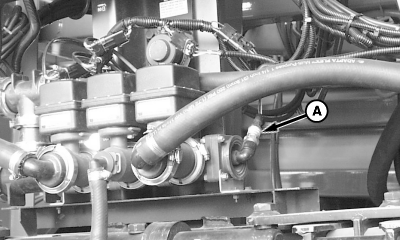
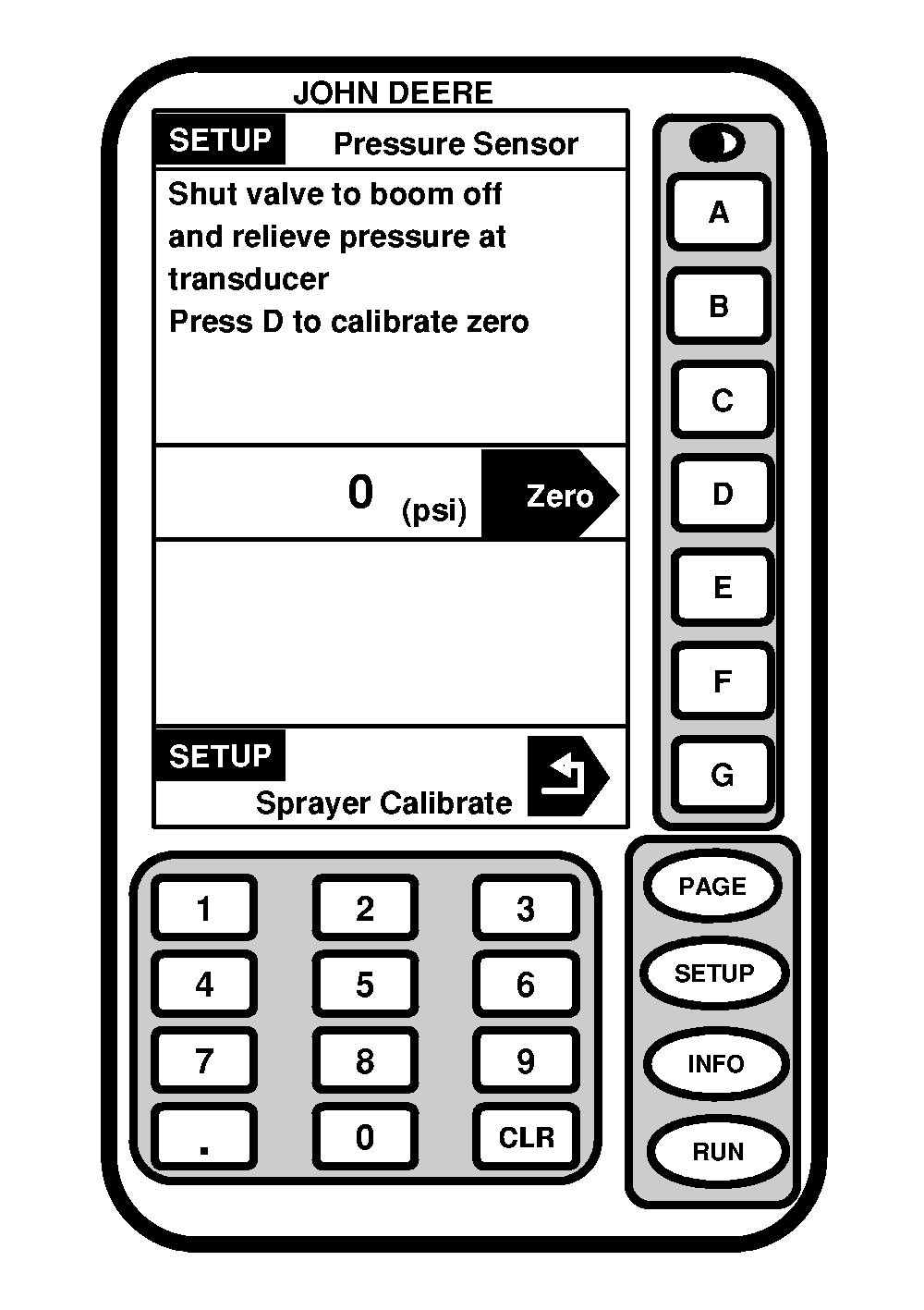
Calibrate Pressure SensorIf pressure sensor (A) reading does not return to zero when there is no pressure or fluid in boom section shut-off valves, calibration of pressure sensor is necessary. 1. Turn solution tank valve to the closed position.2. Turn key switch "ON", but DO NOT start machine. 3. Turn solution pump switch "ON". 4. Turn all boom section switches "ON". 5. Turn Master ON/OFF switch on multifunction control handle "ON". 6. Remove nozzle tip cap and check valve from a nozzle body from center section. This will drain all fluid from the boom section shut-off valves. Catch fluid in a suitable container. 7. Turn off solution pump. 8. Press "SETUP" to display SETUP menu. 9. Press letter button next to "SprayStar". 10. Press "PAGE". 11. Press letter button next to "Sprayer Calibrate". 12. Press letter button next to "Pressure Sensor Calibrate". 13. Follow instructions on screen. 14. Press letter button next to Sprayer Calibrate to return to "SETUP-Sprayer Calibrate" screen or press "RUN" to return to page 1 of RUN menu. |
|
OUO6092,0000614 -19-13JUN05-1/1 |