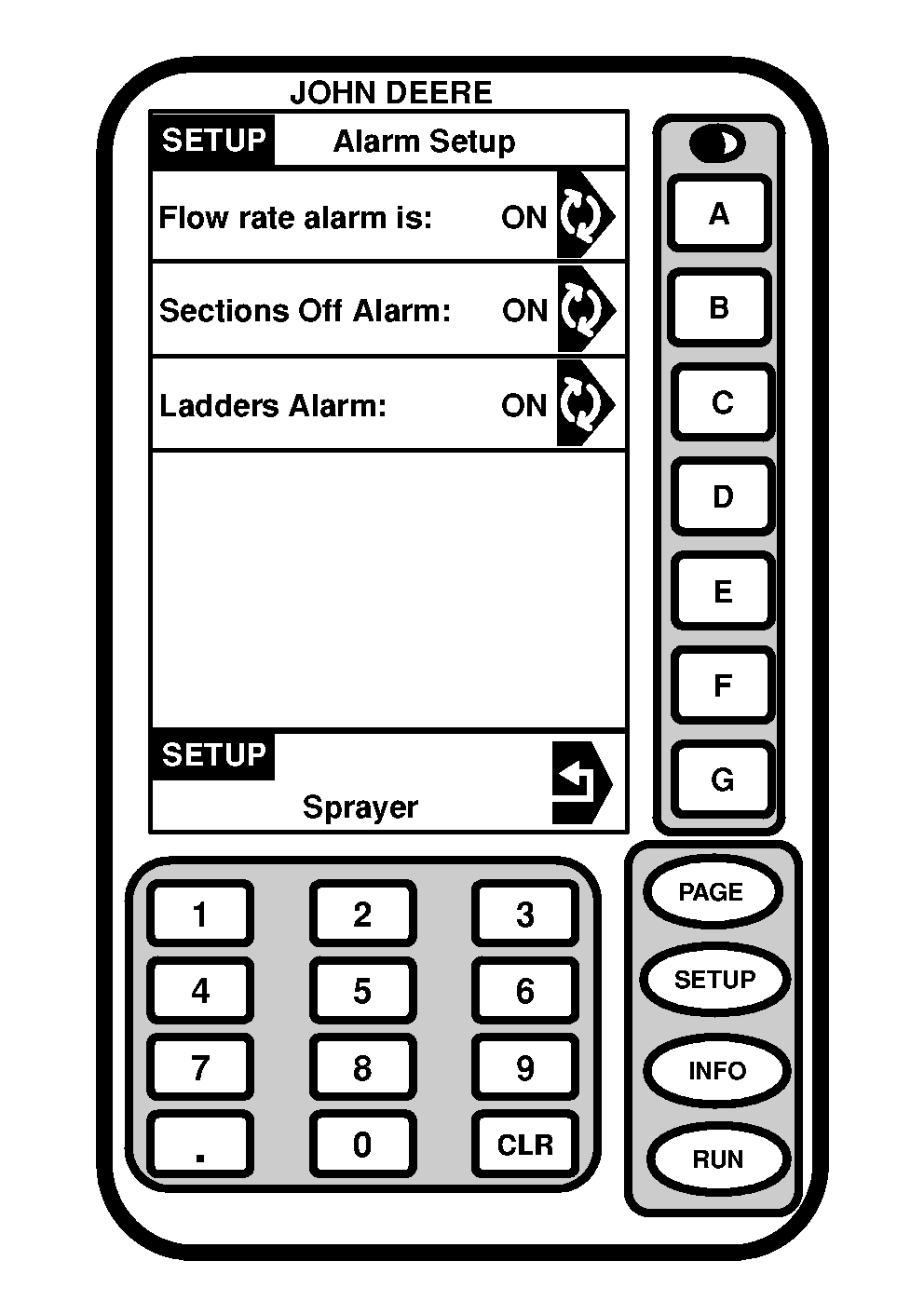
Turning Sections Off Alarm On/OffThe "Sections Off" alarm occurs when one or more of the spray sections are disabled by the section switches when Master Spray ON/OFF switch on multifunction control handle is activated. To turn the alarm "ON" or "OFF": 1. Press "SETUP".2. Press letter button next to "SprayStar". 3. Press "PAGE". 4. Press letter button next to "Alarm Setup". 5. Press letter button next to "Sections Off Alarm is:" to toggle between alarm "ON" or "OFF". |
|
OUO6092,0000617 -19-04OCT04-1/1 |