Operating Job Summaries
|
|
|
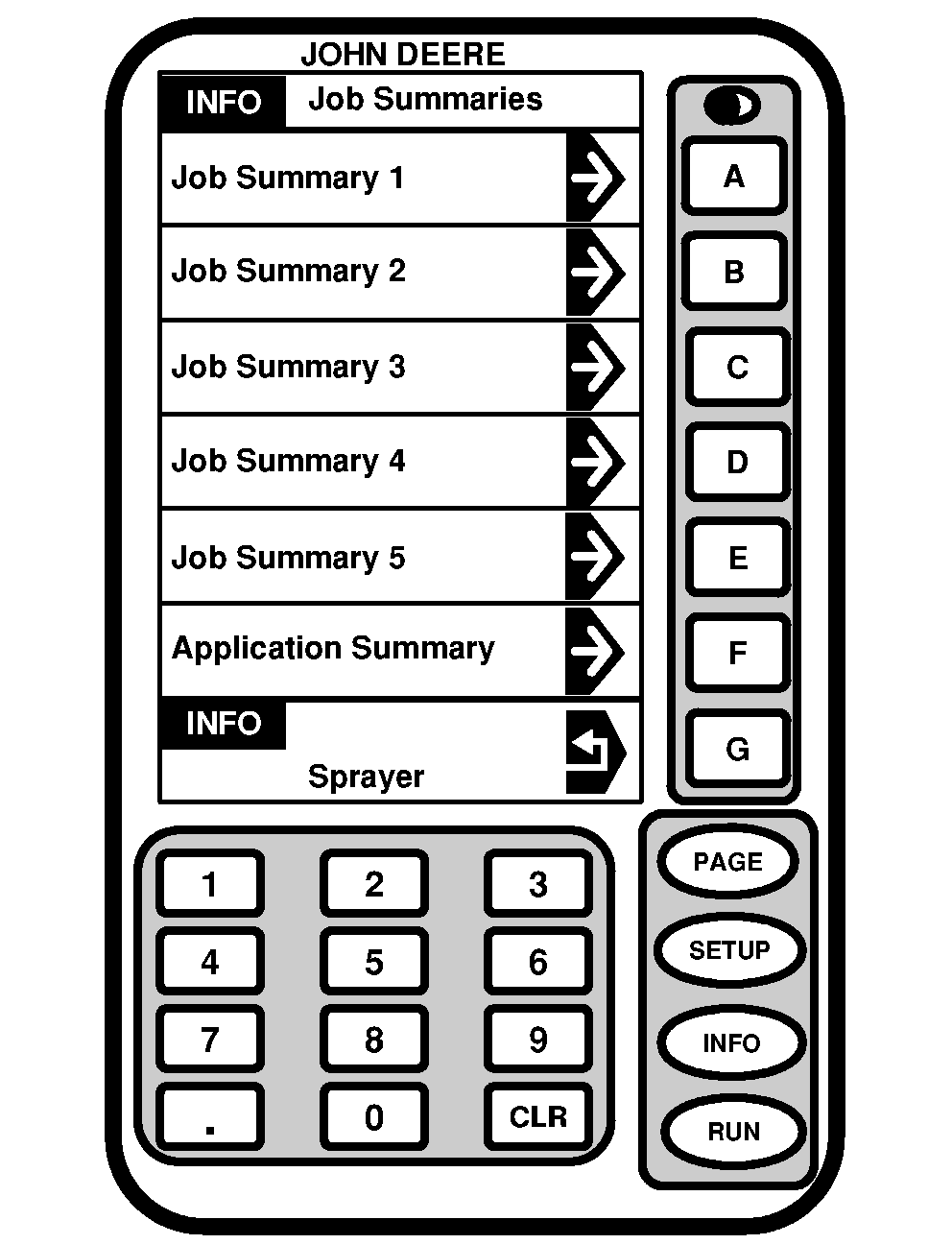
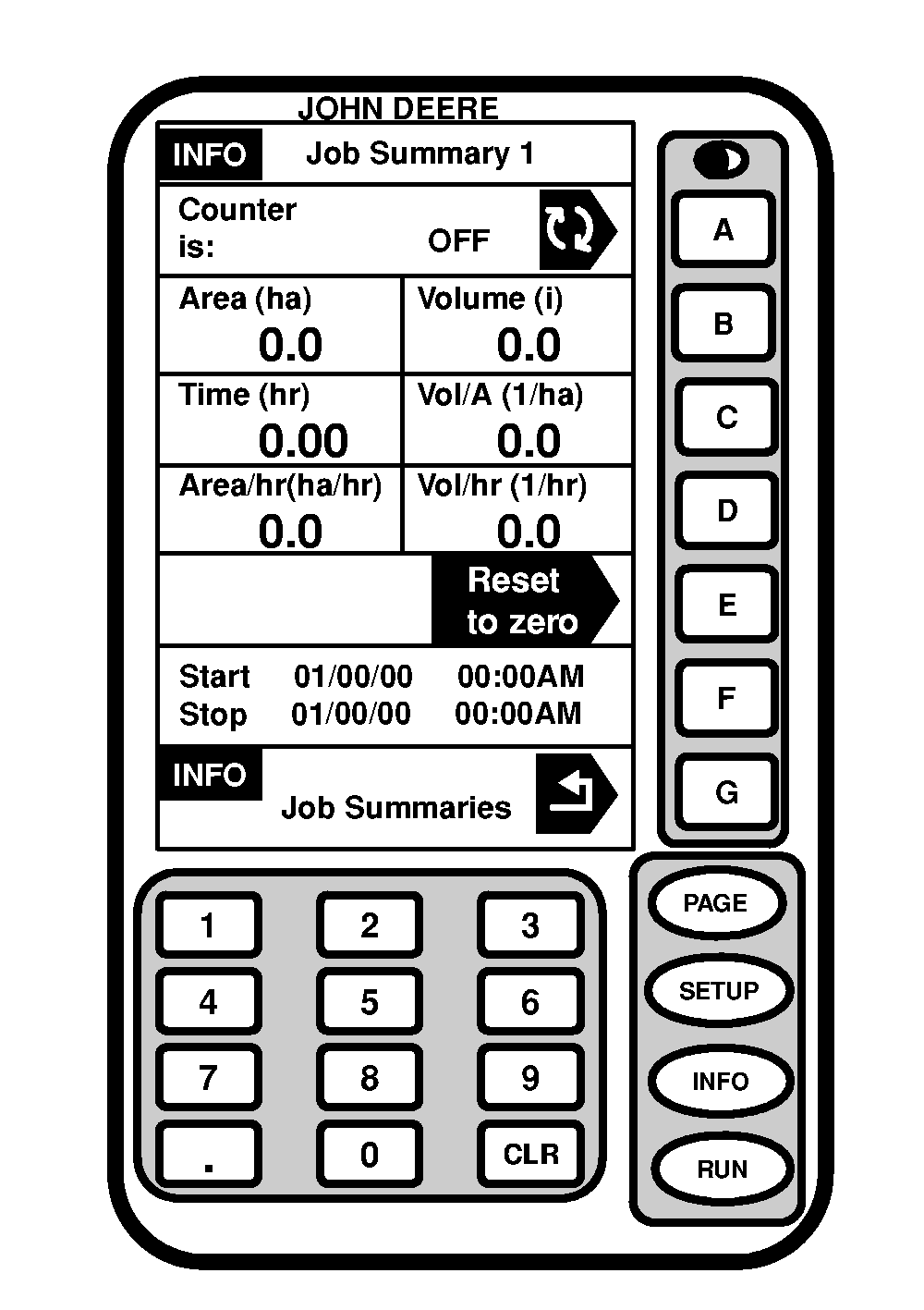
Job Summaries keeps track of acres sprayed, volume sprayed, time spent spraying, and the job's start and stop time, for up to five different jobs. NOTE: Vol/Acre is calculated on total volume applied by acres covered. If a small percentage of spraying occurs at minimum pressure, Vol/Acre in Job Summaries will typically be slightly higher than the target rate. To turn a job summary on or off: 1. Press "INFO".2. Press letter button next to "SprayStar". |
3. Press letter button next to "Job Summaries". 4. Select desired job summaries "1-5". 5. Press letter button next to "Counter is:" to turn job summary on or off. NOTE: By turning Job Summary off, the information in that job summary will be stored until it is turned on again or reset back to zero. 6. To reset job summary to zero, press letter button next to "Reset to Zero". All information is now reset. |
OUO6092,0000623 -19-22JUN04-1/1 |