CAN Bus Analyzer
|
|
|
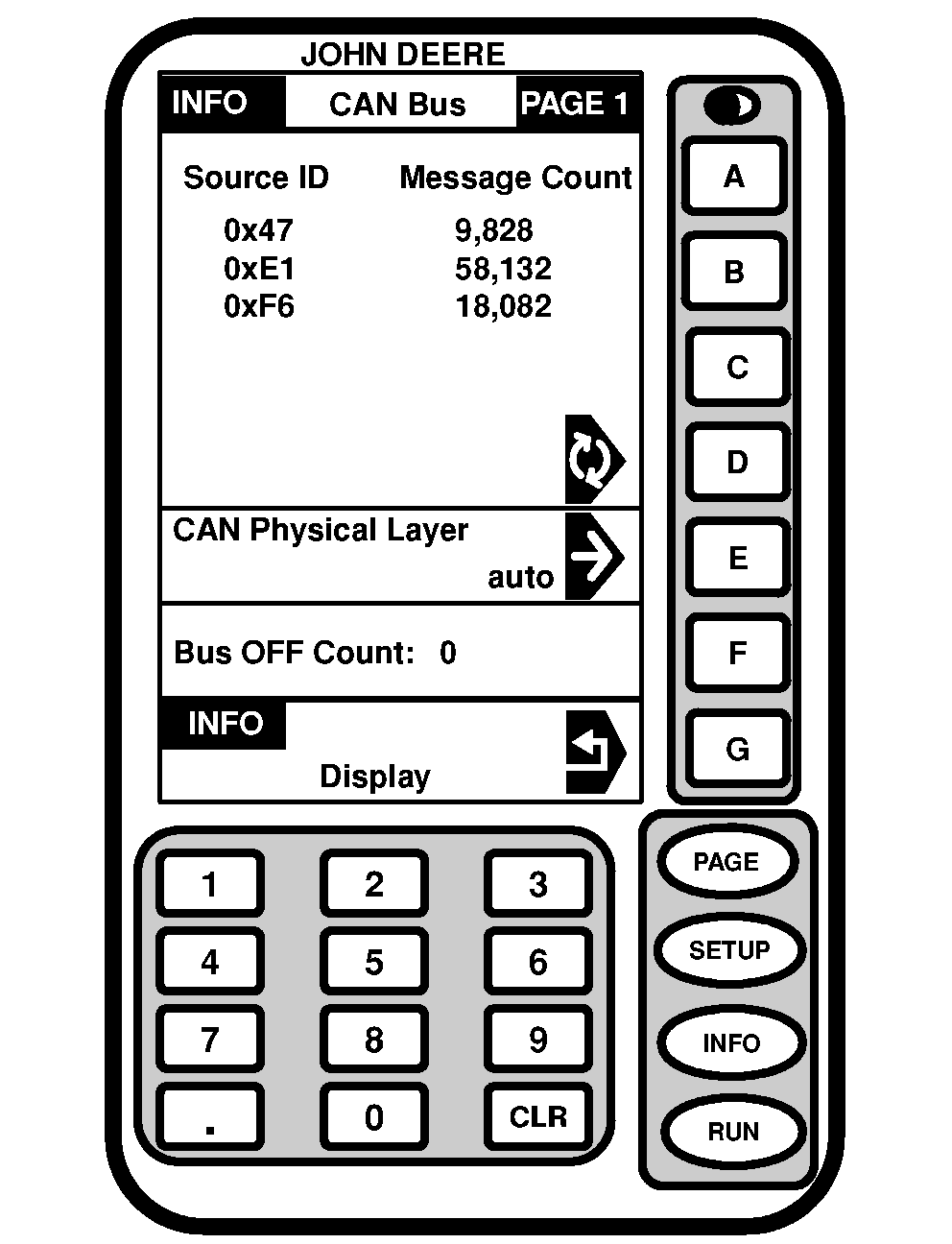
This function is used by the factory in order to help with diagnosing the system. 1. Press "INFO".2. Press letter button next to "GreenStar Display". 3. If directed by factory personnel, press letter button next to "CAN Bus Analyzer" to access INFO-CAN Bus-PAGE 1 screen. |
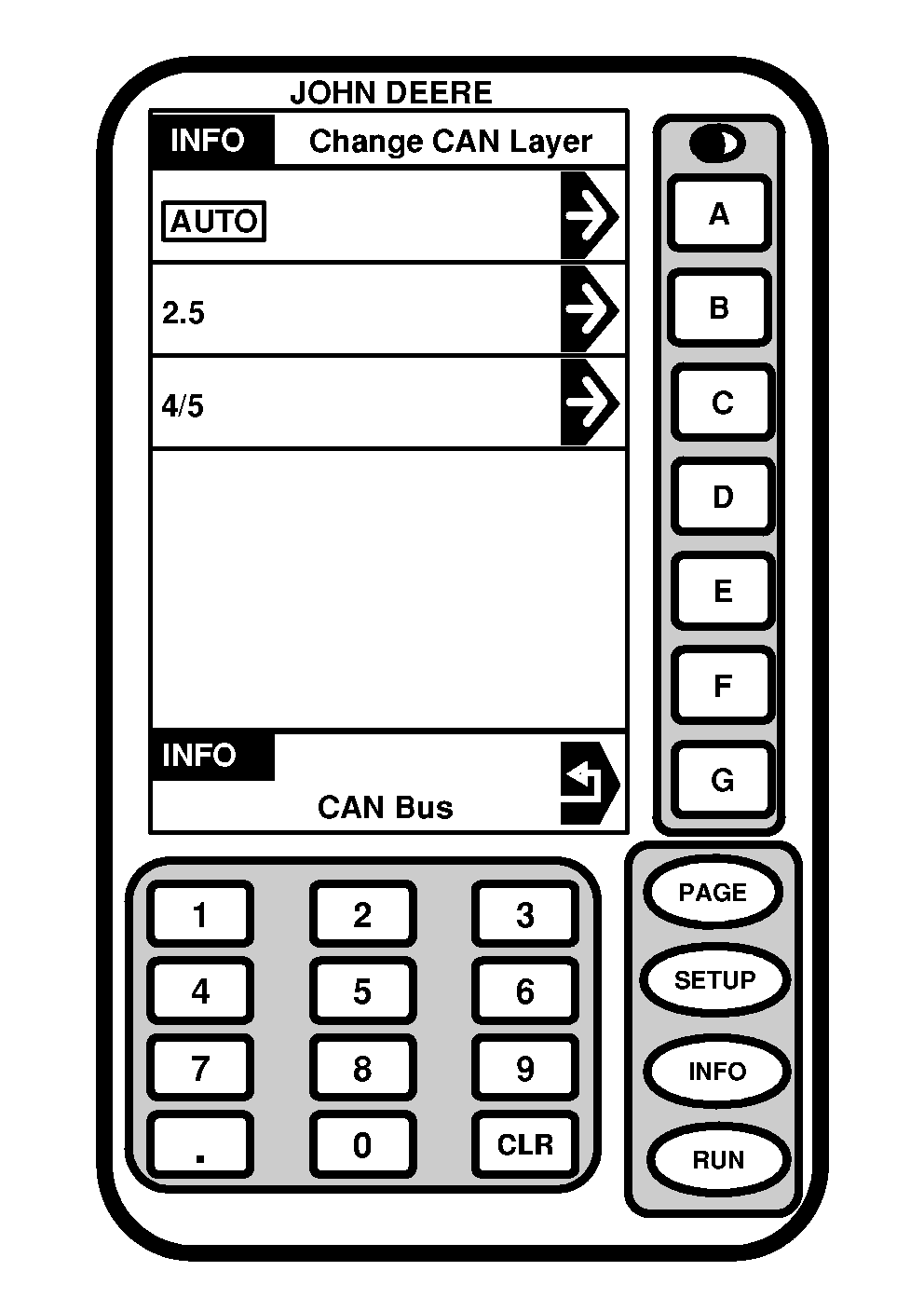
4. Press letter button "CAN Physical Layer" to access INFO-Change CAN Layer screen. IMPORTANT: If the CAN Bus voltage is manually changed it will automatically be reset to AUTO at system power up. 5. To change CAN Bus layer press letter button next to desired selection.
|
OUO6092,0000634 -19-24JUN04-1/2 |
|
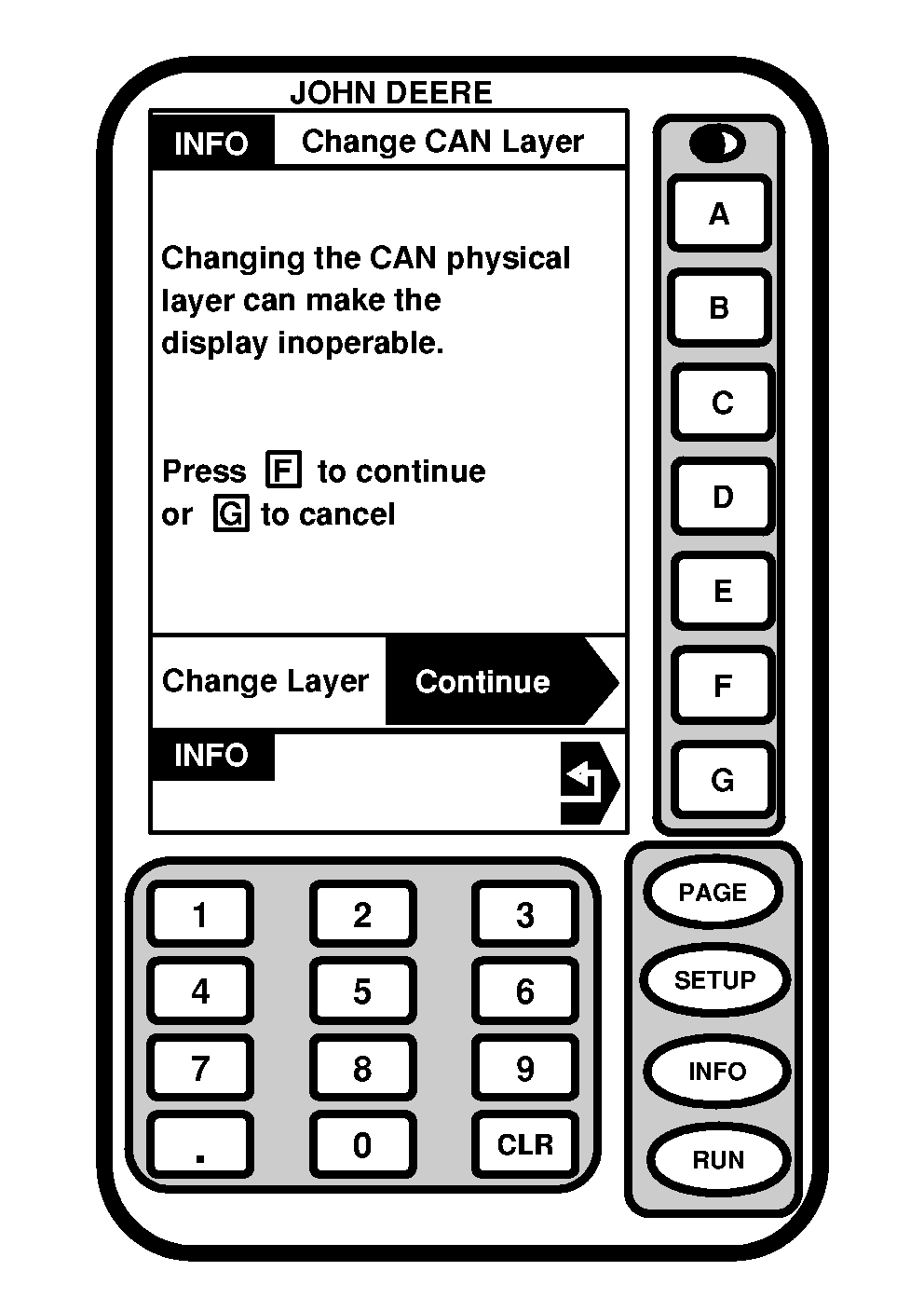
A warning screen will be displayed. Press letter button next to "Continue" to proceed or "G" to cancel. |
|
OUO6092,0000634 -19-24JUN04-2/2 |