Setup Sprayer Run-Page 1 Items
|
|
|
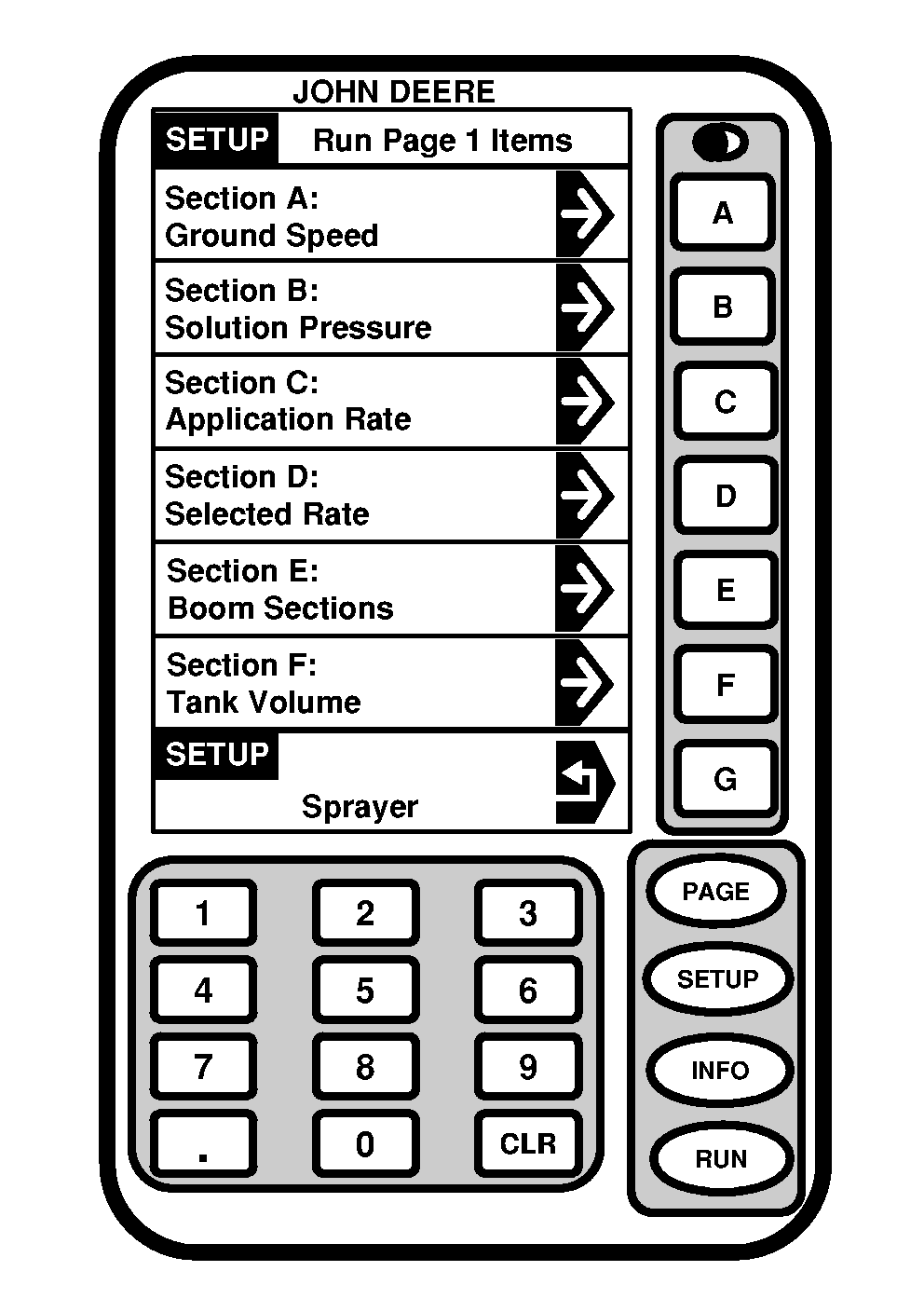
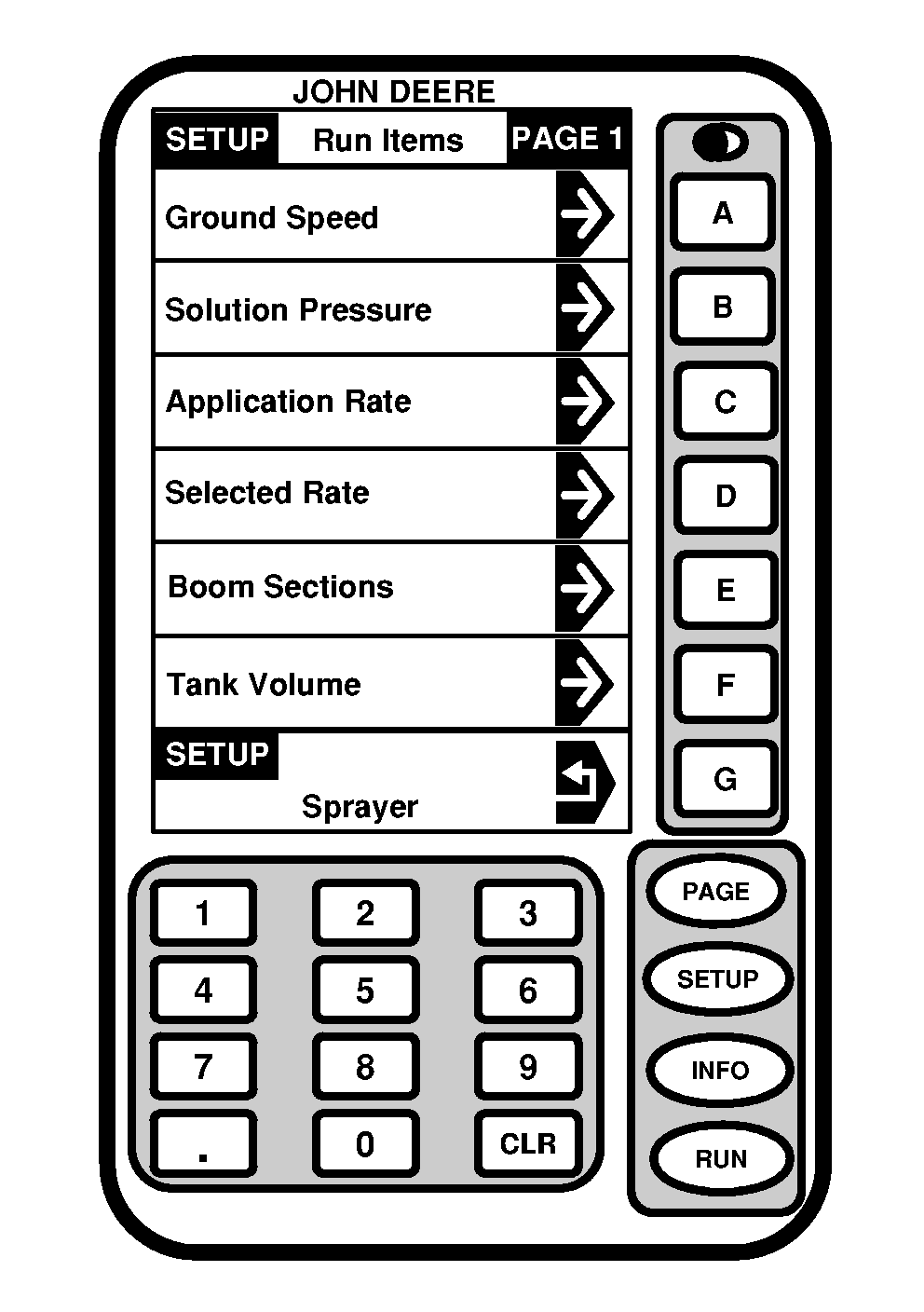
Setup- Run - Page 1 Items screen allows operator to view six sections where Run - Page 1 information is displayed. The following procedure explains how to customize the information displayed in these sections. 1. Press "SETUP" to display SETUP menu.2. Press letter button next to "SprayStar" for Sprayer Setup. 3. Press "PAGE" twice to display SETUP- Sprayer Page 3 menu. 4. Press letter button next to "Setup Run Page 1" view RUN-Page 1 Items. 5. Select letter button next to section to be changed. SETUP-Run Items - Page 1 will be displayed. |
NOTE: There are three pages of Run Items to choose from. Use PAGE key to navigate between the Run Items pages. Use selection "Not used by SprayStar" to produce a blank section. 6. Select Run Item you wish to display in selected section. When item chosen you will automatically return to RUN-Page 1 Items screen. 7. Selection process can be repeated for each section. 8. Press letter button next to "Sprayer" to return to Setup Sprayer Page 3 or RUN to operate display. NOTE: To complete setup of run pages perform Setup Sprayer Vehicle Run-Page 1 Items. |
OUO6092,0000709 -19-07OCT04-1/1 |