Return Run Pages to Default Settings
|
|
|
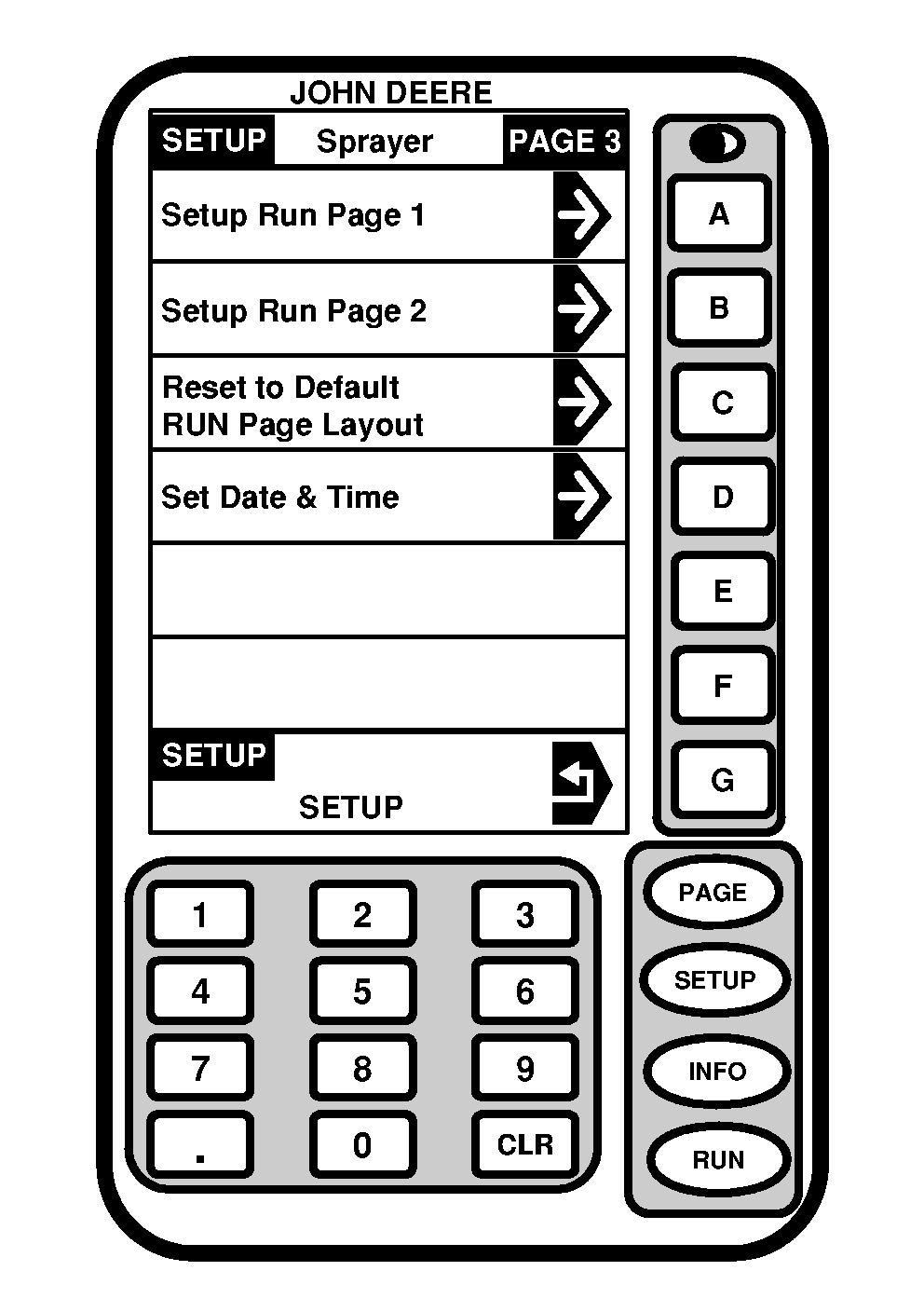
The selection "Factory Default Run Page Layout" on SETUP Sprayer-Page 3 can be used to return the information displayed on Run Page 1 and 2 to original configurations. Return the screens to factory defaults using following procedure: 1. Press "SETUP" to display SETUP menu.2. Press letter button next to "SprayStar". |
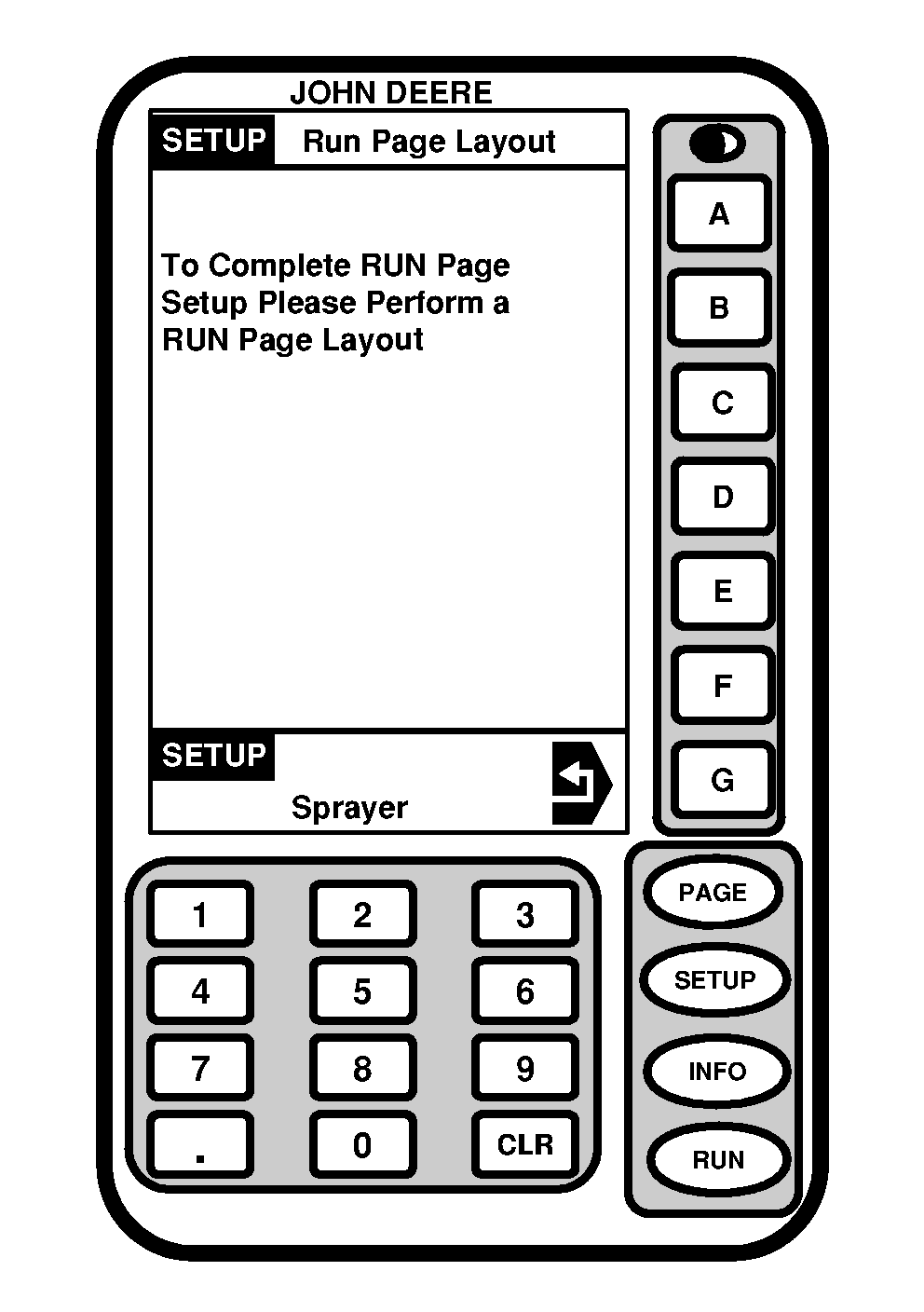
3. Press "PAGE" twice. 4. Press letter button next to "Reset to Default RUN Page Layout". 5. Turn machine power "OFF" at key switch. 6. Wait 10 seconds. Turn machine power back "ON". |
OUO6092,000070B -19-06OCT04-1/1 |