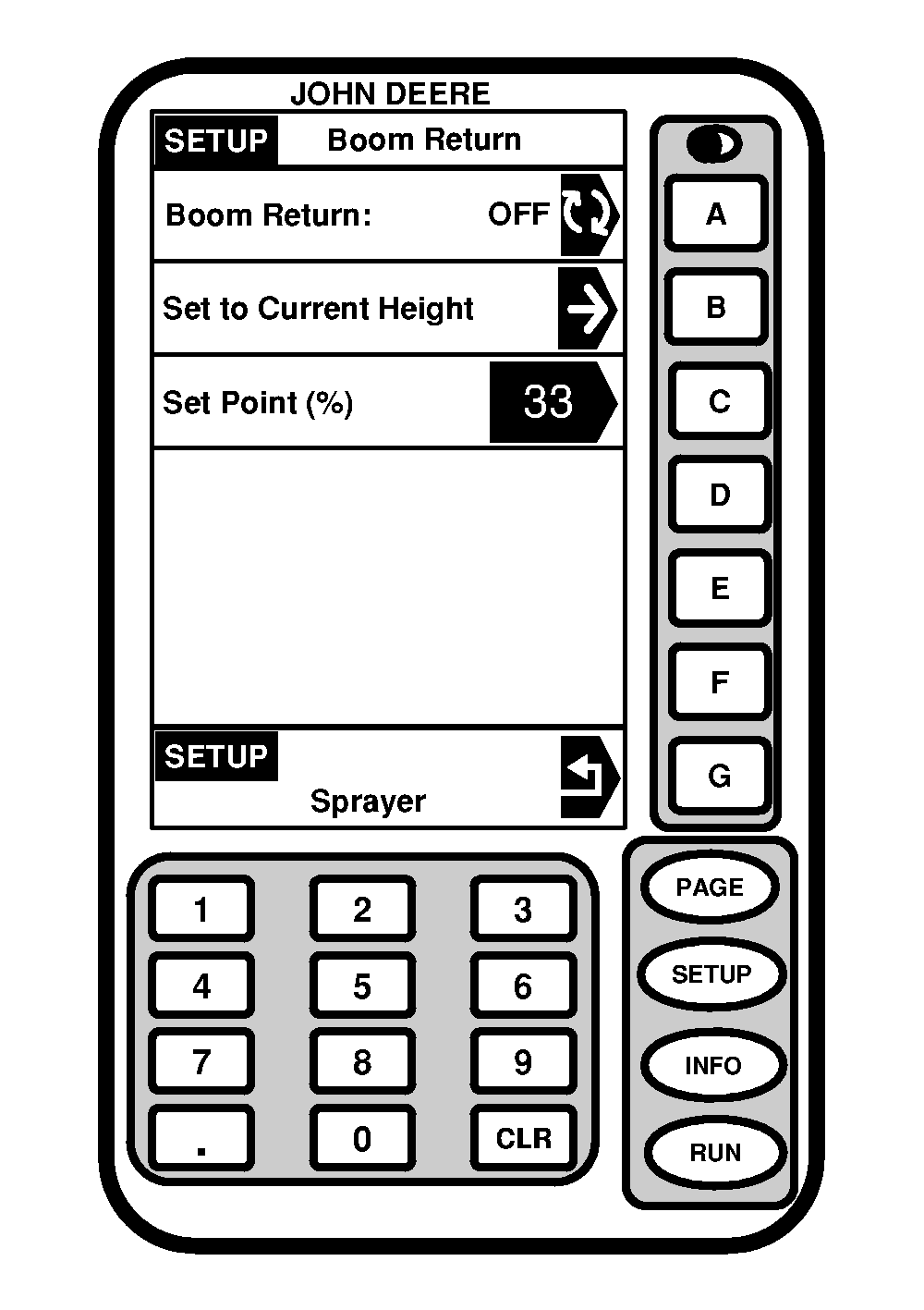
Setup Boom Return To Height1. Press "SETUP".2. Press letter button next to "SprayStar". 3. Press "PAGE". 4. Press letter button next to "Boom Return to Height". 5. Press letter button next to "Boom Return" to toggle between "ON" and "OFF". 6. Move boom up or down to desired height. 7. Press letter button next to "Set to Current Height" to save this value. NOTE: The height of boom will be expressed as a percentage of the calibrated range. If more than one height is to be used often, record the values and plug them in after "Set Point". |
|
OUO6092,0000710 -19-07OCT04-1/1 |